
Answered
Acrobat Pro DC - No MS Word bookmarks after combining files
I've seen this discussed before concerning Acrobat XII and it being supposedly "fixe" in DC.
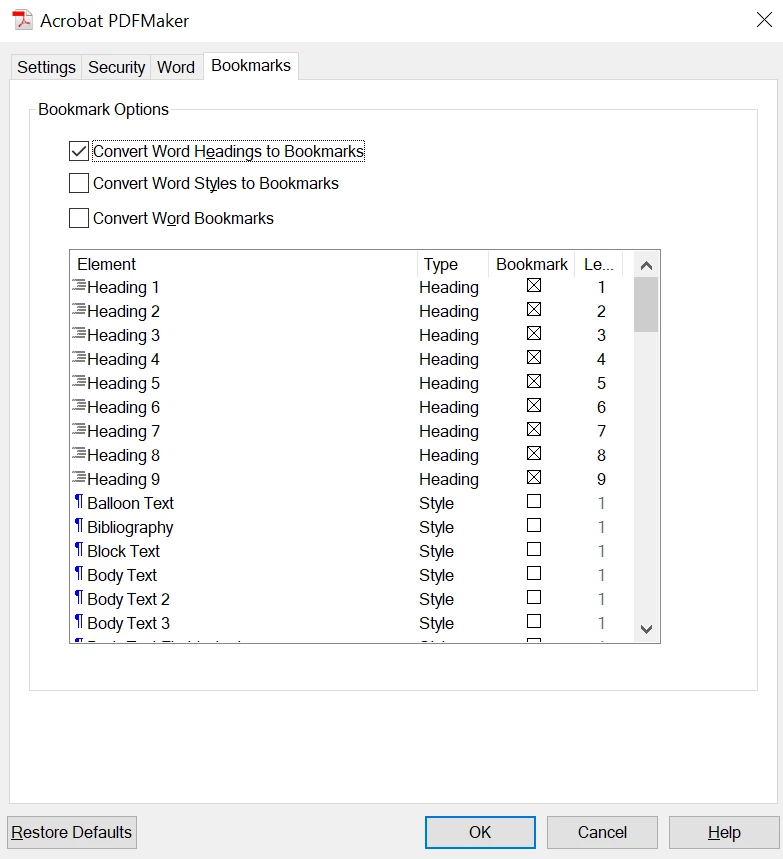
I'm trying to get four MS Word 2010 files combined into a single PDF. However, none of the bookmarks are coming over into the final PDF. All I get are the MS Word file titles as bookmarks. This works in much older versions of Acrobat (i.e., V. 9.) but for some reason has faulted out on DC.
 AdChoices