claudiak1971
Participant
February 12, 2018
Answered

Embedded Font not available for editing PDF on PC

  • February 12, 2018
  • 3 replies
  • 9380 views

I have created PDFs for my client that they are hoping to make some minor edits to.

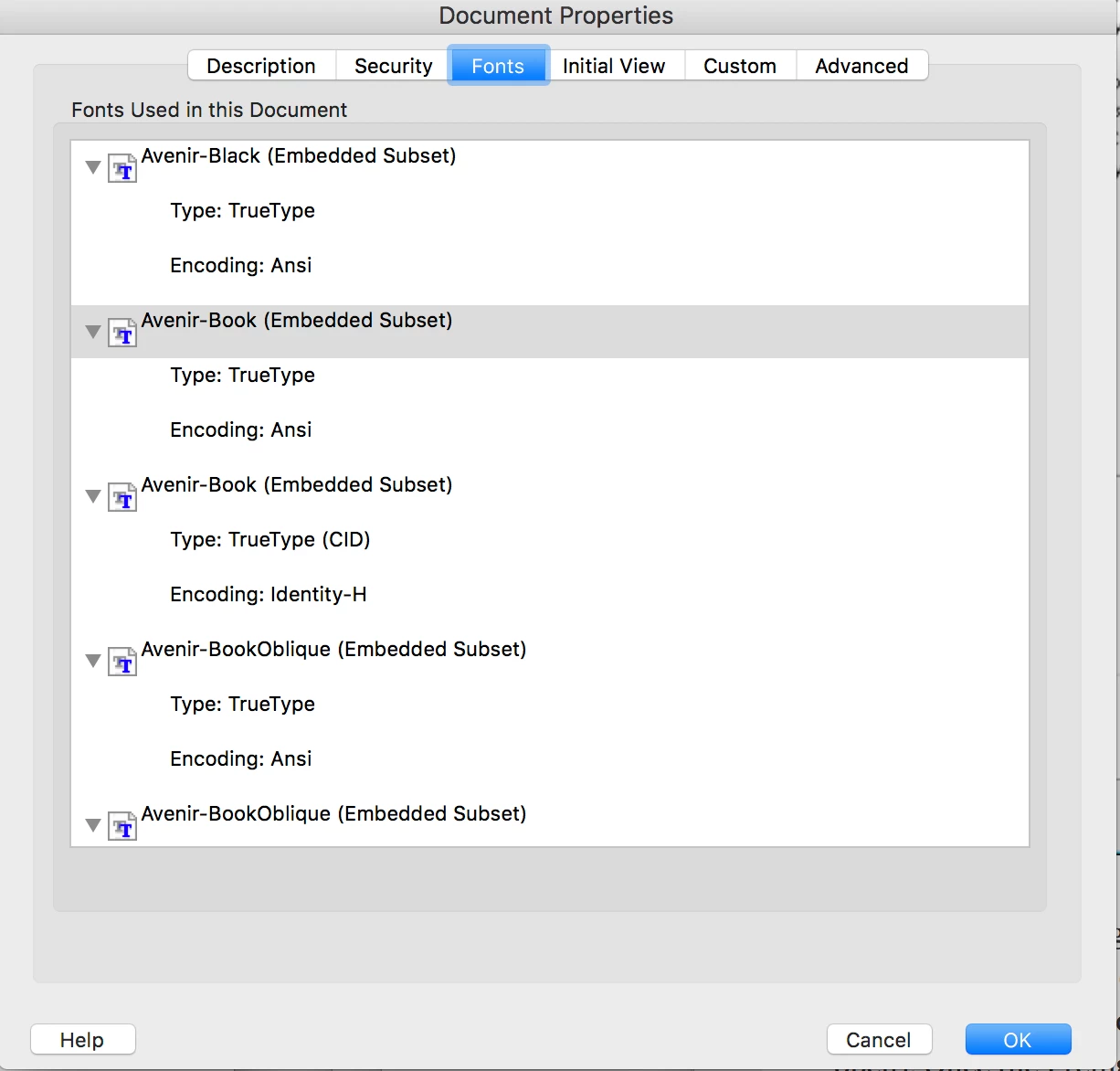
They are created on a Mac. Acrobat Pro DC from InDesign CC. I have it set for fonts

to embed. In document properties it says that they are. The font is the Avenir family.

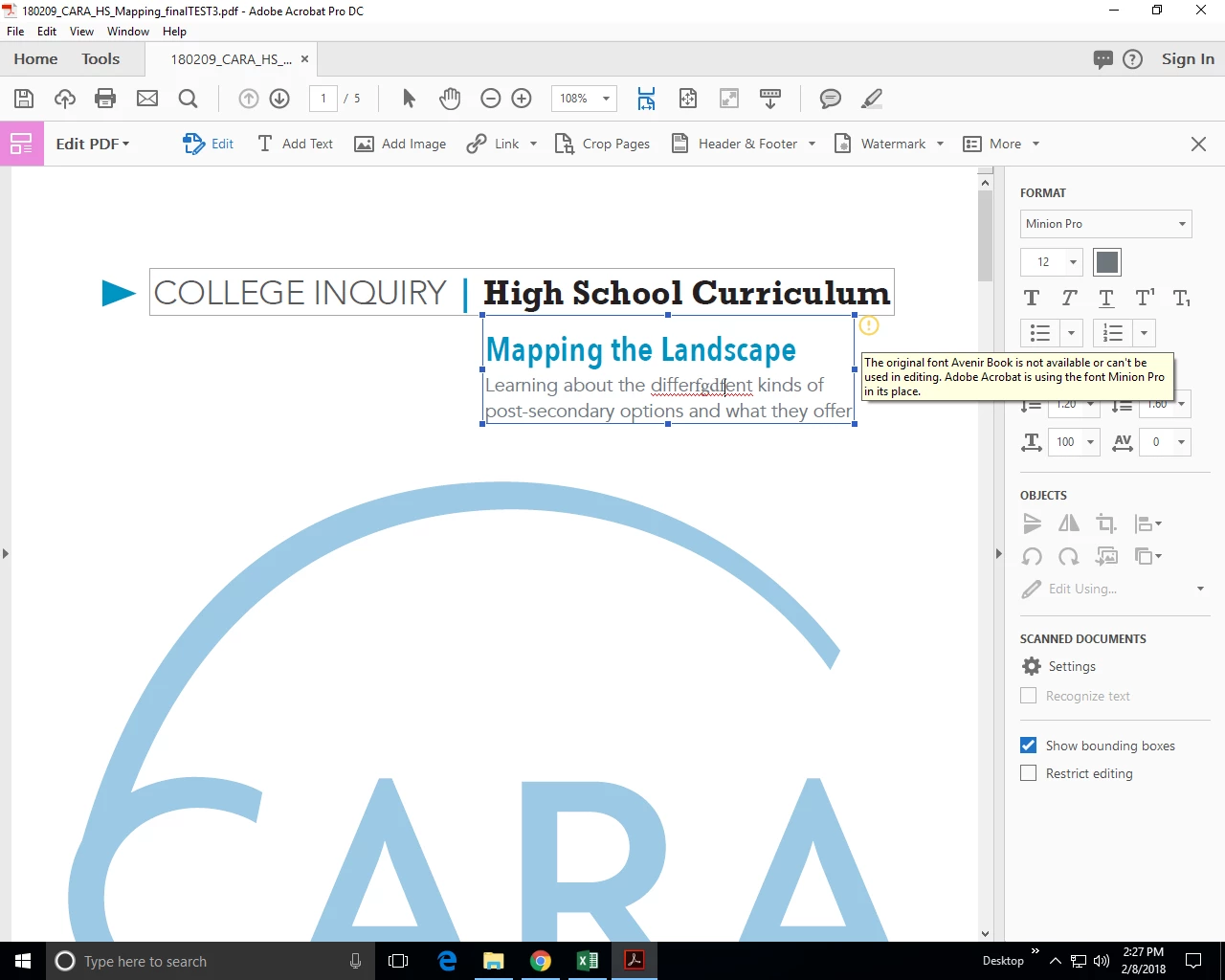
When they go to edit it on the PC in Acrobat Pro DC, they are getting the prompt

that Avenir is not available. Why if embedded is it not working? Mac to PC issue?

I have given it to them to load onto their system, but not an easy option since their

IT dept has to approve it first and do it. So. Why is it not working? Is there a setting

I can change when I create my PDF so that the fonts is truly embedded. Driving

me nuts....and my client too.

Thanks
This topic is closed to new replies. Start a new post to keep the conversation going.
Correct answer Karl Heinz Kremer

Font embedding is done for one reason only: To allow you to display/print the document without the font in question having to be available on the computer or the printer that is used to output the PDF document. It does not allow you to edit the text in the PDF document. For that, you always need the font to be installed locally. There is no way around that. There is a legal reason why an embedded font is not sufficient for editing purposes.

3 replies

Karl Heinz  Kremer
Community Expert
Karl Heinz KremerCommunity ExpertCorrect answer
Community Expert
February 12, 2018

Font embedding is done for one reason only: To allow you to display/print the document without the font in question having to be available on the computer or the printer that is used to output the PDF document. It does not allow you to edit the text in the PDF document. For that, you always need the font to be installed locally. There is no way around that. There is a legal reason why an embedded font is not sufficient for editing purposes.

Dov Isaacs
Legend
February 12, 2018

Furthermore, Avenir is not a font bundled with Windows.

If you need to edit the PDF file using that font on a Windows system (or any system on which Avenir is not available), you need to separately license that font from the foundry. Note that there are numerous versions of Avenir out there. Make sure you license one that matches exactly what was used to create the original PDF file.

          - Dov

- Dov Isaacs, former Adobe Principal Scientist (April 30, 1990 - May 30, 2021)
claudiak1971
Participant
February 12, 2018

Thank you for the quick responses. I have never had an issue in the past with clients, but now realize they were all likely on a Mac and not an issue. I will have them license the font if they decide to make the changes on their Windows machines. As far as I understand, Avenir is a system font for Mac...but I will confirm that it is the same version.