
Enhanced scan did good job, but OCR is wrong - what now?
So I scanned the book and the Enhanced scan did a great job to "straighten" up text that was previously not straight.
But - OCR is very bad. When I take a screenshot of page (like example down there) and import the image again to Acrobat OCR is perfect!
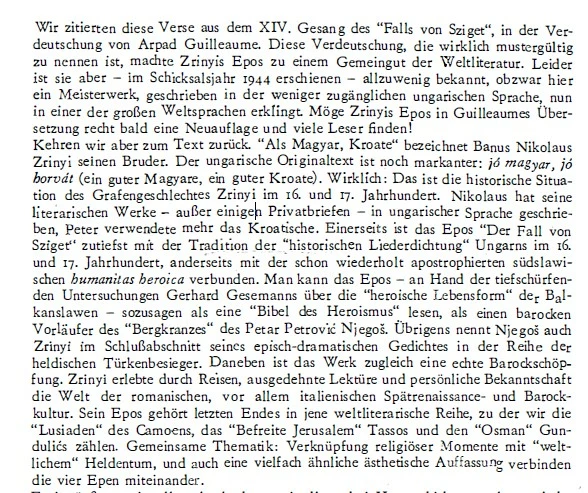
(so text that was originally OCR-ed was not straight and for that reason, OCR is not perfect. But after Enhanced scan what I see on screen is the perfectly straight text that is easily OCRed again to get the perfect result)
I tried to go "Export as Images" and to again combine all images to new PDF and do OCR again to get perfect results, but when I export as Images letters lose a bit of colour and sharpness.
Is there any way to get images that look exactly like what I'm seeing on screen, and to do OCR again to get perfect results?
 AdChoices