
How do I create numbered stamps?
Hi
I am using Acrobat Pro 10. On my main computer at work I have a red circle stamp set up, which once I place it I give it a number of my choice. I'm using this to create a first article bubble drawing.
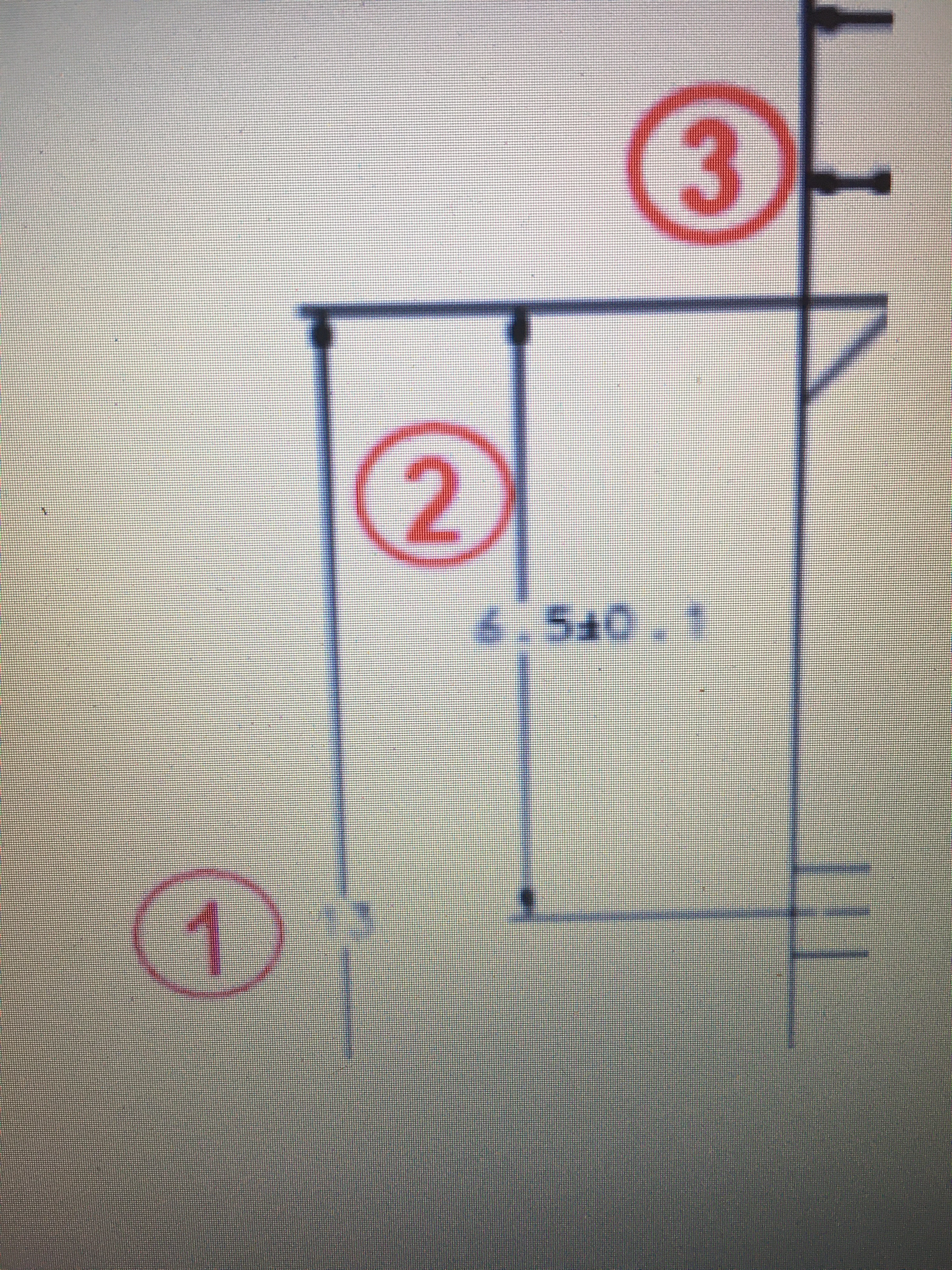
Fast forward to now, using the same software on my laptop at home (isolation from Covid 19) and am completely at a loss of how to set this up. I have managed to create a red circle which is in PDF, and from there added that as a stamp. The big part of what I'm not missing is the numbering of thar stamp. I would really appreciate an absolute idiots guide to setting this up.
The image I've attached is cocked 90 degrees anticlockwise - which isn't the look I'm aiming for. It's just to show what I'm driving at for clarity.
Please help - otherwise I'm going to have to go back into work.
 AdChoices