
Answered
How do I eliminate a warning popup?
I have created a calculated field for figuring margin percentage. (x-y)/x = GM%
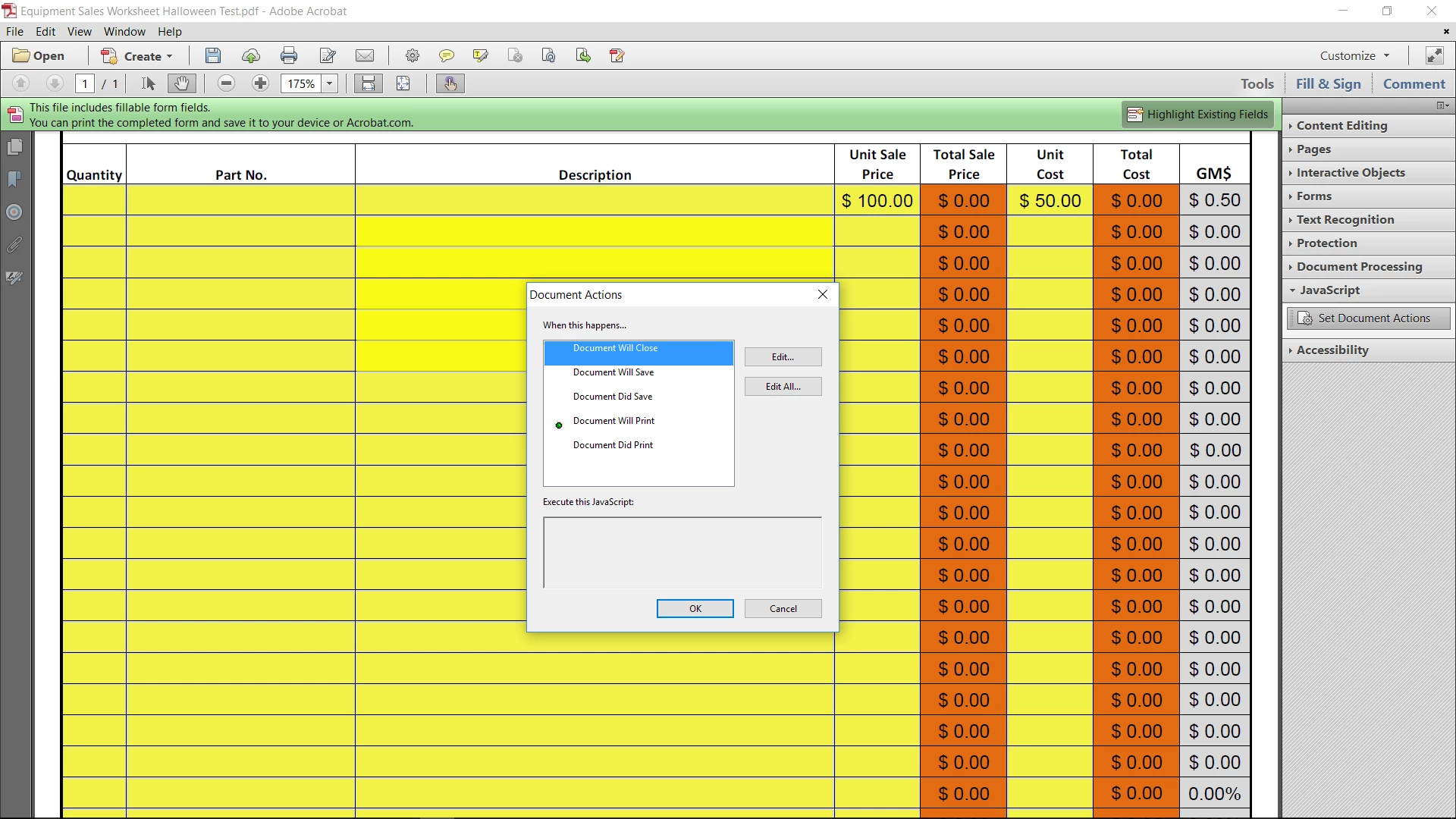
Because I don't want the "x" or "y" fields to have any numbers in them when I first open the form, I get a Javascript Warning Popup that states: "the value entered does not match the format of the field [ GMRow3 ]"
In this example, GMRow3 is the calculated field which is zero because there is no data in "x" or "y" when you initially open the form. My formula works and works well, and it is formatted for return a percentage.
How can I get rid of the popup?
 AdChoices