
Participating Frequently
May 25, 2021
Question

How to set Acrobat PDFs to open without side panels

  • May 25, 2021
  • 1 reply
  • 6097 views

Hi Adobe Support,


One of our clients is facing an issue where Adobe is opening with the attachments and tools panes opening on PDF launch by default. This covers the PDF and requires them to minimise the left and right panes EVERY time they launch a PDF.


Please provide a way to set the default behaviour with either a GPO or registry change or some other way that can be rolled out in an enterprise environment:
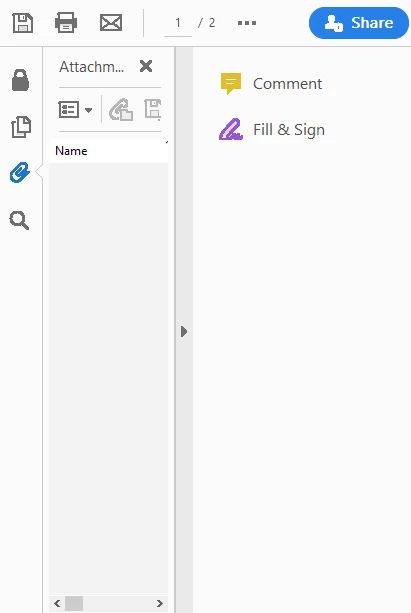


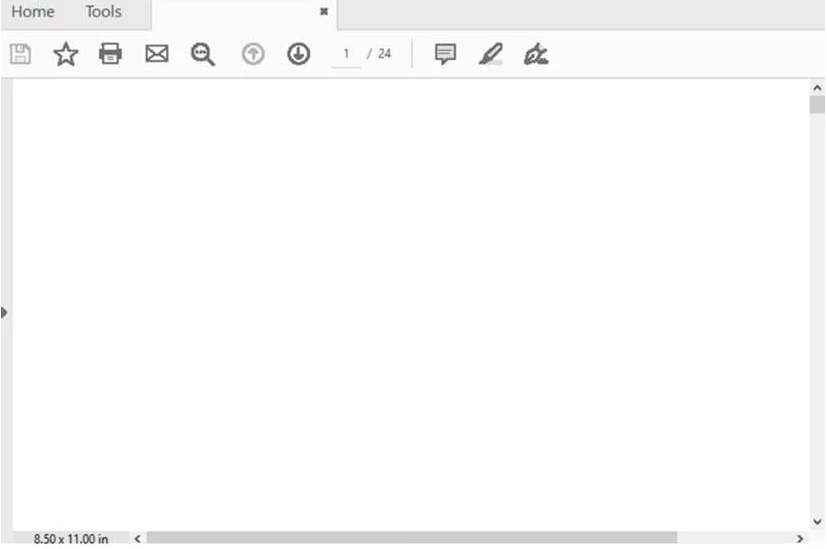
This is how it should look:


[Moderator moved the thread to the correct forum]

This topic has been closed for replies.

1 reply

Amal.
Community Manager
Community Manager
May 25, 2021

Hi there


Hope you are doing well and sorry for the trouble. As described you want to close the tool panes in Acrobat DC using the registry settings


Please checkout the steps shared in the help page https://helpx.adobe.com/acrobat/kb/how-to-permanently-close-the-tools-pane-in-adobe-acrobat-dc.html and see if that works for you


Regards

Amal

AOD5C71Author
Participating Frequently
May 25, 2021

Hi Amal,


Thank you for the prompt response. 


This is great!


Do you also have a similar registry key to hide the left-hand side pane as well? 


The attachments left-hand side panel keeps opening on startup.

try67
Community Expert
Community Expert
May 25, 2021

Hi Amal,


The attachments pane is still opening up every time in one of our client's programs that integrates with Adobe Reader. We would like to know how to force this to start hidden (in this instance the user is unable to reach the top menu bar, so they would be unable to make the change themselves, so this would have to be enforceable via GPO or registry change.


This is a setting of the file itself. Open it in Acrobat and go to File - Properties - Initial View and change the Navigation Tab setting to "Page Only".