
December 12, 2016
Question

how to split pages and still retain the bookmarks?

  • December 12, 2016
  • 1 reply
  • 6047 views

Hi,

i have a PDF document with 22240 pages and we have Bookmarks assigned to the pages.

Is there any possibilities that i split the files and not loose those Bookmarks? I do not want to split the document by Top-level Bookmarks because it doesn't server my purpose.

I want to split the document up to my desired page nos. or file size and still see the bookmarks depending at which page it was being cut-off.

So that when my client receive the files, they can still combine them and see the original Bookmarks.

Below is the image of the Bookmarks.
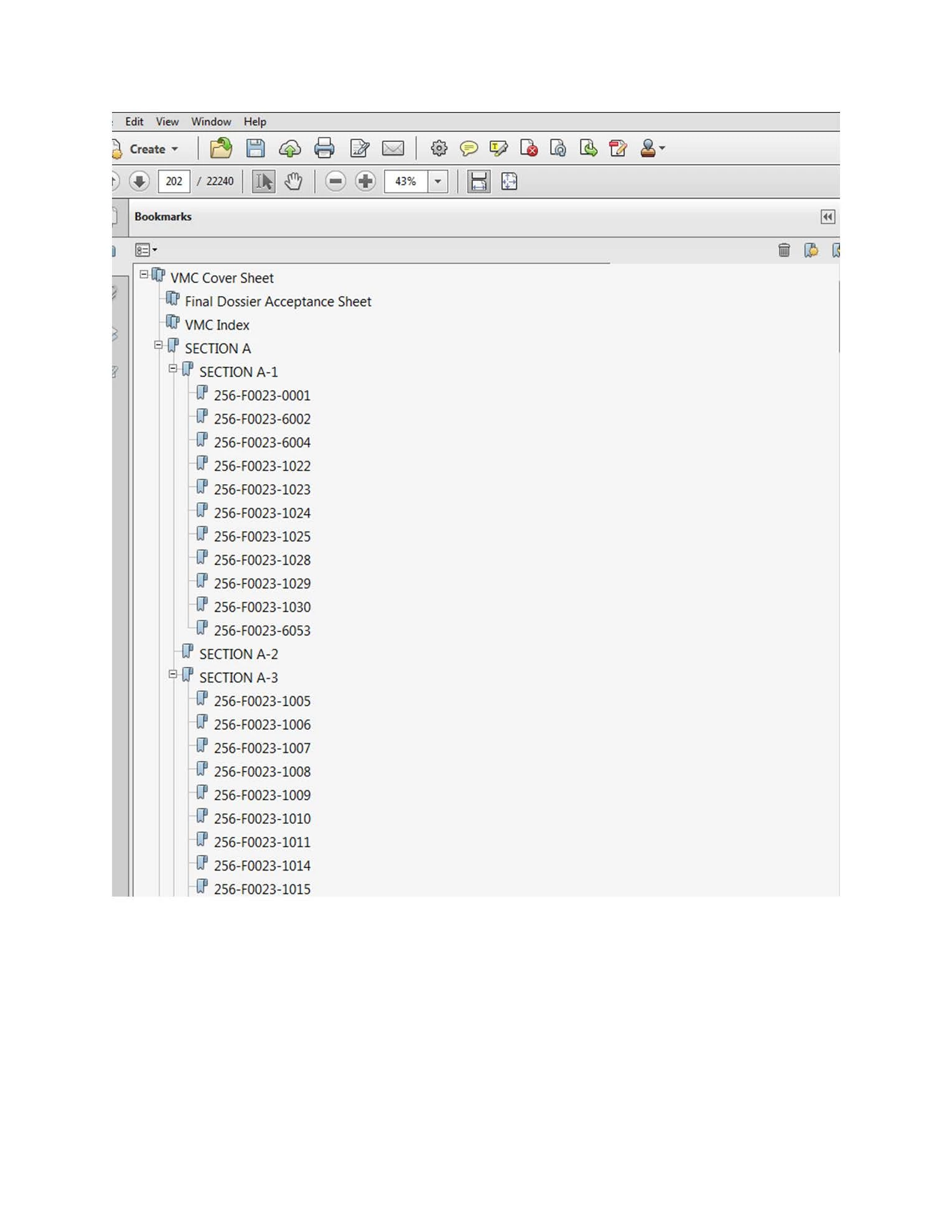
Please  help. Thanks

This topic has been closed for replies.

1 reply

try67
Community Expert
Community Expert
December 12, 2016

I don't think so. Bookmarks don't have to point to anything at all, or to point to pages, or be in order, so I don't see how this can work.

If you want to do it manually your can delete the pages you don't want to have in the new file, and then delete the bookmarks that point to them.

December 21, 2016

you may not see the purpose, but it is very important for our client.

the PDF document that we have is usually thousands of pages and file size is usually very large, which we have some difficulties transferring to customer via emails or ftps or sharepoint. As Book-marking is one of the requirement in the pdf compilation for customers (basically for easy referencing due to large nos. of pages), i was thinking if we could split the document and still retain the Book-markings, so that it would be easier for them to combine back the split files as one document.

i understand that Adobe don't have such functions but i do ever read that a customised JAVA Script is possible to execute all the bookmarks in the file and recreate the bookmark tree for each split.

please assist on how do i go about on this script?

thanks.