
Participant
November 12, 2019
Question

Not able to convert PNG to PDF Using Adobe Acrobat Pro DC

  • November 12, 2019
  • 1 reply
  • 2894 views

Device: Macbook & iMac

Macbook iOS:  Mojave, version: 10.14.4

iMac iOS: Mojave, version 10.14.6


When using the inspect tool on Google Chrome to take full page screenshots, with the developer settings to emulate a device (Laptop with HiDPI Screen), and then try and convert the PNGs downloaded to a PDF by click and dragging the file in the downloads folder to Adobe Acrobat app on the task bar, 1 of the following 2 options will happen:


1. It will come up with the following error message:

2. A Loading bar will appear and say "opening image file as Adobe PDF" and then the following screenshot will appear:
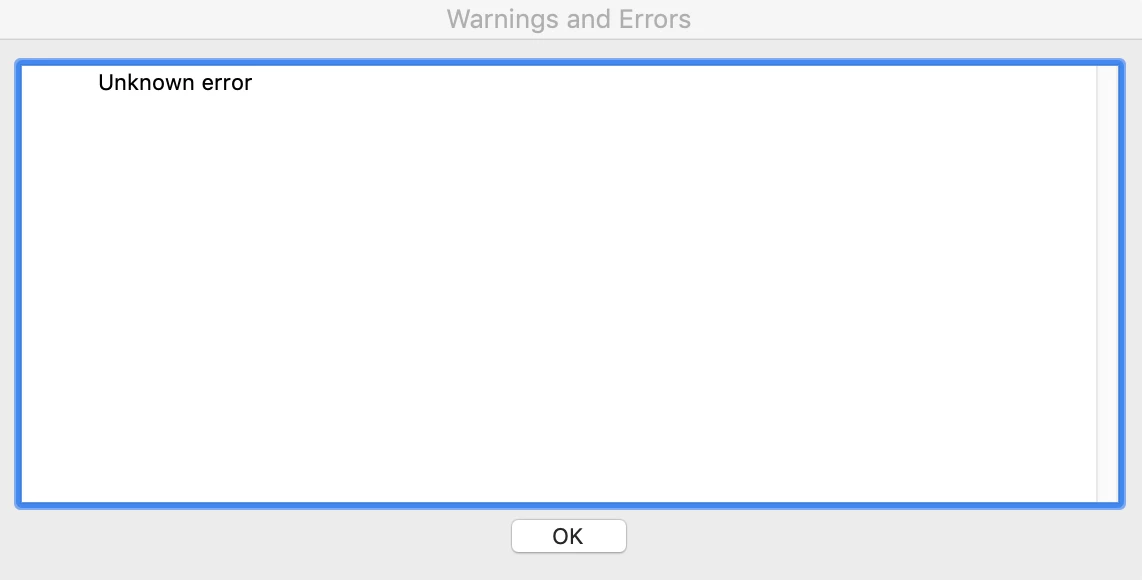
 

Sometimes, we are able to open to do the above process and it will load into a PDF no issues, however, most the time we get 1 of the above errors.


We have not experience this issue on windows, only Mac.


Let me know if you require any other information


[Title Edited By Moderator]

This topic has been closed for replies.

1 reply

Amal.
Community Manager
Community Manager
November 13, 2019

Hi there,


We're sorry for the trouble you had, Adobe Acrobat and Reader official update containing the fix for this issue is now available.


This update will be automatically pushed to all existing installations of Acrobat and Reader. If you want, you may also manually trigger the update by opening the application and going to Help > Check for Updates.

More information about this release is here: Release notes


Please let us know if you experience any issues.


Regards

Amal


Participant
November 13, 2019

Hi Amal,


Thanks for the info, I've downloaded the latest version 19.021.20056 and it seems to have solved the issue, and have not been able to replicate this problem.


Thanks

Amal.
Community Manager
Community Manager
November 14, 2019

Hey,


Thanks for the confirmation. We are glad to hear hat the issue got fixed.


Feel free to contact us for any further assistance required in the future.


Regards

Amal