

OCR is broken
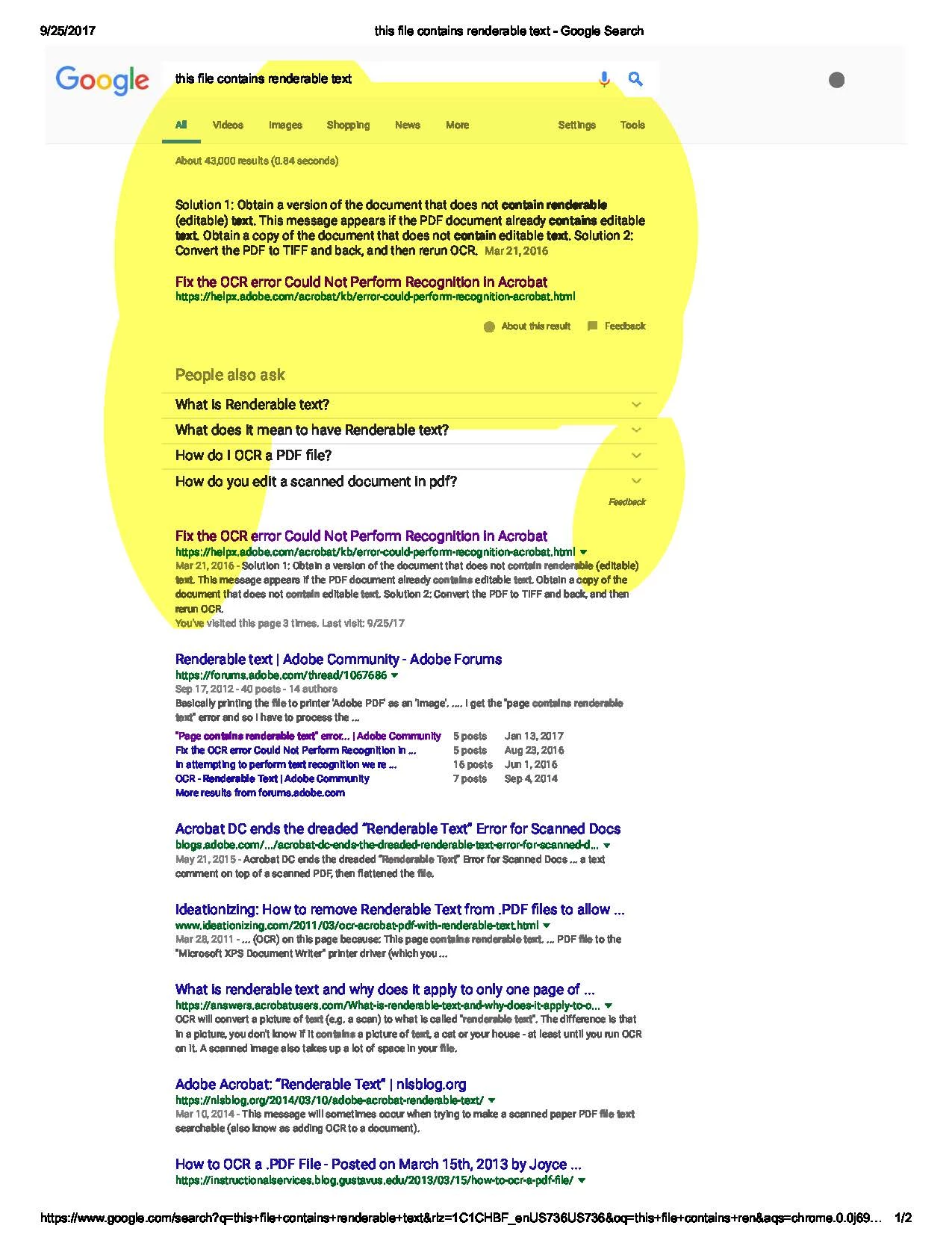
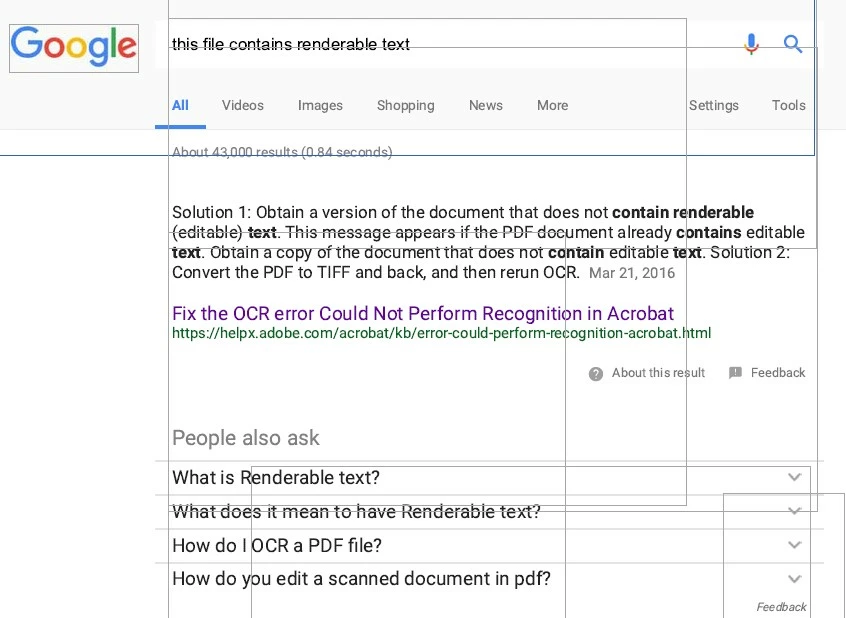
I frequently download documents, write to Adobe pdf, and then use the highlighter for important text. If the document is not already formatted for that, I use the Recognize Text in This Document feature. Works like a charm forever until about a month ago. Now when I run the Recognize Text followed by highlight. It selects/highlights in large (huge, really) blocks of space an not text. If I attempt to run it again, it says that the file already contains renderable text.
Help on this matter says to obtain a copy of the file that does not contain renderable text. Duh, that's what I started with. Then it says to convert to a TIFF file and then back to pdf. First, that is not a good solution to a problem that did not exist a few weeks ago. Secondly, I tried that, and it doesn't work.
I have attempted chat tech service, and they are not grasping what I am saying, despite that I have sent files and screenshots. "Oh, this file already contains renderable text. There's the problem." OMG, I KNOW, but Adobe Acrobat DC has not recognized it properly. What it thinks is text is just NOT. What has changed? Why? They're not hearing me. Help.
Picture shows what happens when I attempt to highlight one word. And then what it looks like when I try Edit Text & Images. No individual words can be selected. I uninstalled and reinstalled on my pc today. Same.
 AdChoices