
Signature Field
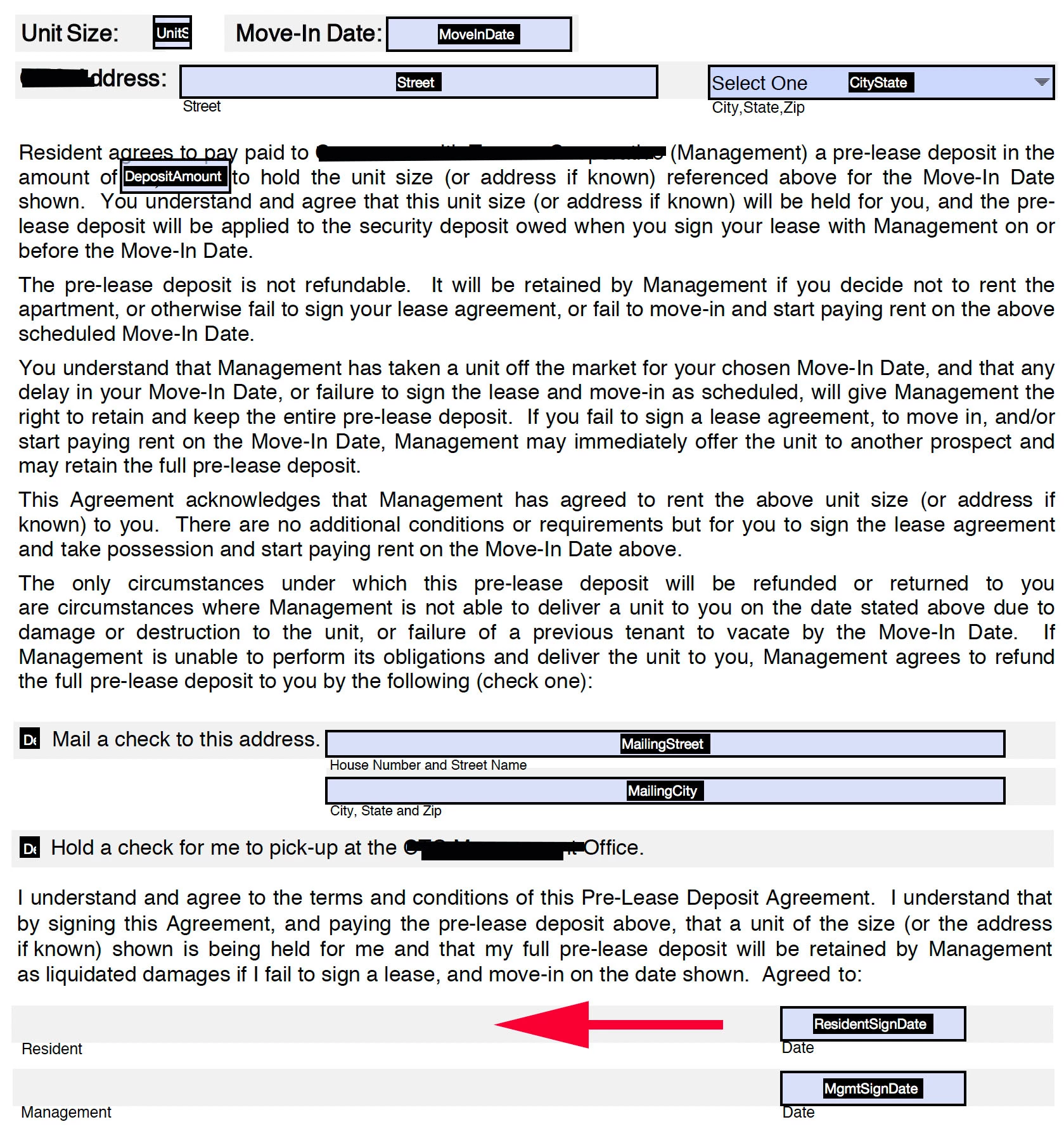
Hi, Can someone please tell me how (step by step) to create a signature field that anyone can fill out (draw with mouse or stylus) without having to go through the digital signature process? It seems I can only do this by clicking on "Convert to Adobe Sign Form" and when I do, the Submit button disappears. This will be a downloadable form for tenants to download, fill out and submit to the leasing office. I've attached a screenshot of the form with a red arrow indicating where I'd like the electronic signature.
P.S. I tried inserting a signature line via "Convert to Adobe Sign Form", then back to "Revert back to Adobe Form", recreated the Submit button but then the signature box I created was only a text field (which became a problem when I made that field required).
I have searched for 2 days and cannot seem to find an answer to this question.
Thank You so much for any assistance 🙂
 AdChoices