



Spell Checking in Adobe Acrobat DC
Hi,
My question refers to performing a simple Spell Check on PDF documents in Adobe Acrobat DC., CC
software..
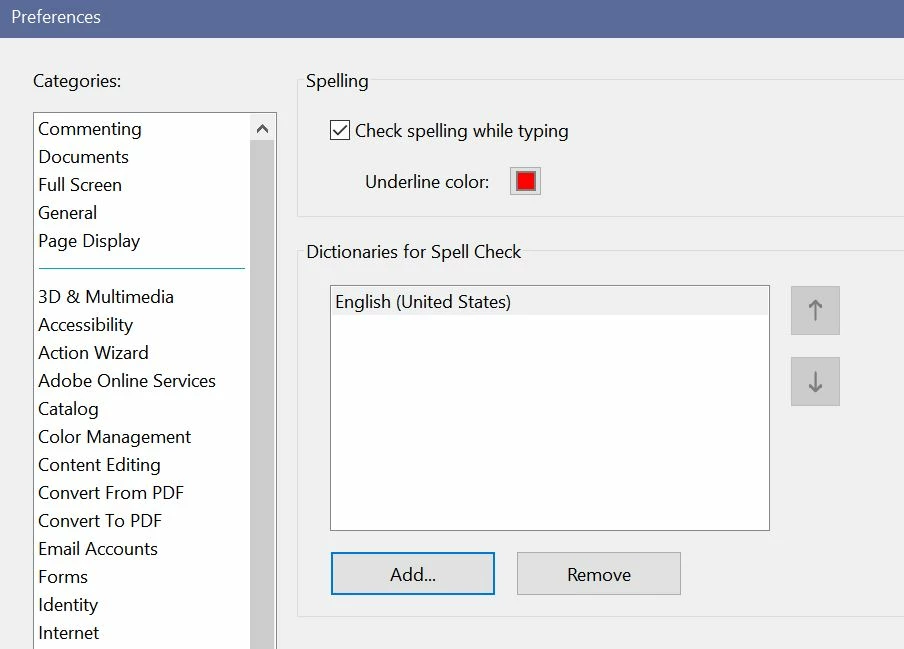
Adobe Acrobat DC comes equipped with a Spell Checking application and Spell Check settings
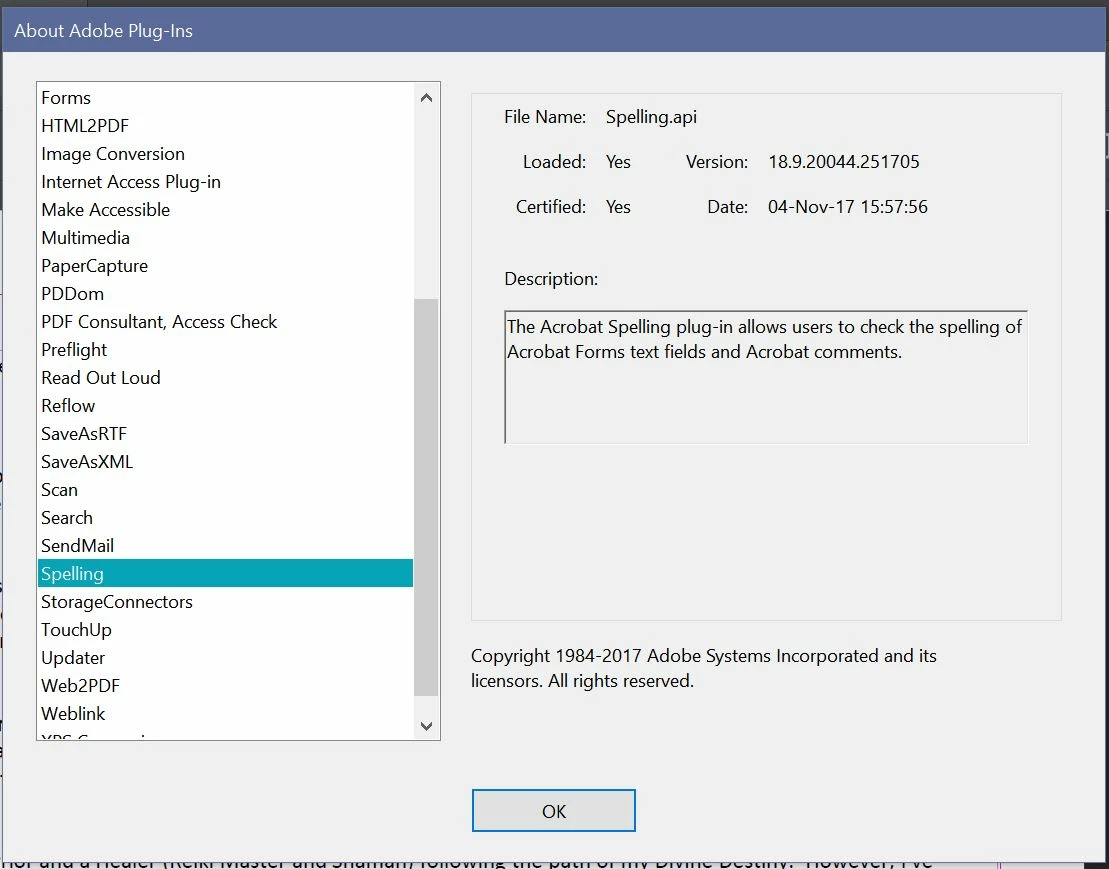
options listed under Preferences > Spelling. The Spelling.api is even listed as loaded and certified in,
"About Adobe Programs."
So, why isn't Spell Check working?
For your convenience, I've created an easy to follow reference guide in support of my claim.
Thanks in advance for your help. I truly appreciate your effort.
Note: I respectfully request 3rd party developers and/or sellers of Spell Checking Plugins to refrain from
responding to my post with an advertisement to purchase software.
1. As seen in the Snapshot below, I set my Spelling Preferences to Check spelling while typing.
However, the setting is useless. Nothing happens.
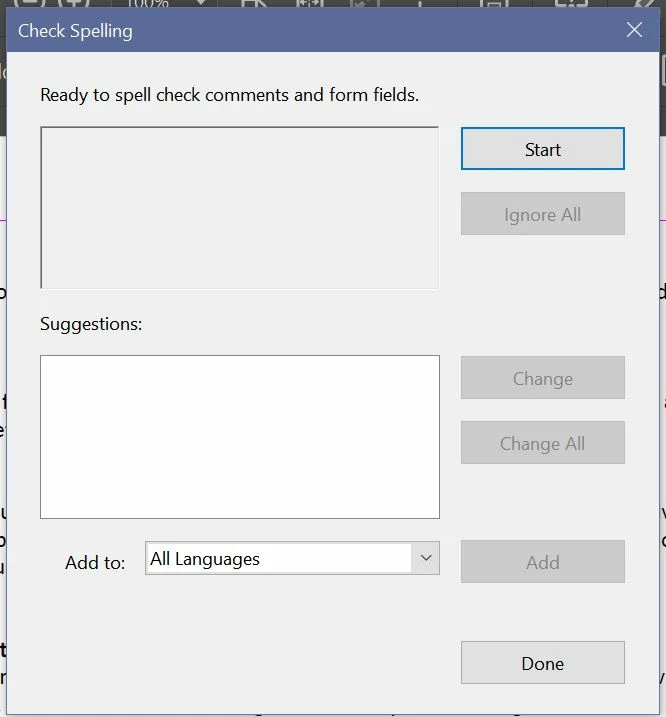
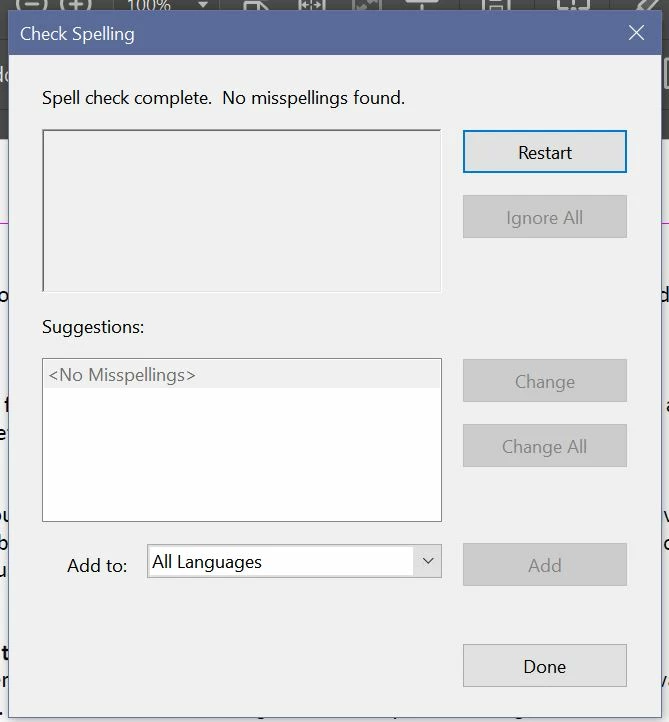
2. I also performed a Spell Check on a document intentionally loaded with spelling errors directly
with Adobe DC's user interface.
Go to Edit > Check Spelling > Check Spelling in Comments.
The following snapshots show the Spell Check results as., 'No Misspellings Found.'
3. Spelling.api is listed in, "About Adobe Plugins" as loaded and certified as 04 Nov 2017.
Note: My PC is in great shape. All downloaded programs and system software on my Windows 10,
OS version. 1709 are current and updated regularly. Yes, there's lots of space left on the Hard drive
and plenty of Memory available.
Navigating Adobe Online Support is about as satisfying as unwittingly mounting a merry-go-round
racehorse with a destination in mind. Nauseated and pissed off you find yourself right back where
you started.
Have you also noticed the absence of human activity on Adobe's Community/Support Forums?
The traffic count is high, but vaguely populated with active Posts. Are we being monitored by
the Stepford Wives?
Sorry, I just had to add a little stupid humor to break up the monotony of disappointment.
Thanks again!
 AdChoices