


Answered
Why can't I select fields for calculation
It only lets me "select all" or "deselect all", it won't let me select individual fields, I have done something wrong in the field formatting?
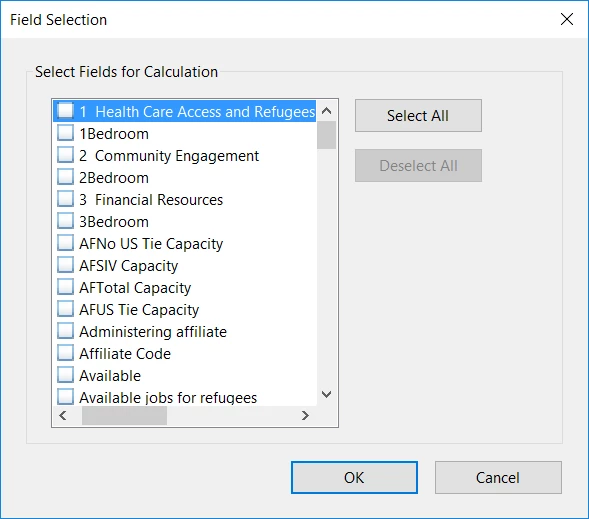

It only lets me "select all" or "deselect all", it won't let me select individual fields, I have done something wrong in the field formatting?
Already have an account? Login
Enter your E-mail address. We'll send you an e-mail with instructions to reset your password.

 AdChoices