Participant
November 26, 2019
Answered

How to delete a canceled agreement on the cloud

  • November 26, 2019
  • 3 replies
  • 5931 views

I canceled a sent agreement and also want to delete it from cloud. I searched everywhere but cannot see any option allowing me to delete. Please help.

Correct answer ls_rbls

This question has been answered before here:


And here is a link with official Adobe Helpx guidance:


In any case, is just easier if you just go online and paste this link in your web browser:


You'll need to sign in with your AdobeID.


Provide the AdobeID that is associated with your current paid subscription of Adobe Acrobat Pro DC:
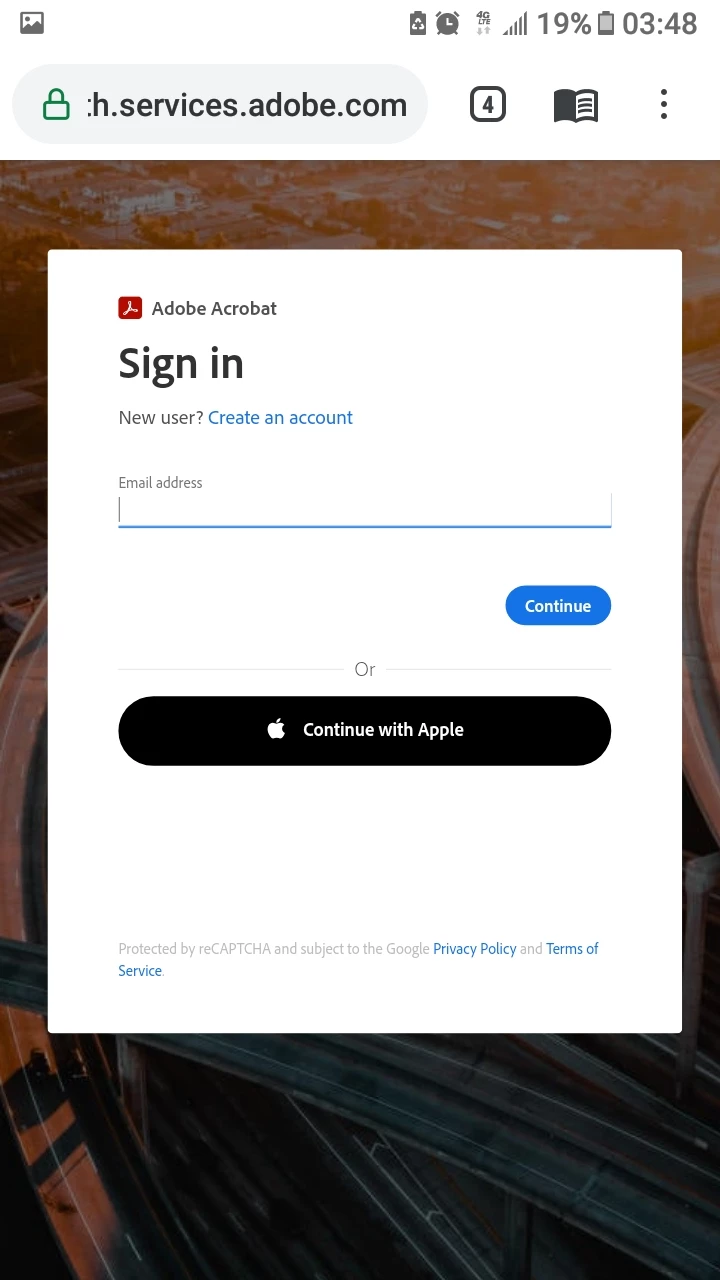


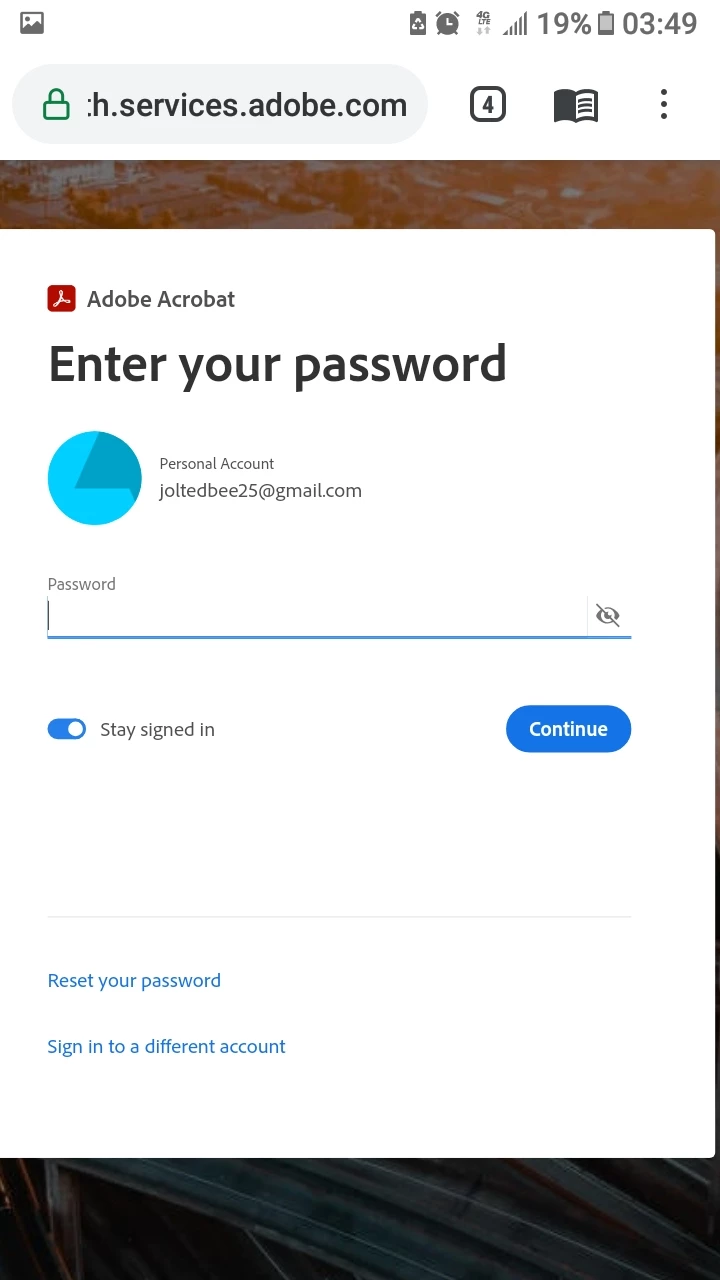
Then enter your password in the next screen:
 

Accessing the Adobe Sign home page will take a second or so... just wait for it:
 

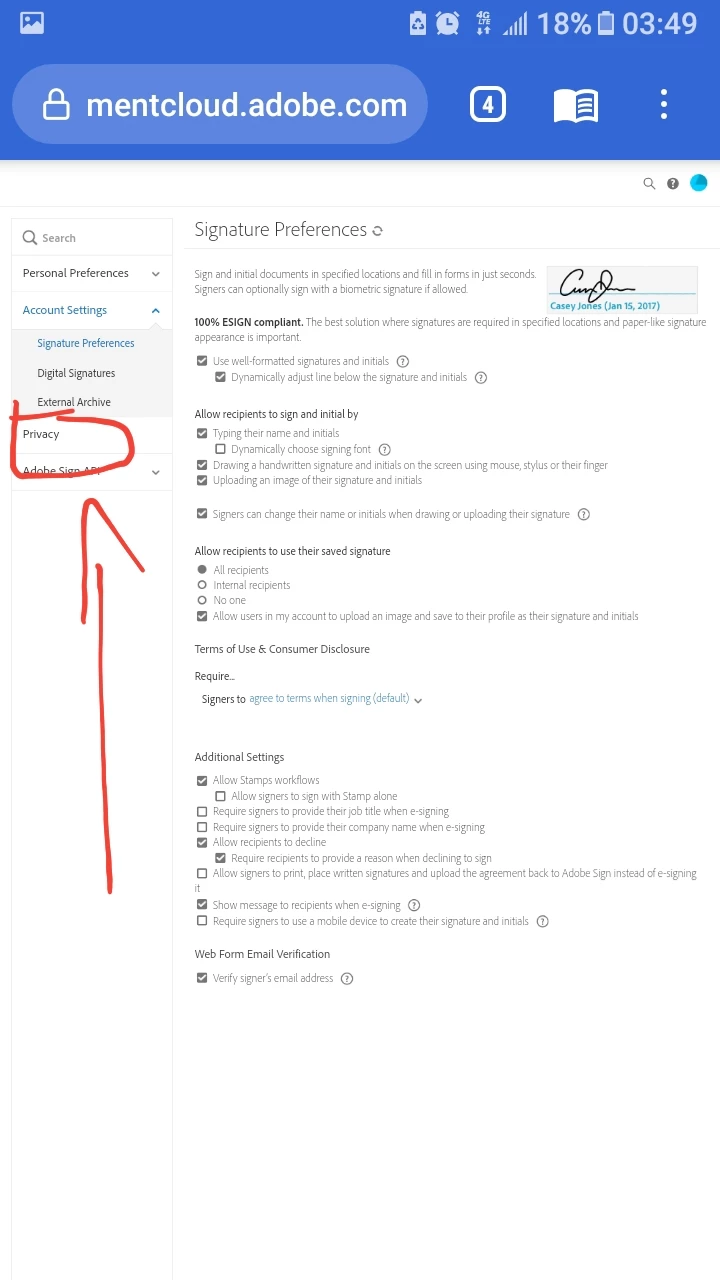
When it is done loading, it will bring you to the "Settings" landing page.


Click on the "Privacy" link as shown below:
 

Then in the next screen enter your AdobeID (or the email address in the blank provided (shown in the next slide) that is associated with any of the agreements that you've previously sent to other recipients:
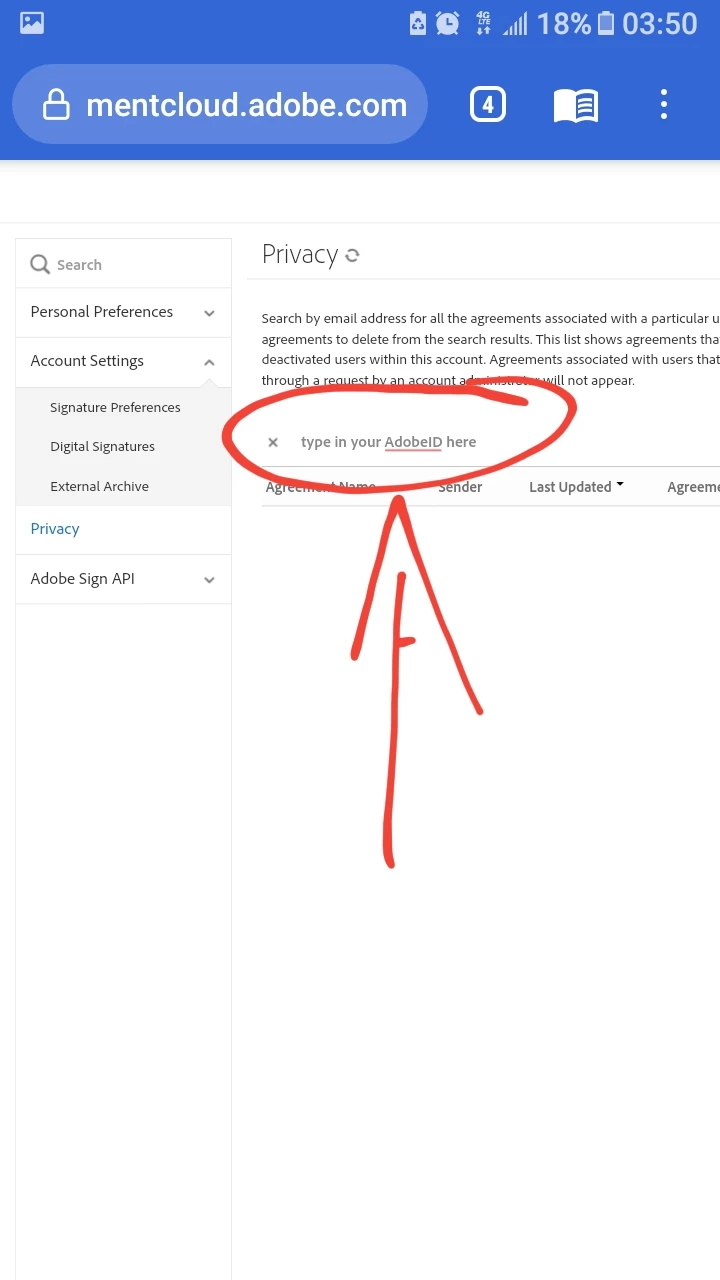


Once you've entered the email address all your agreements will be listed in the table below that email blank.


To the far right column, you'll see an trash can icon next to each of the rows per agreement. Click on that trash can icon to delete, and then confirm with OK on the next popup window to commit the delete action.


NOTE: I apologize if the images are blurry. I am posting this answer with screenshots from a dying mobile device.


3 replies

ls_rbls
Community Expert
ls_rblsCommunity ExpertCorrect answer
Community Expert
April 29, 2021

This question has been answered before here:


And here is a link with official Adobe Helpx guidance:


In any case, is just easier if you just go online and paste this link in your web browser:


You'll need to sign in with your AdobeID.


Provide the AdobeID that is associated with your current paid subscription of Adobe Acrobat Pro DC:


Then enter your password in the next screen:


Accessing the Adobe Sign home page will take a second or so... just wait for it:


When it is done loading, it will bring you to the "Settings" landing page.


Click on the "Privacy" link as shown below:


Then in the next screen enter your AdobeID (or the email address in the blank provided (shown in the next slide) that is associated with any of the agreements that you've previously sent to other recipients:


Once you've entered the email address all your agreements will be listed in the table below that email blank.


To the far right column, you'll see an trash can icon next to each of the rows per agreement. Click on that trash can icon to delete, and then confirm with OK on the next popup window to commit the delete action.


NOTE: I apologize if the images are blurry. I am posting this answer with screenshots from a dying mobile device.


Participant
April 16, 2024

Can we get and update to this answer? The instructions are no longer relevant to the website's interface.  

I had a workflow accidently create 100+ duplicates of a document and I need to delete them. 

Meenakshi Negi
Legend
April 17, 2024

Hi Anthony24586704nt35,


Please refer to the following community thread for further information: https://adobe.ly/3UiOxy0.


Thanks,

Meenakshi

February 2, 2021

I also have this questions. I have an agreement that I need to delete but there is no delete button. I've attached a screen shot.

Inspiring
April 2, 2021

I have the same question.  I had to cancel an agreement I sent for signature, I would like to delete it, I can't find a delete option

Participant
April 10, 2021

I have the same problem.

Participant
December 18, 2020

I would very much like to know how to delete an agreement from acrobat cloud. The only reason the document is on here is because I clicked the button to create a read only link. How do I delete it?