June 15, 2016
Question

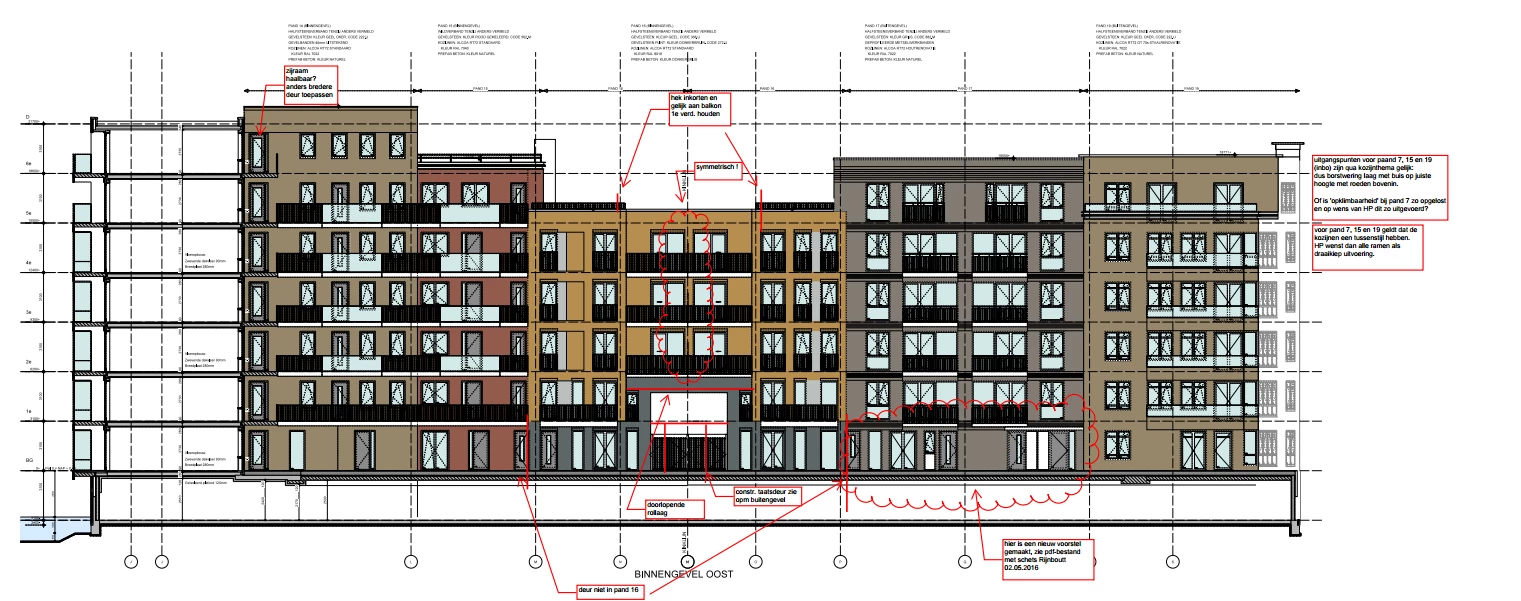
I receive PDF files in which the text blocks will not be displayed.

  • June 15, 2016
  • 1 reply
  • 2048 views

I receive PDF files in which text blocks, when i print i don't see the text blocks.

Is there anyone who can help me?

This topic has been closed for replies.

1 reply

Meenakshi Negi
Community Manager
Community Manager
June 15, 2016

Hi,

If you are referring that on Printing the PDF you are not able to get the text blocks, try selecting "Documents and Markups" under Comments and Forms just above the print preview window in Print dialogue box and then try to print.

Let us know if this helps or if you have a different issue.

Regards,

Meenakshi.

June 15, 2016

Thank you for your responds.

Only it is not the right answer for us.

If we select the document and markups there is no change or differance.

Meenakshi Negi
Community Manager
Community Manager
August 4, 2016

We still dont have an answer for this problem, can you give me an update?


Hi,

Please try these steps below and check if this resolves the issue:

  1. Open PDF , select Comment from tool pane a t right and then click on options (three dots below search box on comment tool pane at right )
  2. Click Create Comment summary
  3. Select the radio button for first option under "Choose a Layout" ( Documents and comments with connector lines on separate pages) and click on create comment summary button at bottom of that window.
  4. Then Print and check if helps.

Let us know how it goes.

Regards,

Meenakshi