

Answered
Unable to open PDFs in SharePoint Online
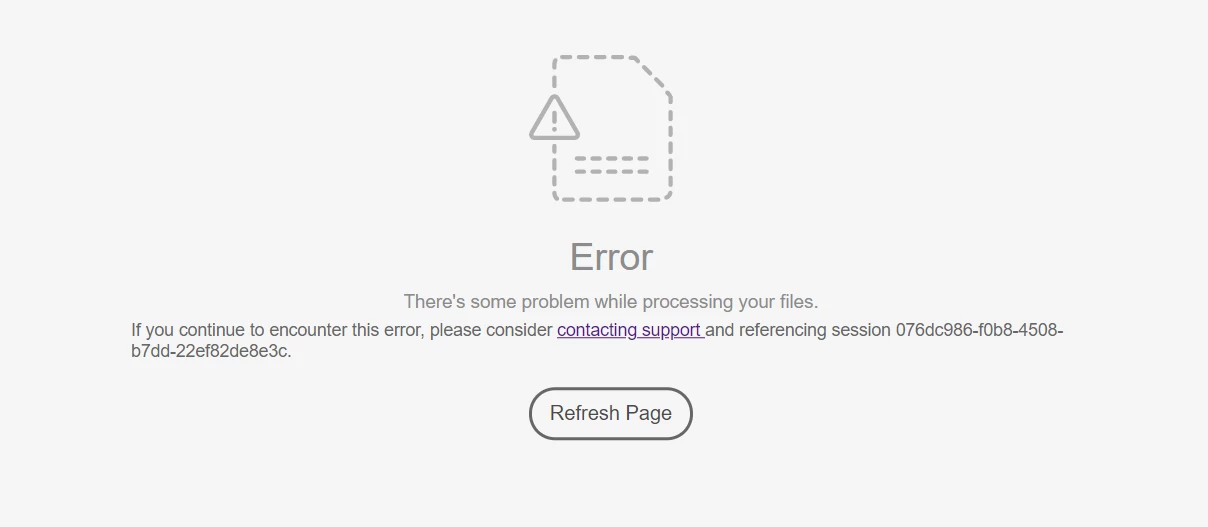
We have run into issues opening some PDF files from SharePoint Online when using Chrome (see screenshot). We have the Adobe Document Cloud add in installed in our tenant. The PDFs in question can be opened in the browser without Adobe Document Cloud in Edge and by clicking Open > Open in browser while in the document library using Chrome. The PDFs in question can also be opened by Adobe Reader after downloading the PDF from the document library. Is this a known issue? Is there something we can do to the PDFs to fix the issue? Or is the only work around to open the PDF in the browser or download it and open in Adobe Reader?
 AdChoices