


Open for Voting
Adding an image to Adobe Express fails
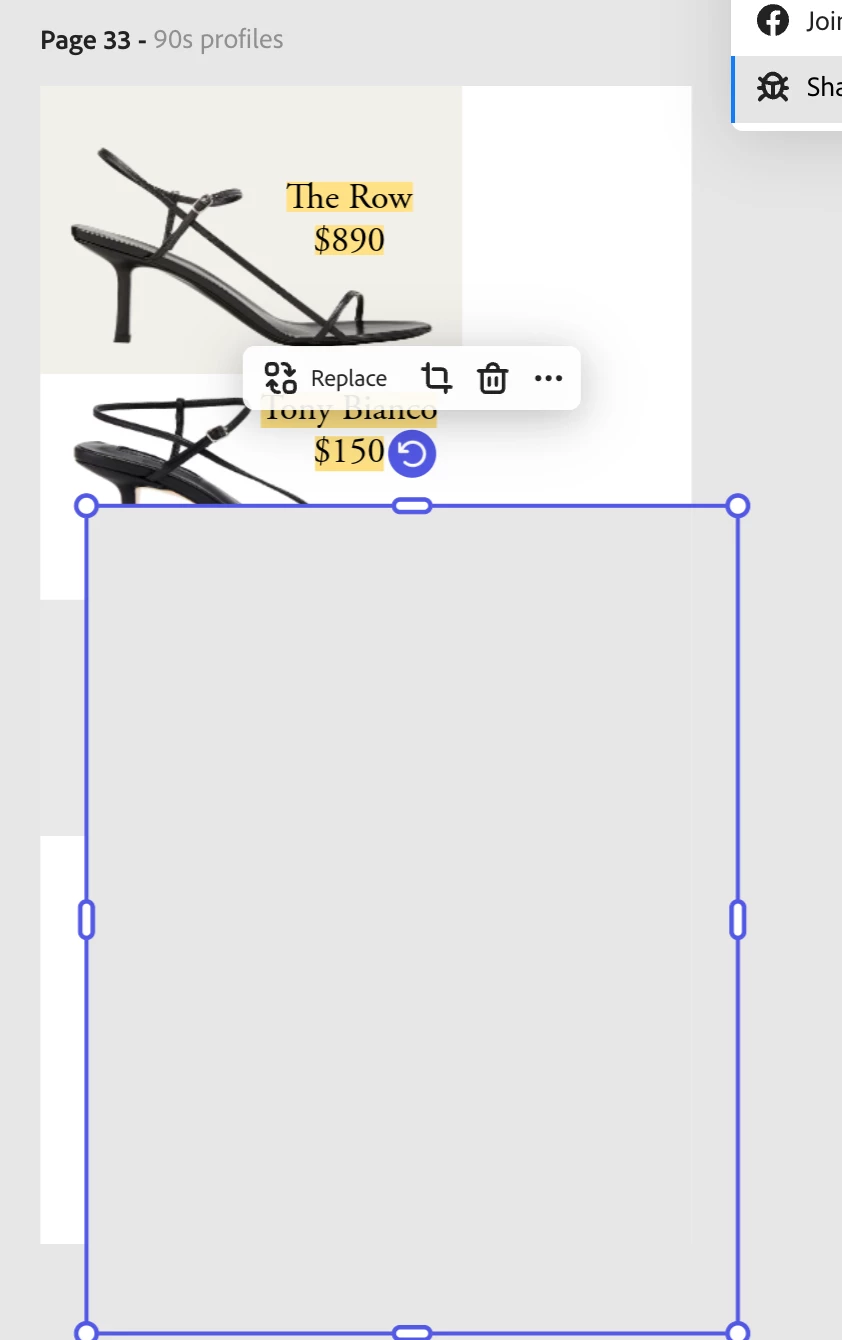
Been trying to add an image to the canvas as I've always done: by dragging to the canvas, by using the Add menu, and by replacing an image that's already on the canvas. I get a gray rectangle.
Too many basic features are incredibly buggy now. What's going on? I LOVED this product, and it's a constant nightmare to use now between these fails and the unhinged and unintuitive frequent changes to the UI.
Seriously, who asked for this behavior:
Add an image to the canvas
Drag the image
Adobe Express selects a second image and drags both the newly added image and that second image
WHY. Who would expect anything other than dragging the image they just added? Do you guys even test your own software?
 AdChoices