
Participant
November 26, 2024

Adobe Express Crashing Error code: Out of Memory

  • November 26, 2024
  • 2 replies
  • 518 views

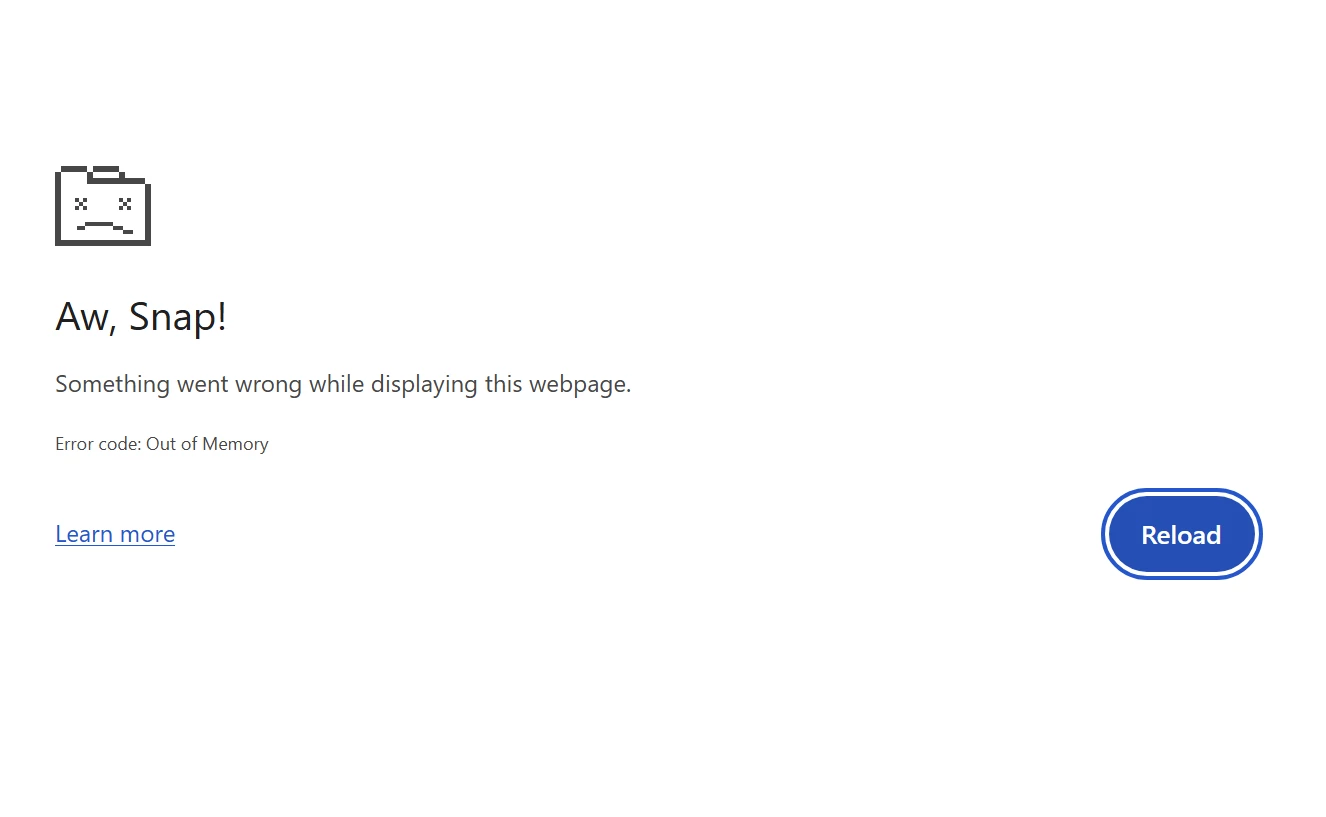
Every time I use Express, even doing something simple as changing the background color it freezes and says "Aw, Snap! Something went wrong while displaying this webpage. Error code: Out of Memory". I click 'Reload' and it will eventually do it again. I have contacted Adobe previously about this issue was was told to clear the cache/cookies - that does nothing to help this issue. PLEASE FIX! Its frustrating. There is no reason why this should happen, especially while doing the most simplest of changes. 
2 replies

Participating Frequently
March 14, 2025

I have found the same thing, trying to edit a video is impossible. I have cleared everything out, used different browsers and modes, different computers even. Adobe Express is just not stable enough to rely on yet. 

Community Manager
March 14, 2025

Hello @David31335732h5xj,


We're sorry you're experiencing this issue. To help troubleshoot effectively, could you share more details?

  • What video resolution are you trying to edit (1080p, 2160p, etc.)?
  • How long is the video (5 minutes, 20 minutes, etc.)?
  • What is the file size in MB?

These details will help us better understand the issue and find a solution for you. Let us know, and we're happy to assist!


Best regards,
 

^MM

David__B
Adobe Employee
Adobe Employee
November 26, 2024

Hi @crystalm12313744

Sorry to hear about your difficulties with this. Just to confirm, you're working on a computer correct? 

I would suggest trying these as some initial troubleshooting steps to start with:

  • Test in a few different browsers  - Chrome, Edge, Safari
  • Try clearing the browser cache  -  https://adobe.ly/4eQNkVI
  • Test in incognito/private browsing mode -  https://adobe.ly/412DNHF
  • Close unnecessary tabs - Shut down any browser tabs that you aren't actively using
  • Check to see if you're using the latest version of Chrome
  • Reboot the computer after trying the above steps

Hope these help,
Dave