N Deas22717
Participating Frequently
January 2, 2025

Adobe Express Library not updating

  • January 2, 2025
  • 2 replies
  • 776 views

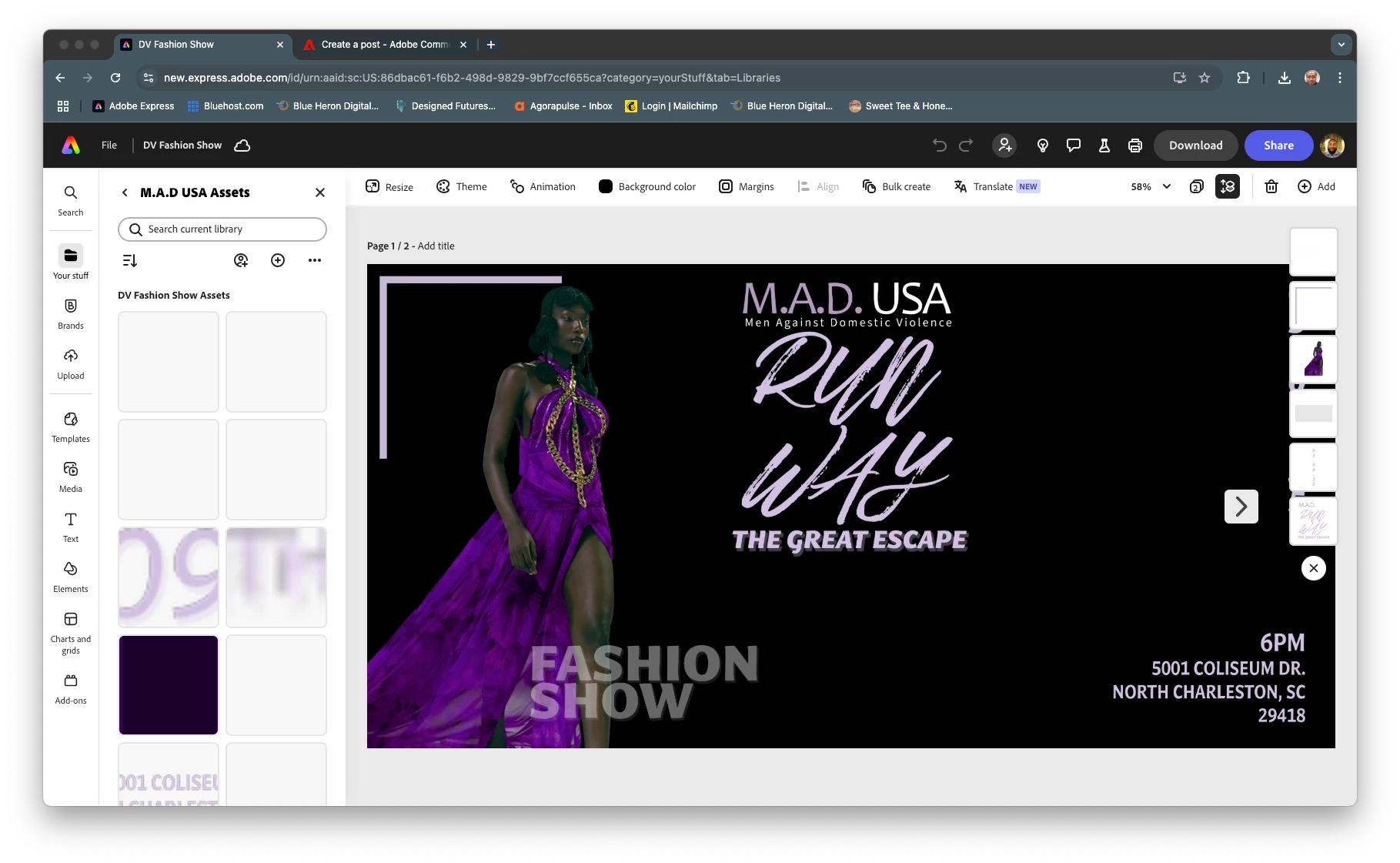
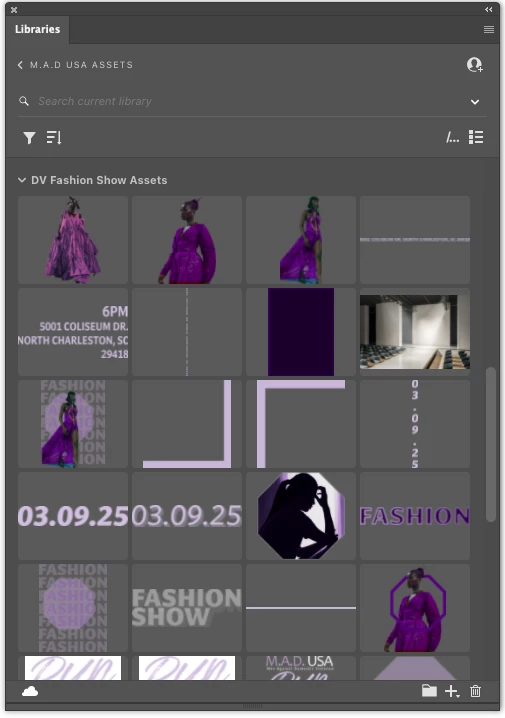
I uploaded some layers from Photoshop to use in Express for the client's social media. Several layers did as they were supposed to and are visible in the Library. However, several other layers refuse to appear even though I can see them in different places like Photoshop, Illustrator, Creative Cloud, etc. This is happening on the Web app, Phone app, and iPad app.


2 replies

Participant
April 18, 2025

I have same issues. Is any solution for it?

Community Manager
April 21, 2025

Hi @wai_keung_3618,


Thanks for flagging this! It sounds like your Creative Cloud library is not syncing properly across Adobe Express, even though the assets appear in Photoshop, Illustrator, and Creative Cloud.

Here are a few quick things you can try:

  1. Force a sync by opening the Creative Cloud desktop app and going to Files > Your Libraries to check for any sync errors.

  2. Try re-saving the missing layers into a new library folder or with a slightly different name.

  3. Log out and back in on all devices to refresh the connection between apps.

  4. Clear cache on the Adobe Express web version (or use an incognito window) to rule out display glitches.

If none of that works, we’d love a few more details (like file type, how it was uploaded, and if Smart Objects are involved) to help escalate this properly. Appreciate you bringing it to our attention!


^MM

David__B
Adobe Employee
Adobe Employee
January 2, 2025

Hi @N Deas22717


I'd like to try recreating the issue to report it to our developers. Would it be possible to create an example library with just a few of the assets that are not appearing here https://adobe.ly/41ZOHyC, set the permissions so anyone with the link can access it, and post the link here? Or I can reach out to you privately to share it with an email if you prefer.

Best,
Dave