

Participant
November 28, 2023

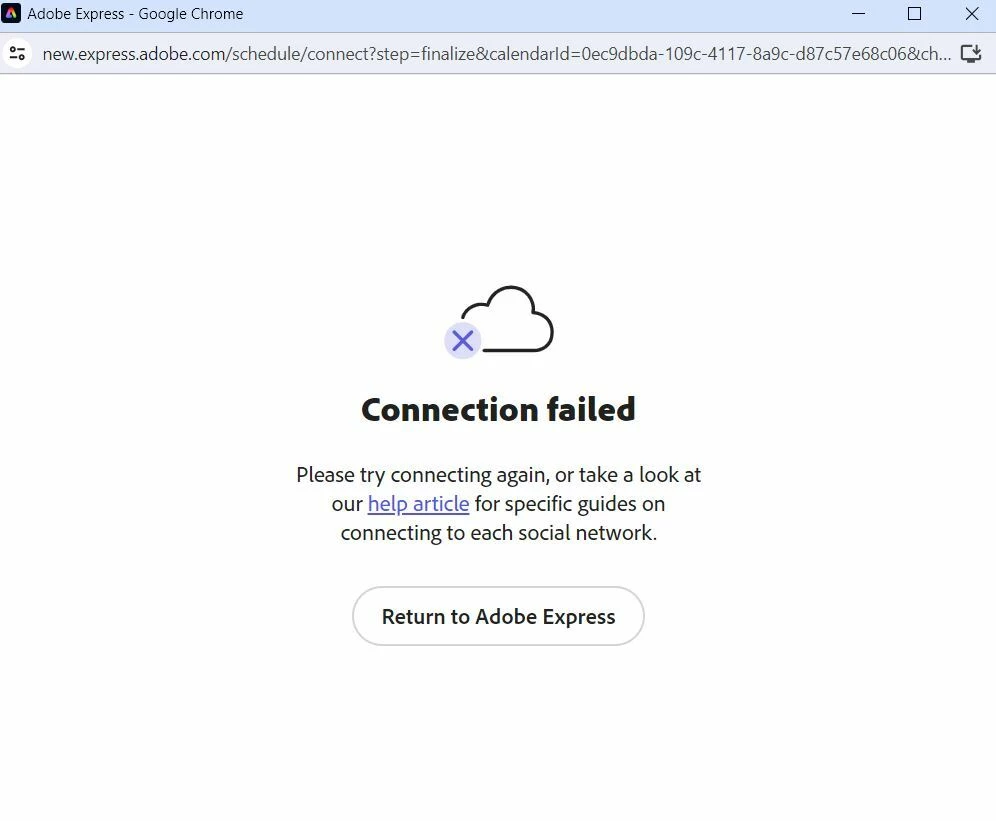
Connection Failed [LinkedIn]

  • November 28, 2023
  • 7 replies
  • 688 views

I cannot seem to connect the Linkedin Profile to scheduling


7 replies

Participant
August 13, 2024

I'm having the same issue too. Tried deleting cache, turing off virus software, logging out of both apps, using different browsers etc

Ultane
Participating Frequently
June 22, 2024

I tried again with a new computer. So with no cookies, cache, etc., which could interfere, and always the same absurd message. I stopped using Adobe Express specifically for this. It doesn't work, Adobe doesn't care, well, that's it, we're not using their 'service'

Ultane
Participating Frequently
May 13, 2024

Indeed, I noticed the same thing, it's as if LinkedIn or Adobe cannot delete or create a new connection.

David__B
Adobe Employee
Adobe Employee
June 21, 2024

Hi @Ultane & @miichael.smedley


Are you still encountering this issue or were you able to get it working?


Thanks,
- Dave

miichael.smedley
Participant
May 13, 2024

Same issue. Tried multiple times with all browsers (Chrome, Edge, Safari, and the App on the iPhone) but failed on it all. Even turned off 2FA to see if that's the issue with no effect.

Plus LinkedIn seems to think they are connected.


Ultane
Participating Frequently
December 22, 2023

Comme indiquer precedement, c'est déja ce qui a était fait !

Si vous parler de totalement supprimer le lien avec linkedin, c'est vous qui avez la main dessus, l'on ne peu pas le faire depuis nos comptes

jane-e
Community Expert
Community Expert
December 4, 2023


@Andy Lambert wrote: we're not seeing any others reporting issues here 


There is another report with the same issue here:

https://community.adobe.com/t5/adobe-express-bugs/unable-to-connect-with-linkedin-on-adobe-express/idi-p/14243822


Jane


Andy Lambert
Community Manager
Community Manager
December 4, 2023

Hi There, I would recommend removing an existingh connection, logging out of LinkedIn and then trying again. It should work fine - we're not seeing any others reporting issues here 

Thanks!Andy
