
Participant
November 6, 2024

How to connect my instagram to my adobe express scheduler account?

  • November 6, 2024
  • 2 replies
  • 399 views

I'm encountering issues connecting my Instagram account to Adobe Express Scheduler. While I can link my Instagram account to my facebook without problems, my account doesn't appear in the dropdown menu during setup of the Scheduler.


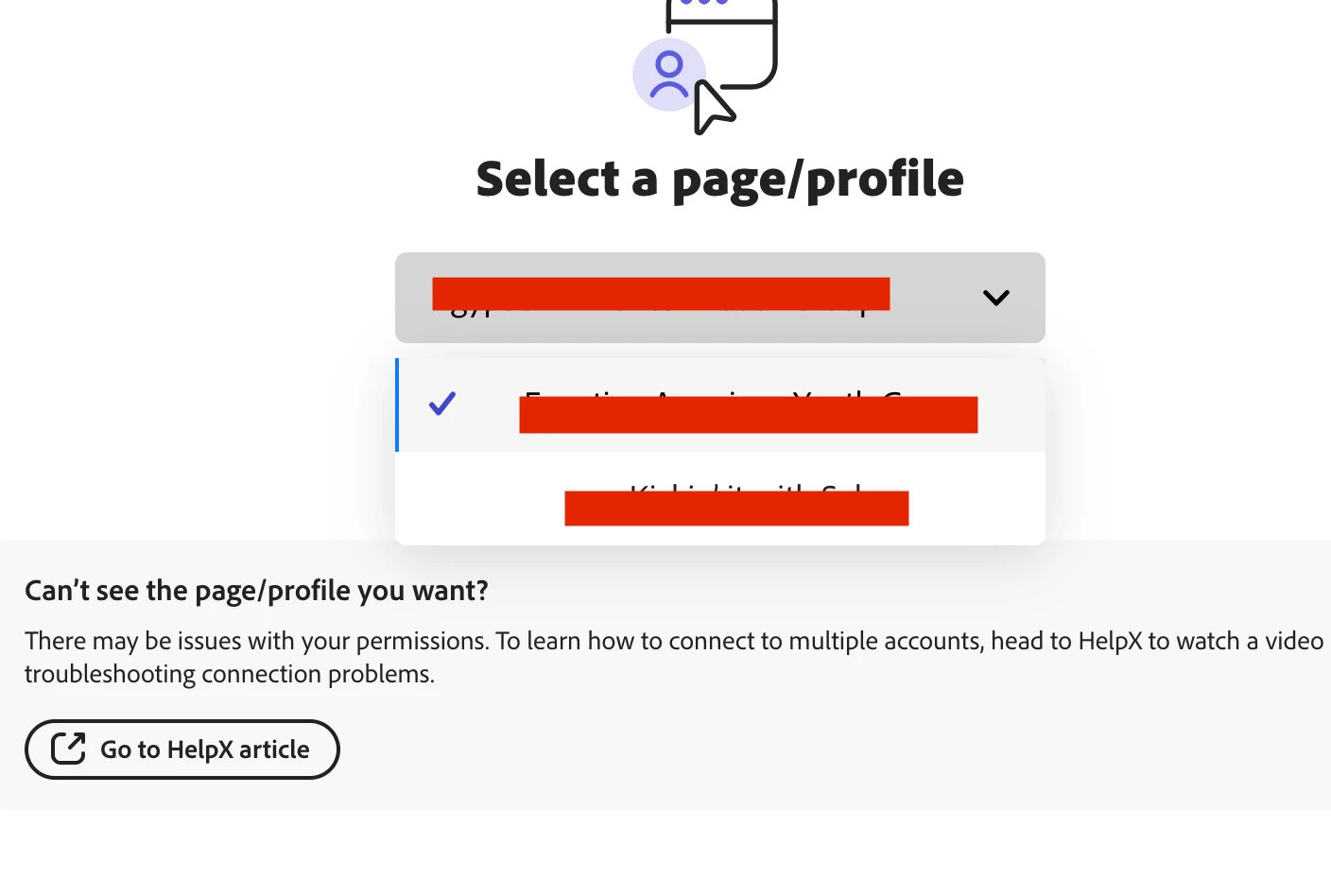
I am somehow able to connect my Facebook Page to Adobe Scheduler but just not the instagram. I can also see my personal pages on the drop down but not my business page. I am not sure how to fix this problem. WHy is it letting me connect my business page to the Facebook section but not the insta section. My business page is not popping up on the drop down (See below).


What is in the drop down is my personal pages, not my business page. But when I go to facebook, I can switch to my Business page. 

Yes, I have a business page on my FB.

Yes I have a instagram account and I just set it up with my FB. 
2 replies

Participant
November 8, 2024


I am a professional web designer and blogger, currently working on my site [verstoryanonimo.com](https://verstoryanonimo.com/). I read your query, and I have a solution that may help you. It sounds like there might be an issue with linking your Instagram business account correctly. Try these steps:

1. Double-check that your Instagram is set up as a business account and linked to the right Facebook page.
2. Go to **Facebook Business Settings > Accounts > Instagram Accounts** and ensure your Instagram is listed and connected to your Facebook business page.
3. In Adobe Express Scheduler, try logging out and logging back in to refresh the connection.

This should help your business account appear in the dropdown!

Amitej S
Community Manager
Community Manager
November 7, 2024

Hi @mightyhumbug

Thanks for sharing the details with us; please try the steps mentioned in this video once and let us know if the issue gets resolved for you: https://adobe.ly/4fmB4x9


Best,

Amitej