
Participant
November 4, 2022
Answered

Can not access my brands in new projects

  • November 4, 2022
  • 1 reply
  • 1577 views

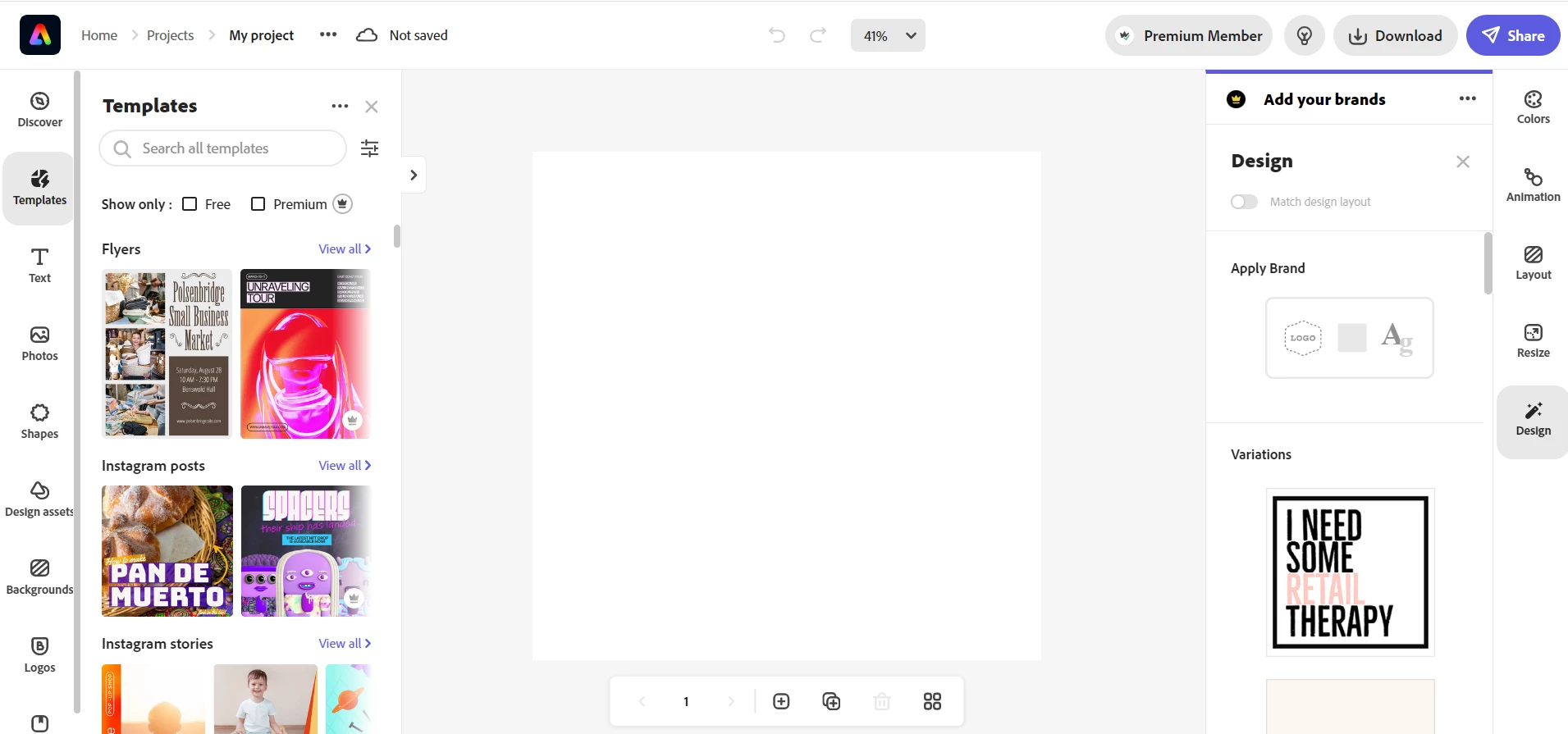
I use Adobe Express in the Chrome browser on Windows 10. Suddenly, in the last projects I created, I could not access my brands. When I go to "Design" in the right menu inside the project, there are no brands as seen in the screenshot below.
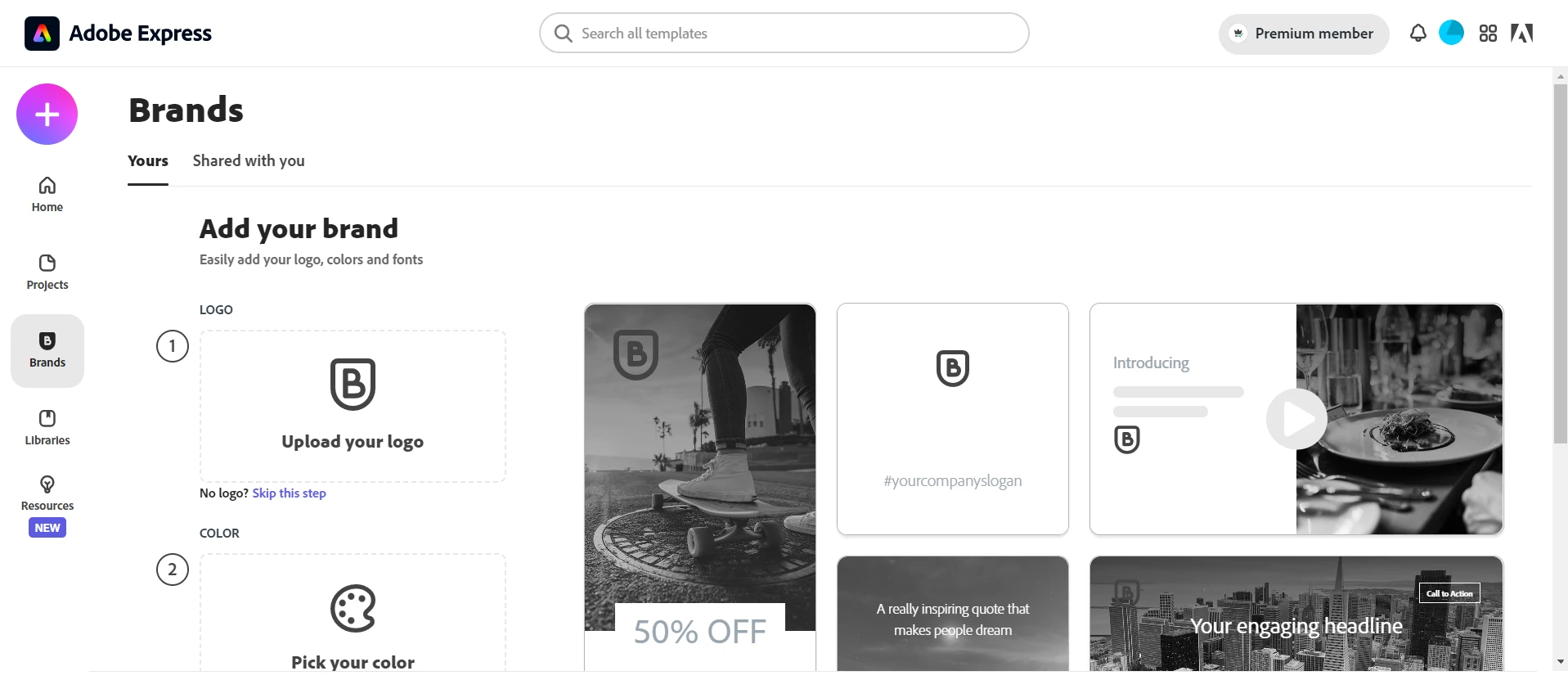
If I click "Switch brand" or "Add your brand", I come to this page where there are no brands: 
 I am also not able to add a brand (see error message in screenshot below):
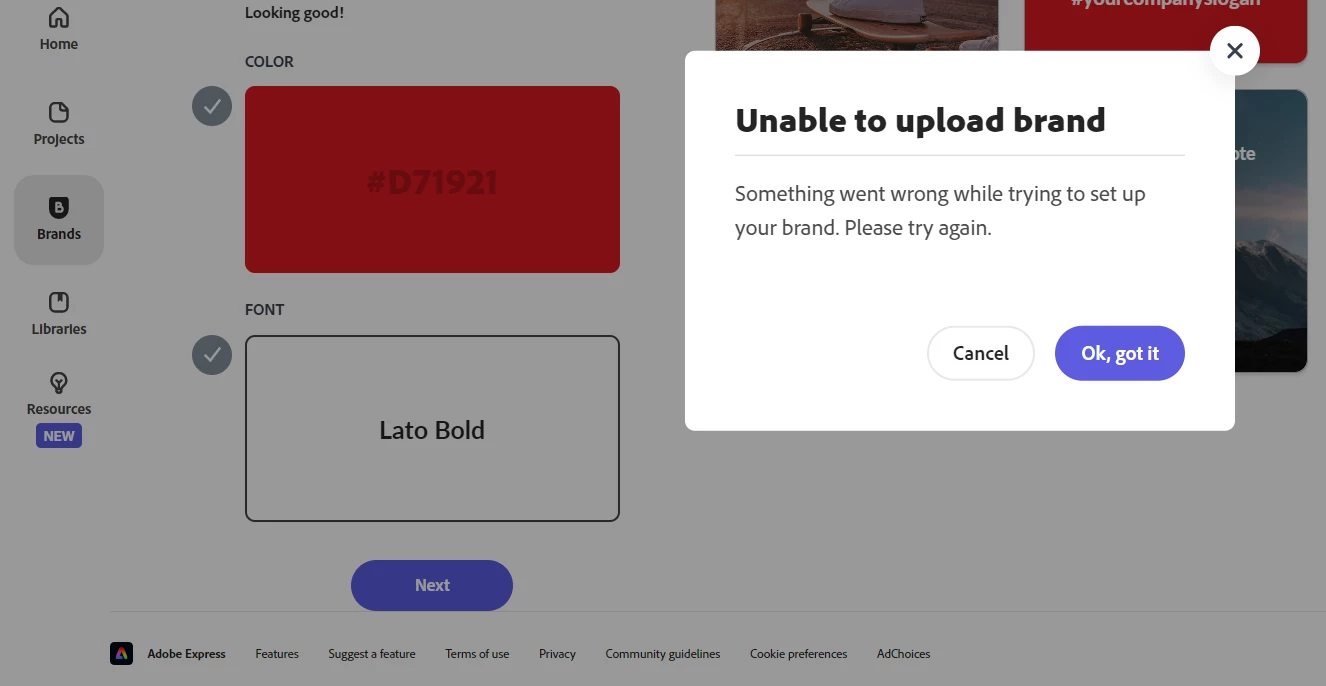
However, when I click on "Brands" in the left menu in the last screenshot I can see all my brands and edit them. In the old projects I created a few days ago and before I can still use my brands as usual. Does anyone know how to fix this bug or report it? I considered using the Bug report form at https://www.adobe.com/products/wishform.html, but Adobe Express is not on the product list there.

This topic has been closed for replies.
Correct answer Manmeet2016

Hi @Kristiansen, this should not be happening. Here is the answer to your first query. Try clearing cache and cookies, try using a different browser, and see if that works for you. In the last screenshot where you got the error of not uploading the brands, please check if that is happening with a particular brand. Also, try using a different brand and see if that makes any difference. Try these steps and write us back with any observations. Thanks ^Manmeet

1 reply

Manmeet2016Community ManagerCorrect answer
Community Manager
November 4, 2022

Hi @Kristiansen, this should not be happening. Here is the answer to your first query. Try clearing cache and cookies, try using a different browser, and see if that works for you. In the last screenshot where you got the error of not uploading the brands, please check if that is happening with a particular brand. Also, try using a different brand and see if that makes any difference. Try these steps and write us back with any observations. Thanks ^Manmeet

Participant
November 6, 2022

It worked in another browser and also when I cleared cache and cookies in Google Chrome. Thanks for the quick help!

Community Manager
November 7, 2022

@Kristiansen great news! Thanks for confirming. This will help other users too. Feel free to write us back if have any questions/concerns. Thanks ^Manmeet