



Question
Create videos quickly and easily with Adobe Express
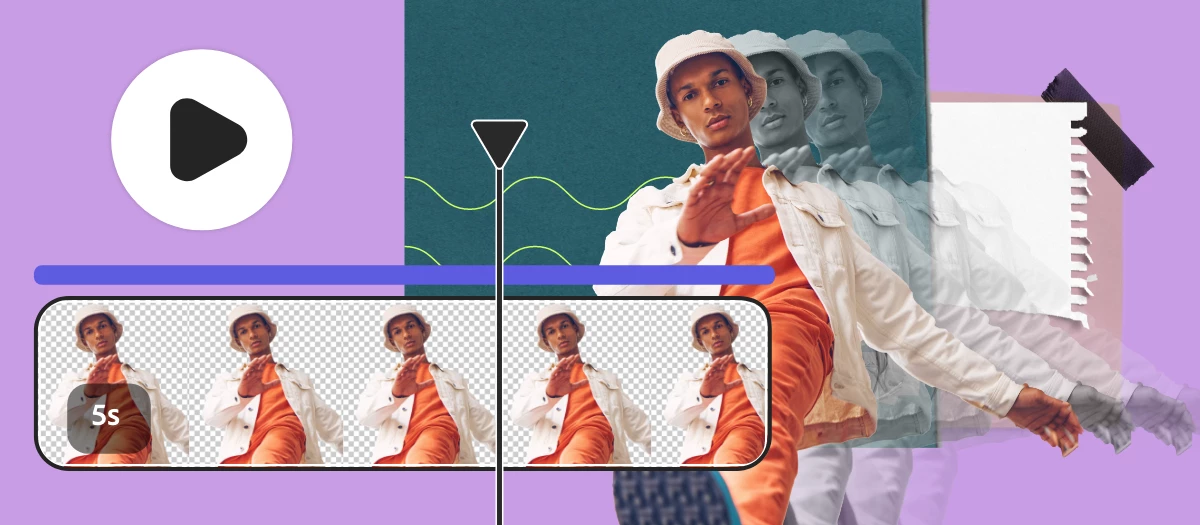
Create videos like a pro with new video editing features in Adobe Express!
Create Reels, TikTok, and other standout videos with Adobe Express using simple drag & drop features to merge video clips, artwork, animations and music. Start with templates or your own static designs and add your brand, design assets, Adobe Stock videos and music, and more.
Check out the video below by @Sarah Schweiger on how to use scene timing, layer timing and audio track controls to create videos in Adobe Express.
Common Questions
How to remove the sound of a video?
- Select the purple track below the timeline panel to access and edit the audio track.
- Adjust the volume slider located in the left panel, or select Mute/Unmute.
How to add a soundtrack and voiceover at the same time?
- Select Media then select the Audio tab to access available soundtracks.
- Select a soundtrack from the list or upload a file from your device.
- Once more, select Media then select the Audio tab.
- Select Record voiceover and Start recording to add a voiceover track.
How to increase a video section speed?
- With the video track selected, right click and choose Split. This will create two video tracks that can be edited separately.
- Select a section of the video track and then select the video in the editor.
- Use the Speed control to adjust as desired.
Visit HelpX for information on related features.
- Trim videos using Quick Actions
- Resize a video using Quick Actions
- Convert videos to MP4 using Quick Actions
- Merge videos and images using Quick Actions
Hey community! Upvote if this post was helpful and leave a comment to join the conversation.

 AdChoices