
Known Participant
October 13, 2024
Answered

Deleting outside of circle

  • October 13, 2024
  • 1 reply
  • 1050 views

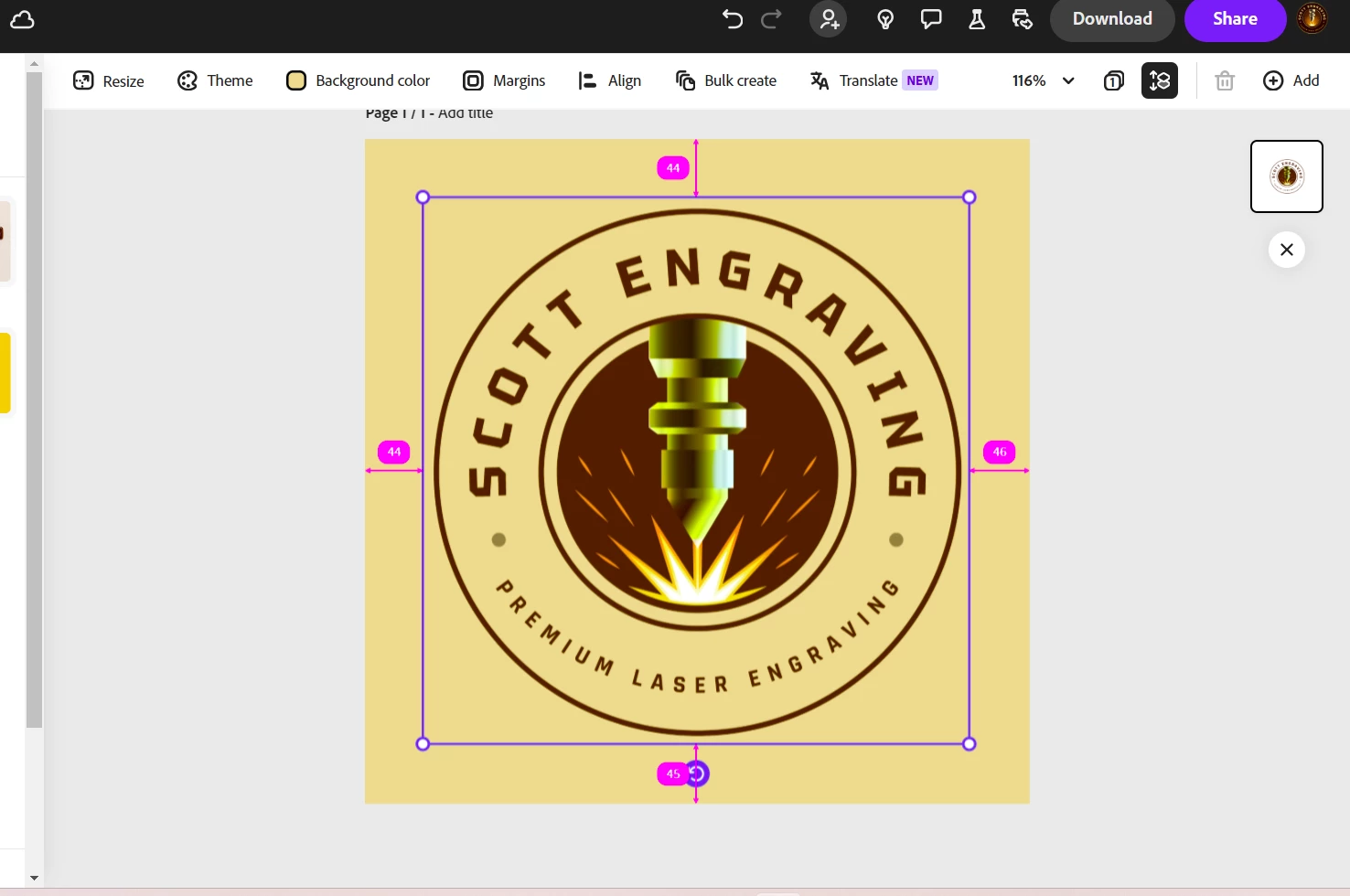
How can I delete everything outside of the largest circle? In other words I want a circular logo with the yellow-ish color inside the circle. 

I'm using Adobe Express here, I'd prefer to do it in AE. But I have Illustrator and Photoshop. 

Thanks 
This topic has been closed for replies.
Correct answer Amitej S

https://new.express.adobe.com/id/urn:aaid:sc:VA6C2:6883a725-ccd7-4eb4-b02e-83604b9e6e96?invite=true&promoid=Z2G1FQKR&mv=other


Hey, @antkn33, To achieve this, you may need to follow these steps:


  1. Insert a solid circle Shape from the Elements into your project.
  2. Change the circle shape's color to the desired color for the logo.
  3. Change the project's background color to white/transparent or any color you require.
  4. Select the solid circle, right-click it, and then select Send to Back.


Let us know if this works for you.


~Amitej


1 reply

Tarun Saini
Community Manager
Community Manager
October 14, 2024

Hi 

@antkn33

,


Thanks for reaching out. You can copy the selected image and copy and paste it on another page, and after that add a background color.


Let us know if that helps.


Regards,

Tarun

antkn33Author
Known Participant
October 14, 2024
That just results in the same thing. The entire box ois colored not kust
the circle.
-Anthony
Tarun Saini
Community Manager
Community Manager
October 14, 2024

Thanks for your response. Can you please share the template/URL with us to check?


Regards,

Tarun