Participant
October 3, 2024
Question

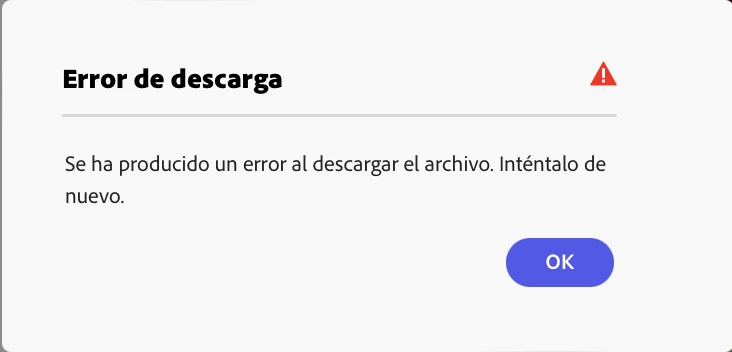
ERROR AL DESCARGAR ARCHIVO "PDF para IMPRIMIR

  • October 3, 2024
  • 2 replies
  • 693 views

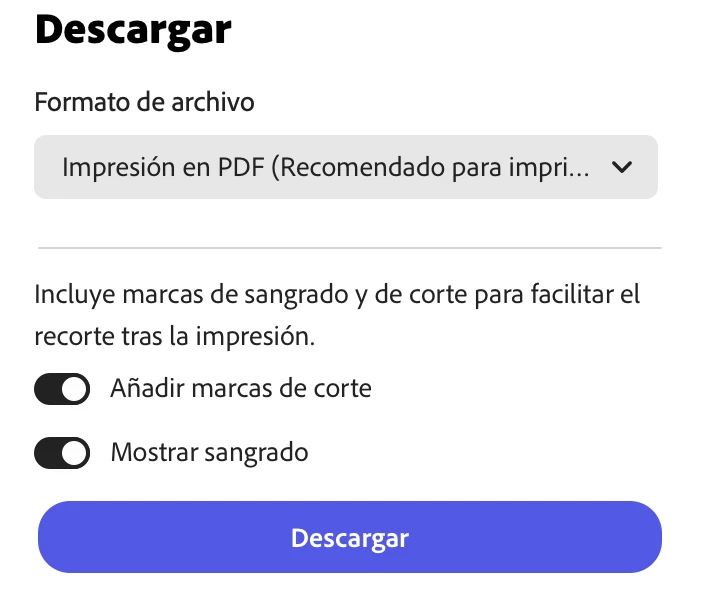
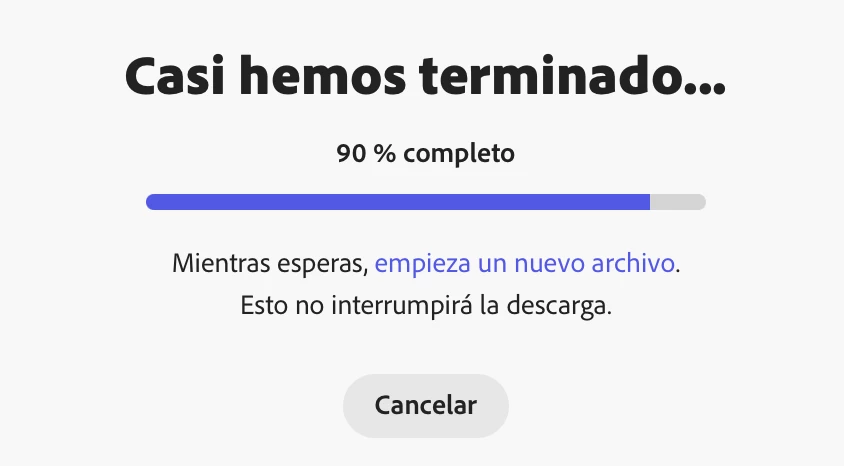
Trabajo en una Macbook Air M1. He terminado un archivo, cuando intento descargarlo en el formato que muestro acontinuación (PDF para imprimir), al llegar al 90% se queda ahí por unos 10 minutos (probablemente 15 minutos) y despues me arroja el error.

Como información extra, ya he descargado el archivo anteriormente y en el mismo formato. Solicitando apoyo de la comunidad de Adobe, me atendieron del sistema de soporte y me ayudaron a solucionar el problema con una Laptop con windows en modo incognito, tambien lo intente borrando la cache y cookies y soluciono el problema, pero solo en ese dispositivo, en mi equipo de trabajo principal sigo teniendo el problema, aún habiendo borrado todo el cache. Al regresar al dispositivo con windows me arroja el error nuevamente, me parece malo tener que cambiar constantemente de equipo solo para poder descargar mi archivo, espero alguien pueda apoyarme, ya que considero usar Adobe Express como mi plataforma principal de trabajo. Anexo fotografias para mayor entendimiento. Gracias
2 replies

Participant
April 20, 2025

Tengo el mismo problema y mañana tengo que entregar un trabajo y no consigo descargarlo. Son 32 páginas.

Descargue las 10 primeras para después unirlo pero ya no consigo ni descargar las 10 siguientes. Te dieron alguna solución?? Llevo horas intentando solucionar este problema en dos trabajos. 

Community Manager
April 21, 2025

Hi @ana_6385,


Thanks for reaching out — I know how frustrating this must be, especially with a deadline coming up.

This issue seems related to the file size or complexity (like number of pages or large images), which can cause the download to hang or fail. Here are a few things you can try right away:

  1. Download in smaller chunks – Just like you did with the first 10 pages, try downloading the next set in smaller groups (e.g., 5–10 pages).

  2. Use incognito/private browsing mode – This helps avoid issues caused by cached data.

  3. Try a different browser – If you’re using Chrome, switch to Firefox or Safari (or vice versa).

  4. Turn off browser extensions – Especially ad blockers or security tools that might interfere.

  5. Simplify the project if possible – Reduce image sizes or remove unused elements temporarily, just to test.

If none of these help, you can also:

  • Try downloading from another device to rule out local issues.

  • Let me know if any of the above steps worked — I'd be happy to help you get it sorted quickly.


^MM

Participant
January 30, 2025

mismo problema. No hubo ninguna respuesta? 

Tarun Saini
Community Manager
Community Manager
January 30, 2025

Hi 

@luciavictoria

,

Welcome to the community! We're sorry to hear about this. Could you please let us know how many pages are there in the PDF you're trying to download? Is this a shared file? 


Also, to investigate further, can you share the project URL with us? You can create a copy of your project and give me edit access to that via private message.


Regards,

Tarun