
How do I combine images into one?
I have six sections of a topographical map that I want to combine into one poster.
I have the workspace resized to the dimension I want. I've added each image to the workspace and started cropping/ aligning. There are two issues I don't know how to overcome.
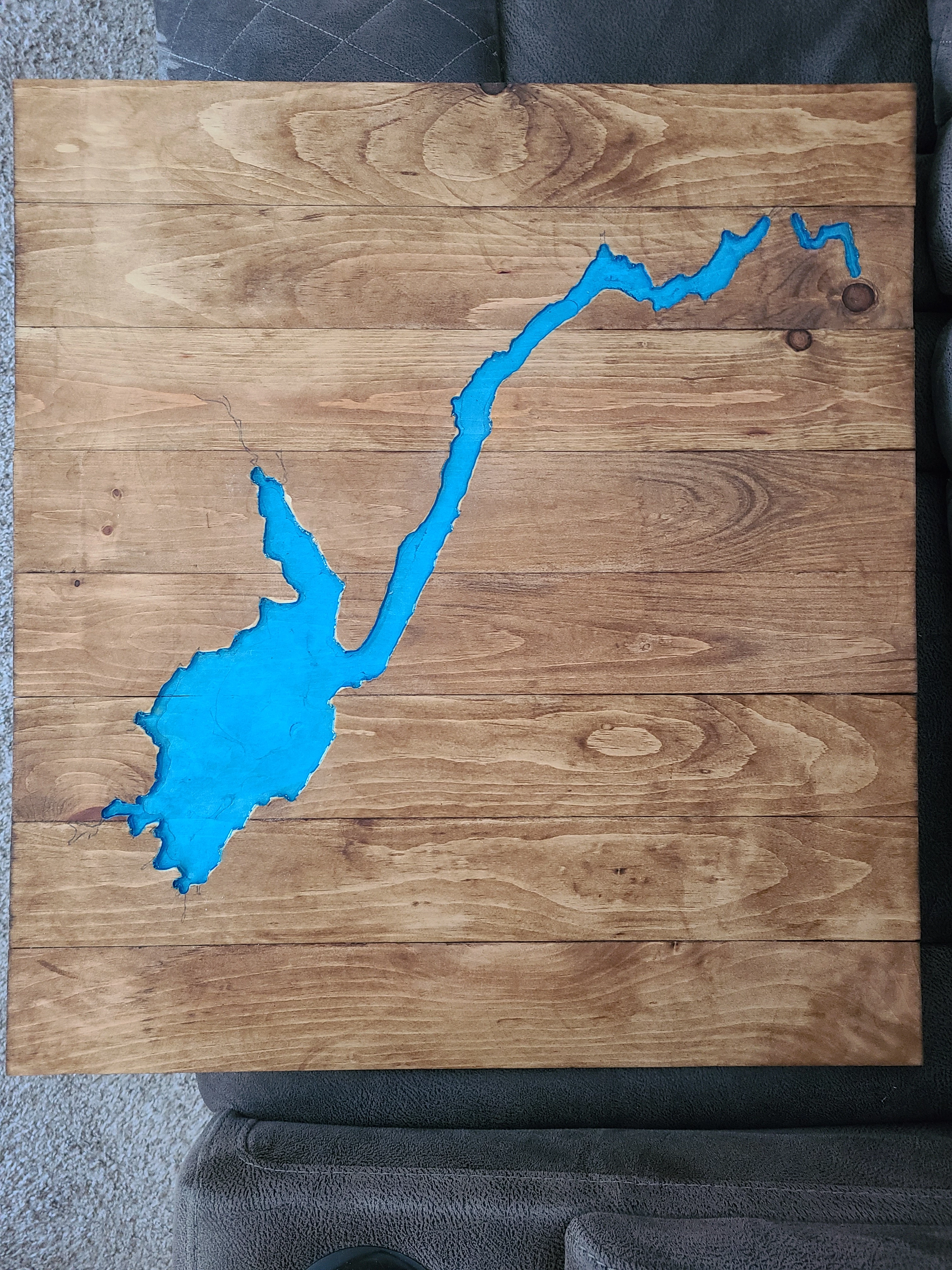
First: The map sections are of a lake which I've carved into wood. I need to resize the images to the scale I used on the wood piece. When I transferred the design from map to the wood, I simply printed out the six map sections and taped them together. I realized that I might be able to get a cleaner look using a single piece of posterboard. Is there a measuring tool that will give me gridlines I can use as a guide when resizing these images?
Second: How do I get rid of the white lines between the images? The only way I know how is to zoom and crop. However, since this is a topo map, there's quite a few points that still need to match up together after I'm done.
I've included a screenshot of where I got to with the six images as well as the wood images I've made.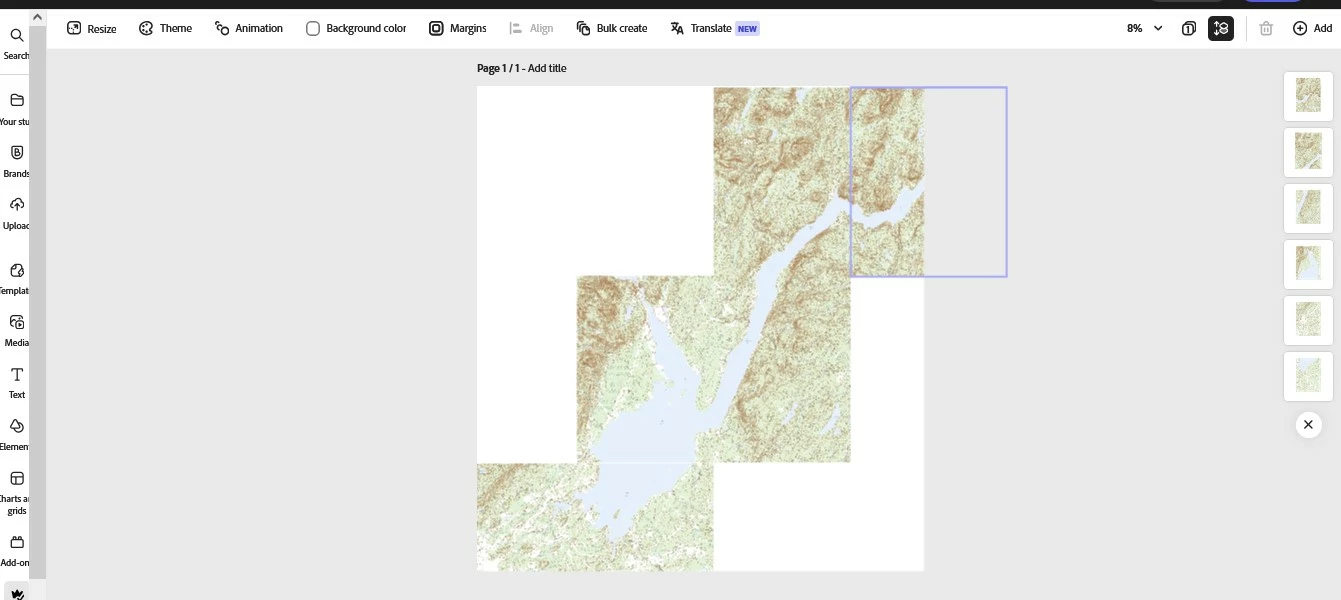
 AdChoices