
Participant
November 7, 2024
Answered

How to switch my Adobe account in Express

  • November 7, 2024
  • 1 reply
  • 672 views

Hello,


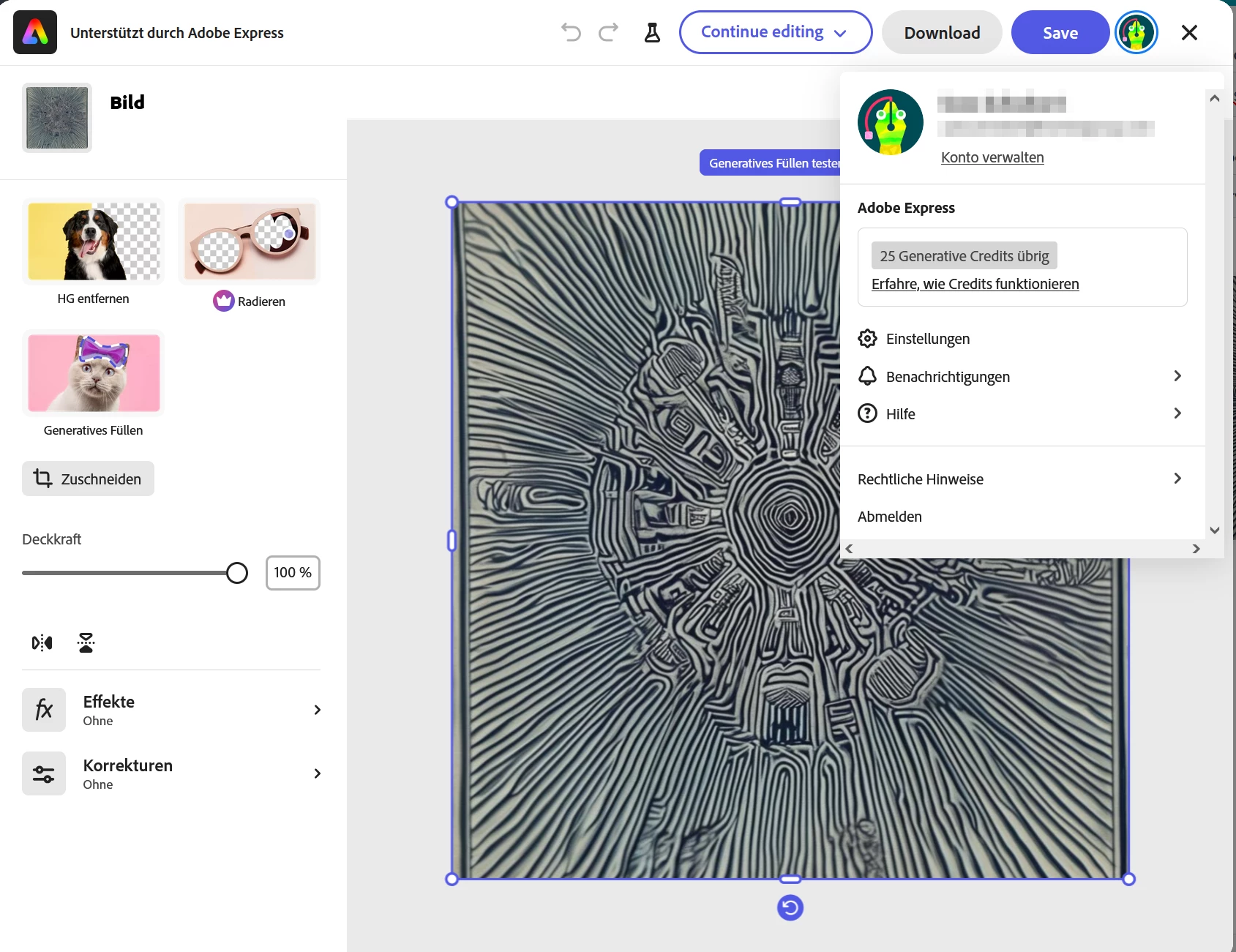
when I am loggin from Hubspot to Adobe Express my private account without subscription is activated. How can I switch to my Company account with subscription?

I have Adobe Teams with a CC Abo.


Thank you
This topic has been closed for replies.
Correct answer Uwe S.

No. It is included in a Hubspot internal JS-Popup and not a link.


But the idea worked:

  • Logged out
  • Removed all cookies by hand
  • Logged in to account.adobe.com
  • New Hubspot Login
  • WORKED!


Thank you very much! SOLVED

1 reply

Community Expert
November 7, 2024

What happens when you click the Sign Out link within Adobe Express (accessed by clicking your account icon in the top right)?

I'd make sure you're logged out from other Adobe sites/services before accessing Adobe Express. You could try a different browser. My guess is that Express is finding an already activated Adobe login,, being your private account. 

Uwe S.Author
Participant
November 7, 2024

Thank you.


If I use the link signed out, i ll get the login window. After that I get direct to the private account without the possibilty of selection.


I have tried to deacitvate the "automatic profile" in the settings but I dont get the option to choose.

Community Expert
November 7, 2024

Can you try connecting by opening an incognito window? In Chome, it is through clicking on the 3 dots in the top right and then New Incognito Window. This will create a window clean of any other window login info.