



Amitej S
Community Manager
Community Manager
April 18, 2024

Introducing the all new Adobe Express Mobile app
  • April 18, 2024
  • 18 replies
  • 7034 views

The new Adobe Express Mobile app is here! 


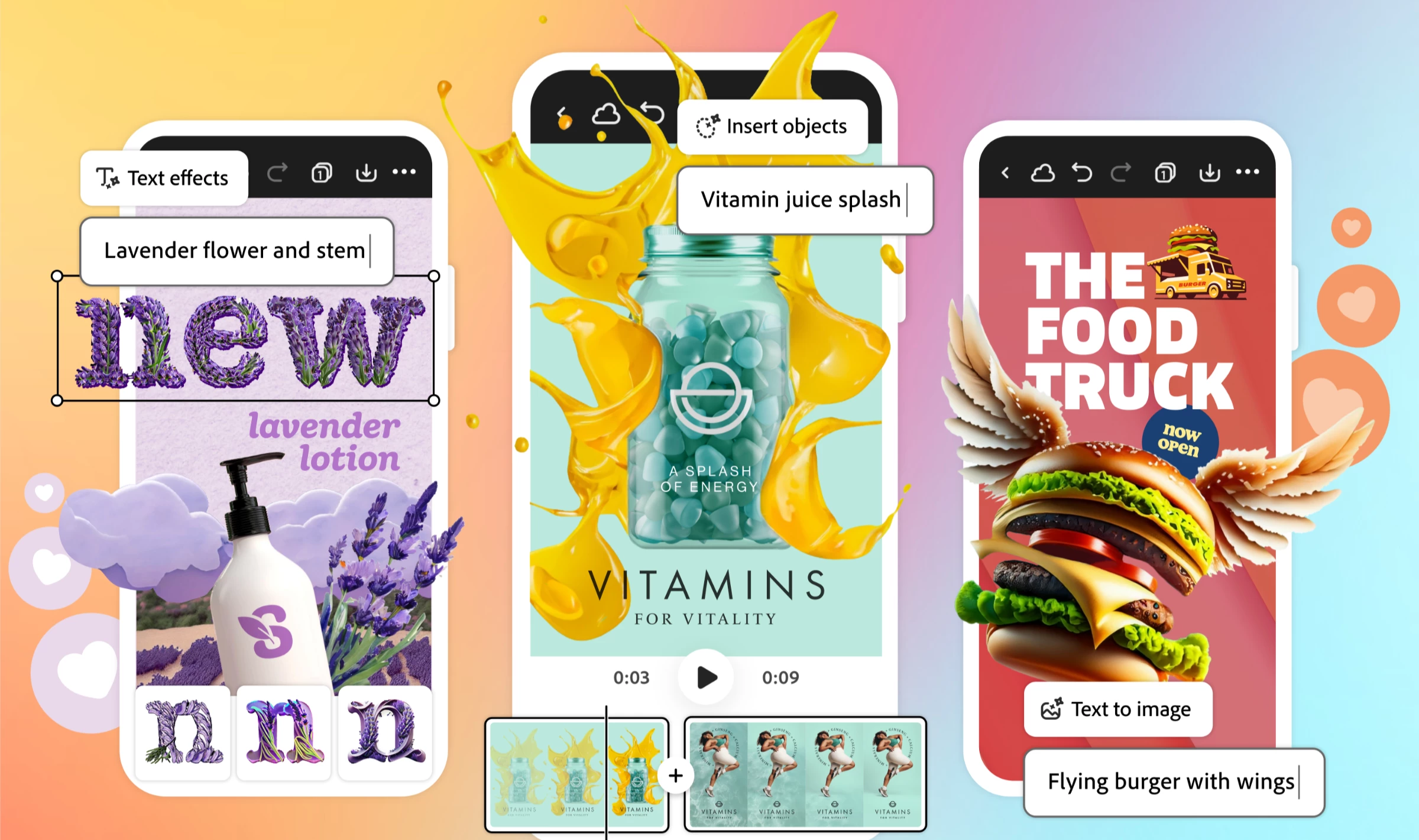
Use the latest Gen AI-powered Adobe Express mobile app to generate images, apply style and texture to text, and transform images with just a description. It's a go-to app for everything social: creating and scheduling posts and videos, collaborating in real-time, accessing and editing files across devices, and much more. 

Access Adobe Express anytime, anywhere! Simply download the app on your iOS, Android, or desktop device, and it's completely free.


Feature Highlights

 

Enjoy a simplified and streamlined video creation experience by combining clips, artwork, animations, music, voiceovers, etc., for platforms like Instagram, TikTok, and more with ease.



Easily maintain brand consistency by setting up brand profiles with fonts, colors, and logos. Simply upload logos, select colors, choose fonts, and apply them to your designs.



Schedule and publish content directly to Facebook, TikTok, Instagram, Twitter, LinkedIn, and Pinterest. Plan, preview, and post all from one place!
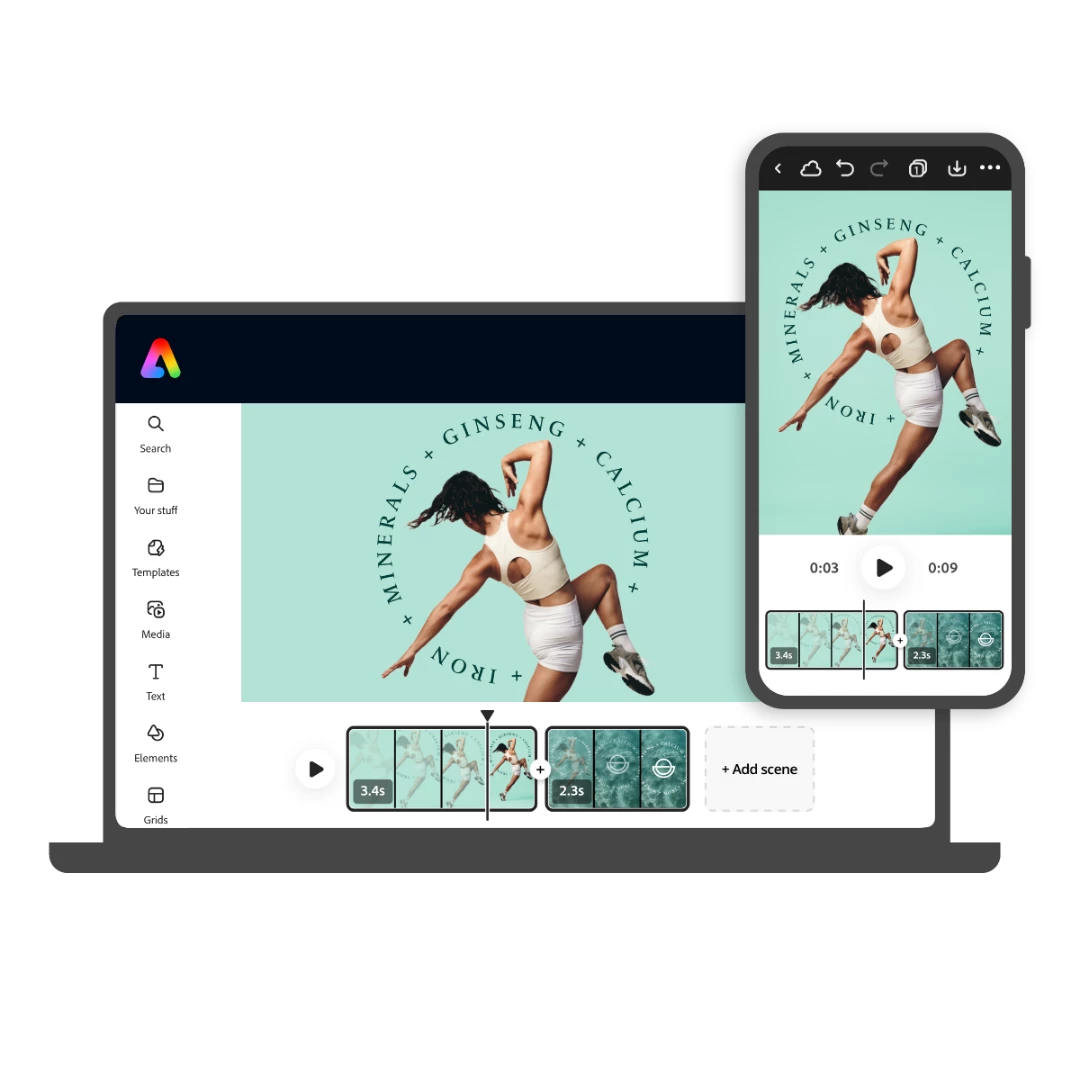


Access and edit files across devices. Stay in sync when using the desktop version or the new mobile app.
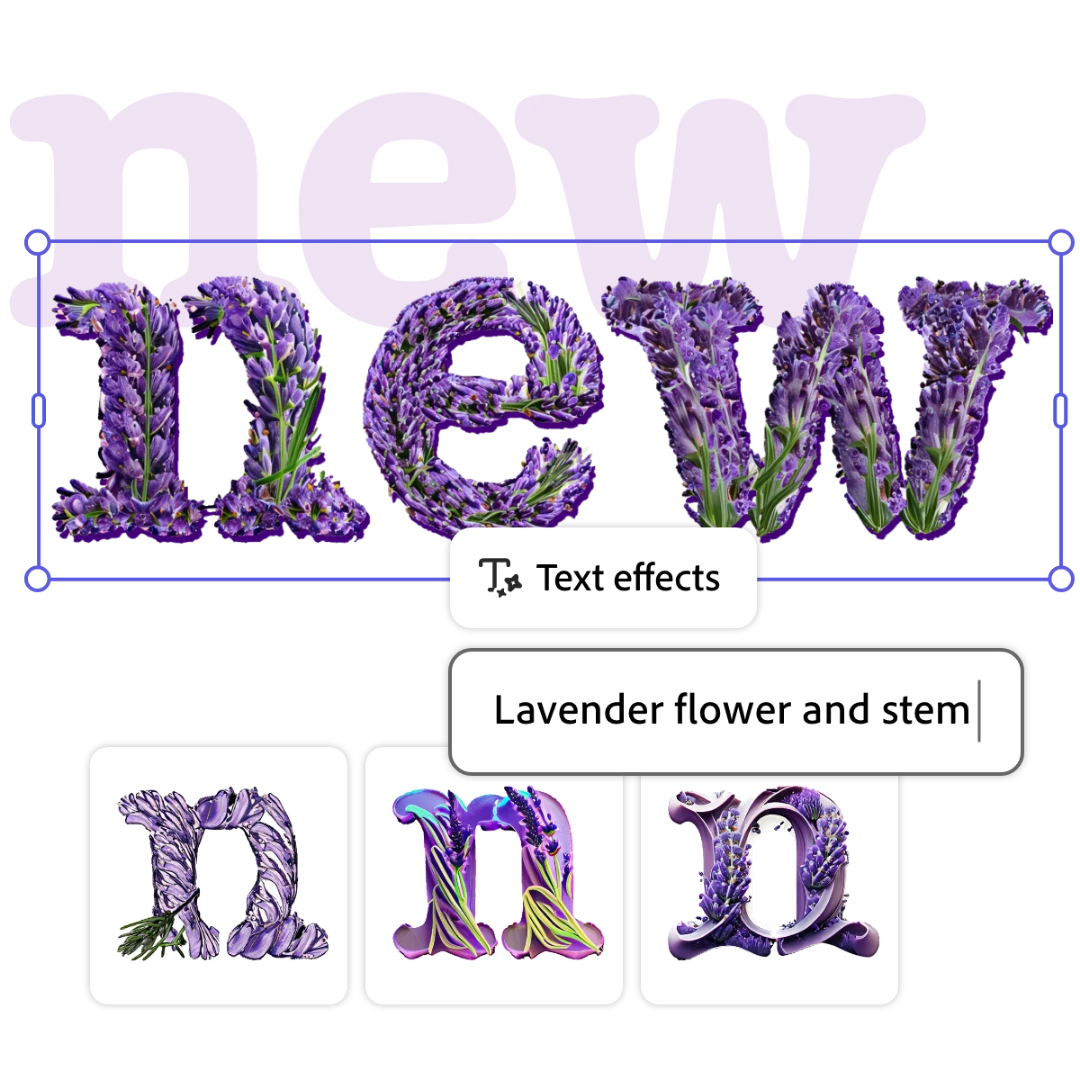


Use descriptions to generate images with Text to Image, enhance text with Text Effects, and transform images with Generative Fill.
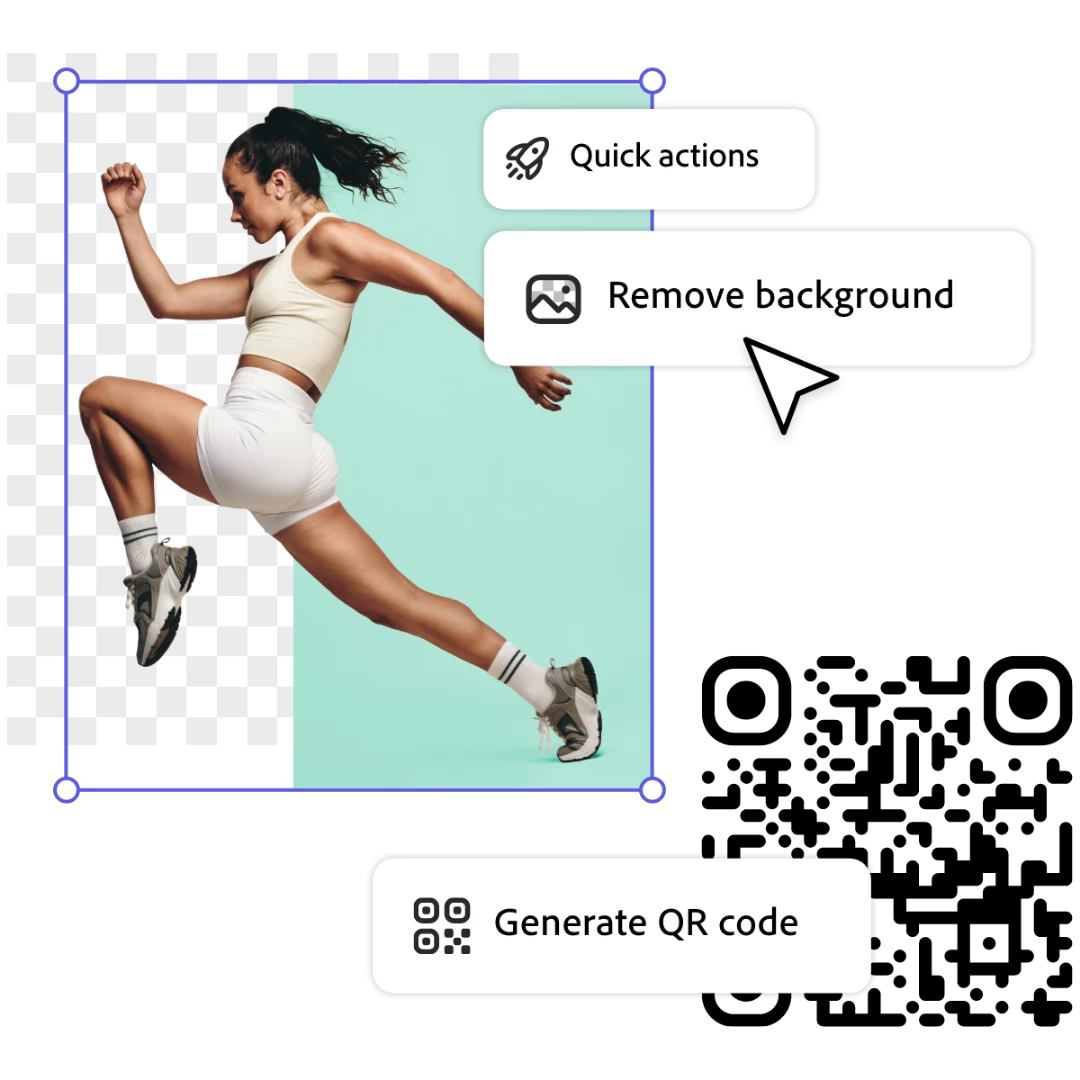


Easily complete tasks like Removing Backgrounds, Resizing, Converting videos to GIFs, Generating QR Codes, and more with just one click.


Useful Links


  • FAQ: Get answers to common questions about Adobe Express.
  • What's New: Get highlights on all new features available on mobile.
  • System requirements: Find the minimum technical specifications for Adobe Express.
  • Known Issues Identify the known issues around the mobile app.
  • Discord: Join the Adobe Express Discord server to connect with others, get creative feedback, and share resources!
  • UserVoice: How can we improve Adobe Express? Share your thoughts and ideas in UserVoice.


    18 replies

    New Participant
    January 16, 2025

    When will this update be rolling out to ipad pro?

    Amitej S
    Community Manager
    Amitej SCommunity ManagerAuthor
    Community Manager
    February 7, 2025

    Hey @lilypiepoppers, Welcome to our Adobe Express Community! 


    The new version of Adobe Express is now available for iPad users, so you may need to update the app on your iPad. For more info on the update, refer to https://adobe.ly/42Ln64A


    Thanks!

    Known Participant
    August 16, 2024

    Whenever I see Ai Powered I run away. I have no use for any of thst. The app was fine the way it was. I need some Ai bot to tell me how to design a flyer or whatever I'm doing? I hope to hell I can turn that part off. 

    JPHoops51
    Known Participant
    August 16, 2024

    Agreed, I would rather have full functionality of the basic featurs rather than have to sacrafice them for new "Ai". If you need an Ai bot then you shouldnt be designing anyways. 

    New Participant
    July 4, 2024

    The mobile app doesn't work with the Samsung z fold 5.  Spark worked seamlessly prior to the updates and changes 😞

    New Participant
    June 11, 2024

    Is the app the same on the iphone and ipad?

    New Participant
    June 5, 2024

    With so many creatives that are on the go and use iPads, how come the application is taking so long to update.  The fact that I can't even use the new version on my iPad is absolutely crazy! I can't even access the web version from my web browser on my iPad- even calling for the desktop version is a no go.  I've started moving mine and my clients brand assets to Canva, at least I can use the app to it's fullest on all of my devices!  It's frustrating to have to make this move to Canva as I've been an Adobe user for 20yrs, but right now Canva's product is better! I'm learning the Affinity applications so I can get rid of my super high Adobe subscription! It's no longer worth the cost if I can't use all of my tools on all of my devices. 

    JPHoops51
    Known Participant
    July 7, 2024

    Same!!!! 

    teacupjp
    New Participant
    June 1, 2024

    It doesn't seem like there's a way to select multiple objects by dragging an area anymore nor does it allow you to pull up the layer sidebar and multiple select the layers.  If you have multiple objects on top of one another it takes a lot of extra work to select them all for grouping.  Is there another way to accomplish this?

    New Participant
    April 27, 2024

    The new version is a nightmare... is there anyway I can go back... windows"ME". 

    New Participant
    April 27, 2024

    Please let us go back to the old intuitive version. I have to take more steps to accomplish the simplest tasks. If you won't go back, please provide more turorials on the iphone. I'm wasting too much time & I've been a daily user since 2021!!!! 

    New Participant
    April 25, 2024

    It was easy to use before. Not now. I've been screwing around for the last 20 minutes just trying to find than dang text tool... NOT text to image... just the text tool. Nowhere to be found. Why did you make an easy app so much more difficult to use? Grrr.....

    Participating Frequently
    April 29, 2024
    Same here...such a time waster and so so aggravating. Cannot figure out how
    to write a text on a creation. Why did y'all have to make this upgrade so
    not user-friendly. I'm about ready to switch to something else!!!
    Adobe Employee
    April 29, 2024

    @Cross and Shield @N36909319ww45 

    Does this help? Let me know if you are not seeing similar UI when you try these steps:

    Abhi G

    New Participant
    April 23, 2024

    OMG I was designing a birthday invitation for my mom's birthday and it is ruined!! And...the stickers are gone!!  Please help!!