Answered
IS there a way to split a text box up as to edit individual words without starting over
Would like to do this without having to start from scratch as to have nice variety with individual words. Thanks...

Would like to do this without having to start from scratch as to have nice variety with individual words. Thanks...
Thanks for reaching us; you might be able to use the "Main Style and Highlight" feature to edit individual words in Adobe Express.
1. Click on "+" beside Main Style to add Highlight Style.
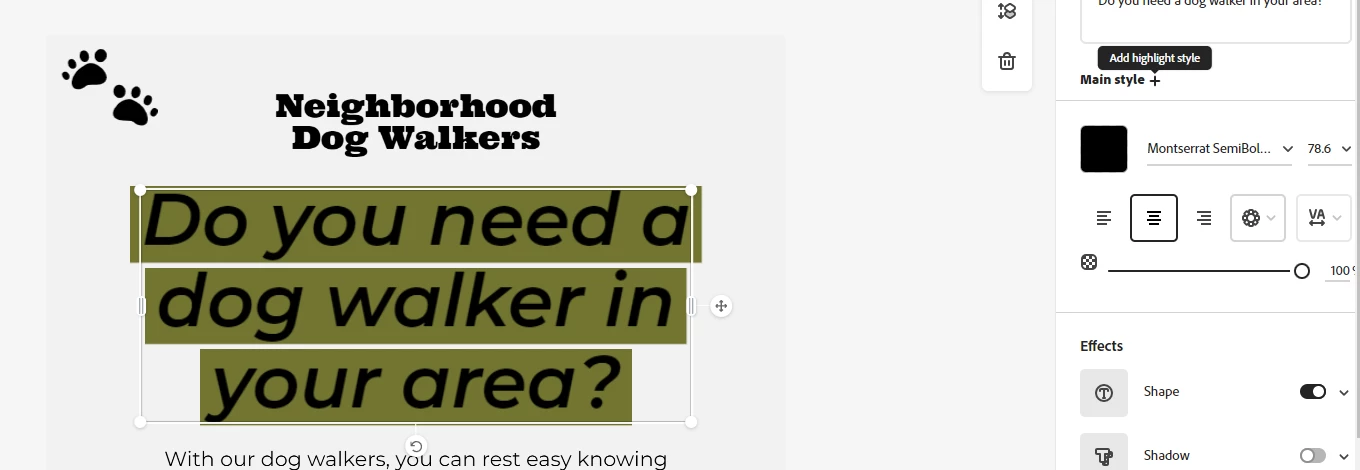
2. Select the text to edit.
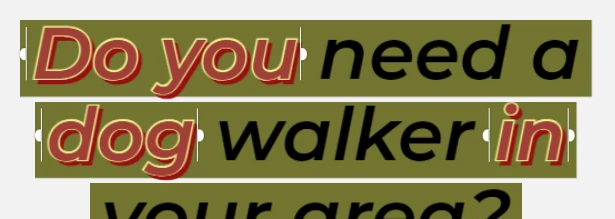
3. Change the effects, font, size, and colour under the Highlight Style section.
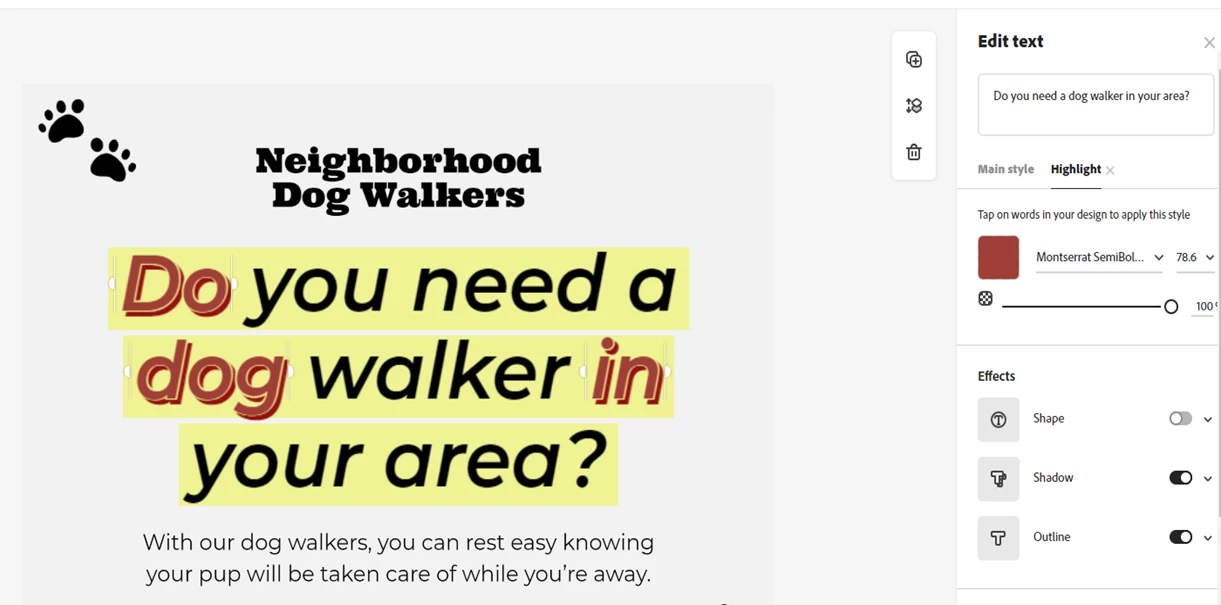
Let us know if it helps.
Thanks,
Amitej
Already have an account? Login
Enter your E-mail address. We'll send you an e-mail with instructions to reset your password.
 AdChoices