




MAX 2024: Adobe Express - Professional presentations and documents made easy
Check out these exciting new features to superpower your content creation! Now, you can create presentations directly in Express, use Text flow in documents, and more. Learn more below!

Creating presentations and documents just got easier
Flow text across multiple text boxes
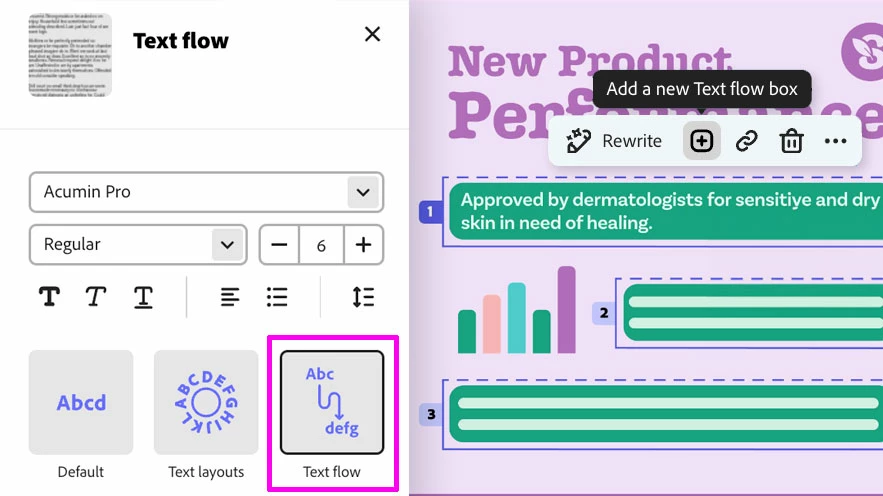
Structure and format your text using Text flow. It allows you to seamlessly flow text across text boxes in your document.
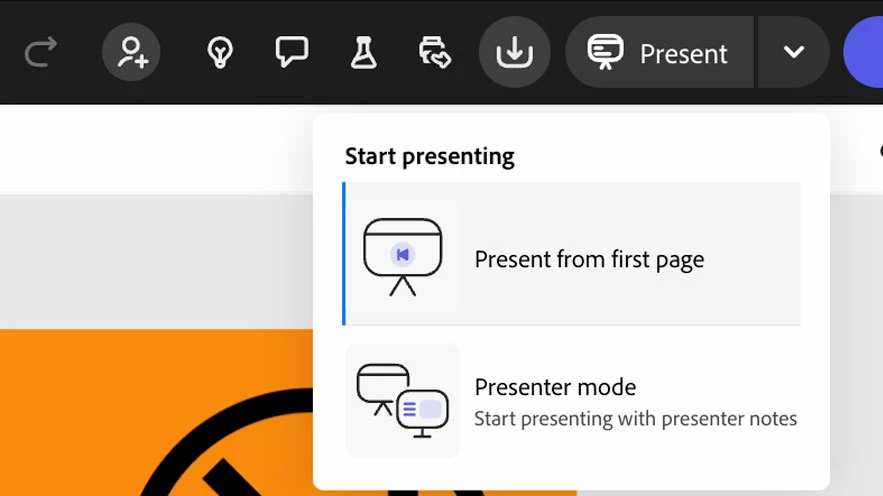
Now, you can do full-screen presentations right from Express. Just click the Present icon at the top of a multipage document.
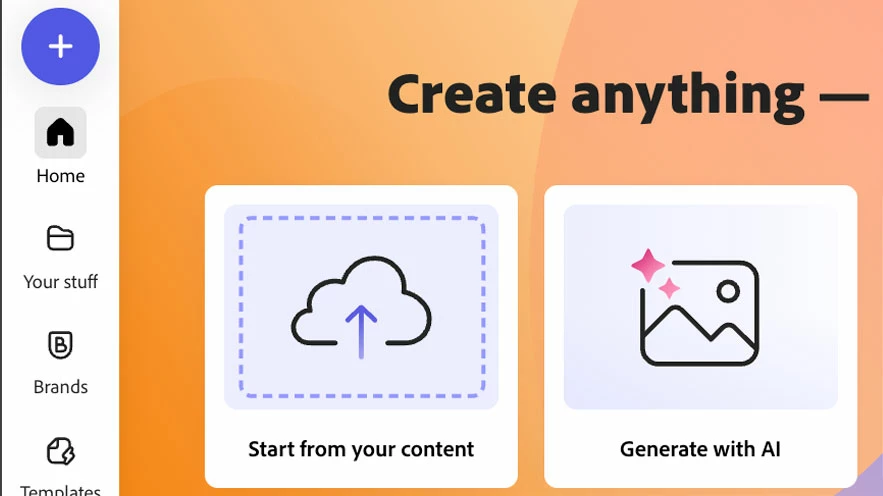
Drag and drop your PPT file over Start from your content to upload and convert presentations. Converted presentations appear in Your stuff and open in the editor.
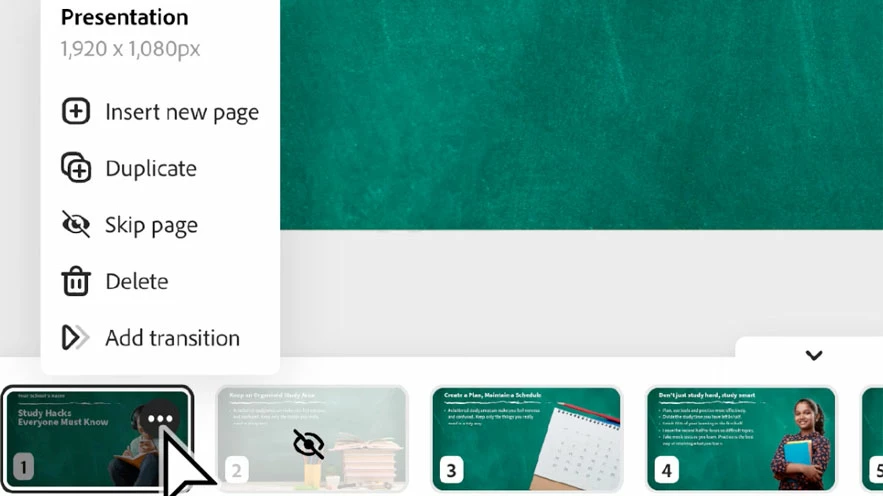
Skip pages during presentations, add slide transitions, and include presenter notes hidden from your audience to get the most out of your presentation!
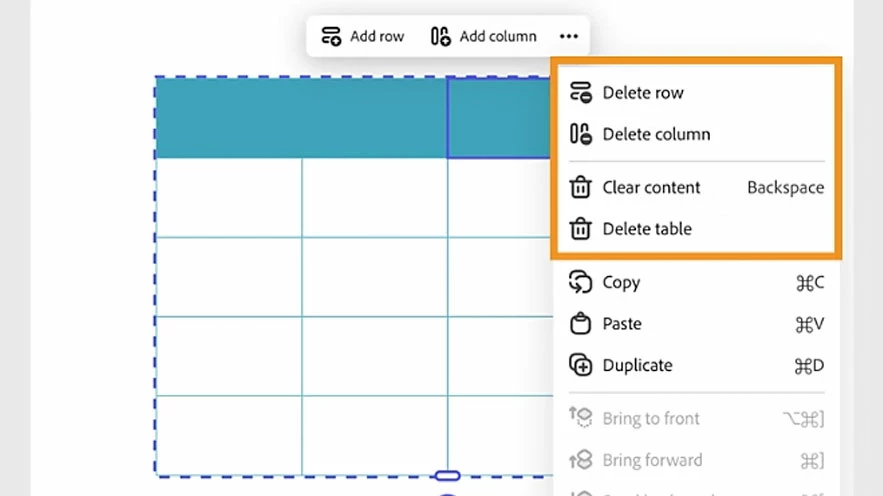
Another helpful feature we've recently added is the ability to add tables to your designs. Go to the Charts and grids section to try it out.
Now you can use Express directly in Slack, making it easier than ever to generate images, collaborate with your team, access templates, and more!

Have questions? Click 'Reply' below to ask.
Click 'Follow' below to bookmark this thread for easy reference.
 AdChoices