
How to use Adobe Express One Click Video background removal
Got an email saying this is available but when I clicked the link there is no info on how to do it etc....Cannot see or find out how. canva is more user frinedly in every way than this!
Hey Chris! Happy to help with this!
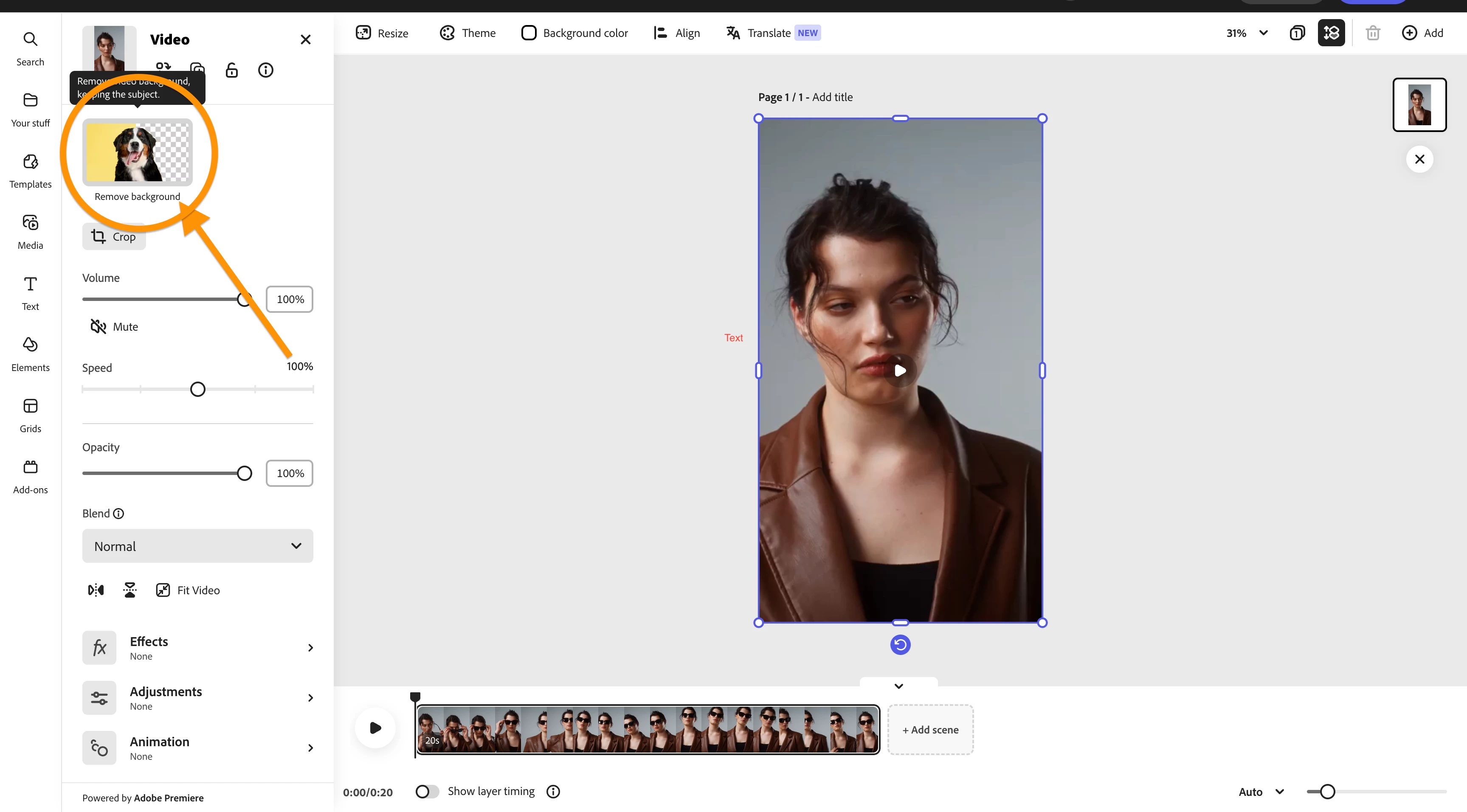
Select the video layer by clicking it, and an option menu should reveal on the lefthand side of the screen with the background removal option in the upper left corner.
When uploading the video into Express, please allow the video to upload completely before selecting Background Removal, as the option may not be available until the video upload has finished. 
Already have an account? Login
Enter your E-mail address. We'll send you an e-mail with instructions to reset your password.