Question
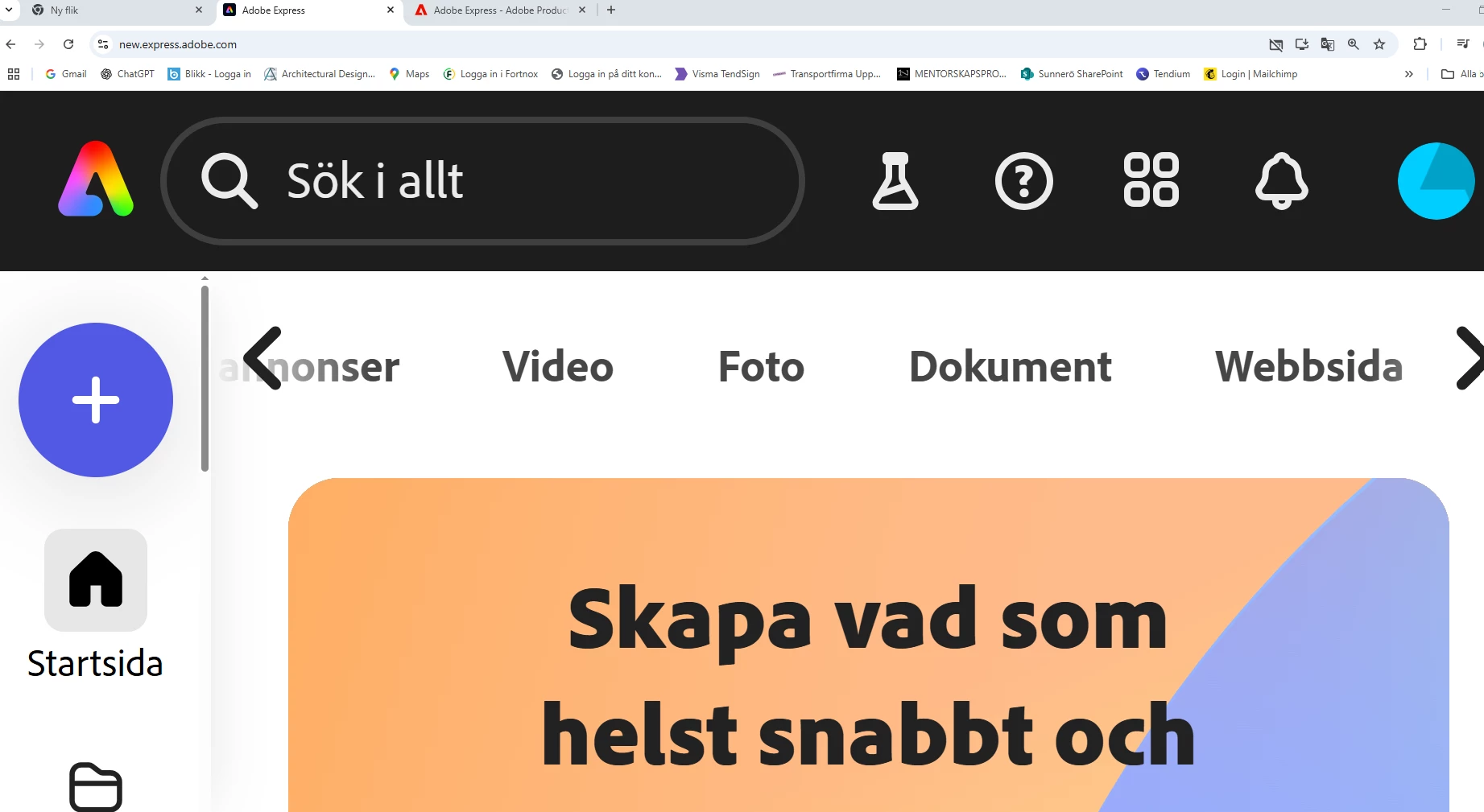
Zoomed in - changed resolution of work-space
Hi
I tried to zoom in on my work-space with the short command Ctrl - c as in other adobe software. Then this happend and I cant get back. I would appreiciate if anyone can help me.
Thanks

Hi
I tried to zoom in on my work-space with the short command Ctrl - c as in other adobe software. Then this happend and I cant get back. I would appreiciate if anyone can help me.
Thanks
Already have an account? Login
Enter your E-mail address. We'll send you an e-mail with instructions to reset your password.
 AdChoices