AlainWilliam
Inspiring
January 15, 2020
Répondu

Adobe Fonts visual search is not working.

Hi, 

Not sure if it's just me, but I've tried a few times now and Adobe Fonts' recognition from image search seems extremely buggy. 

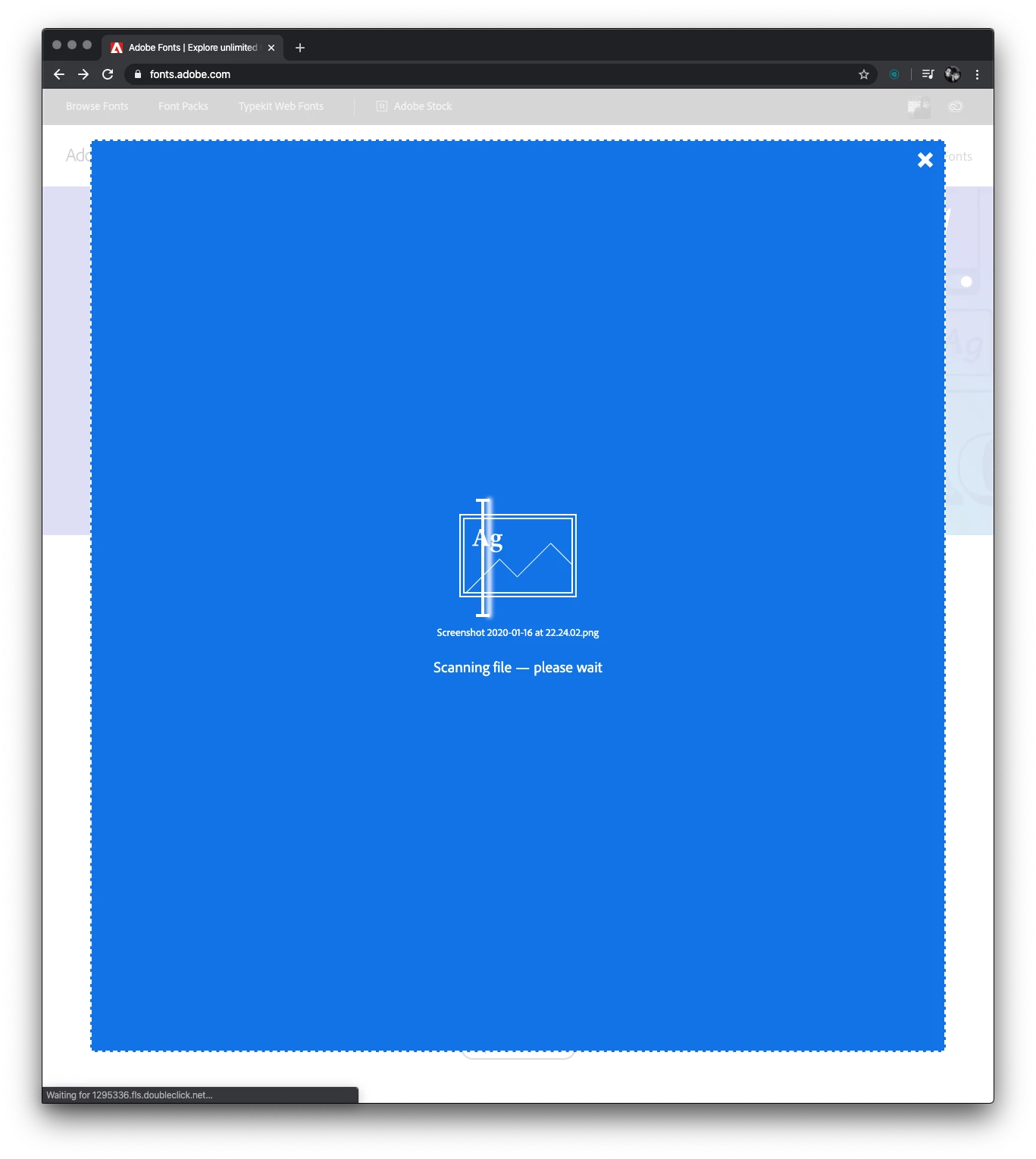
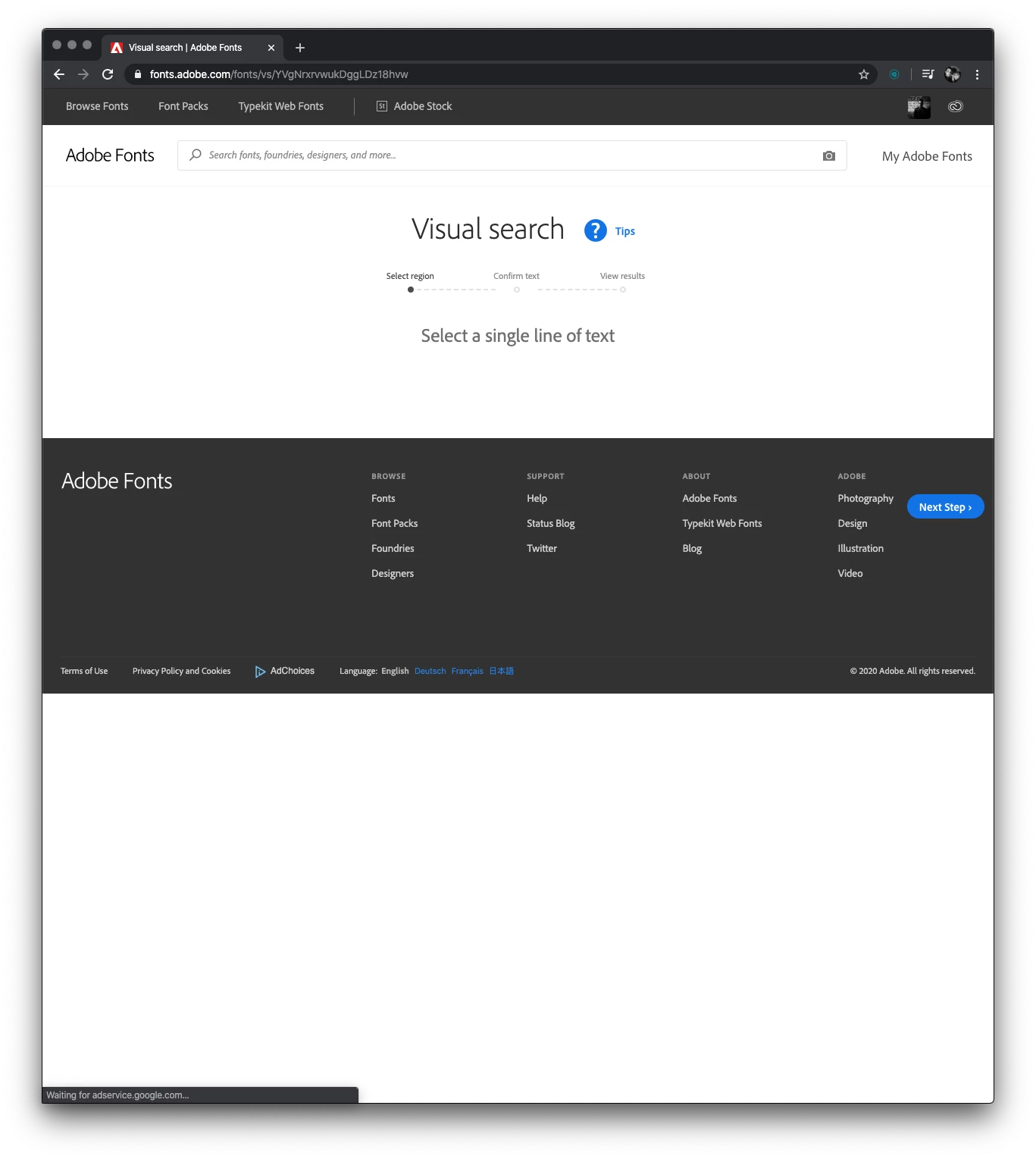
When I upload an image, it breaks when trying to display it while asking me to select a single line of text. The "next step" button also breaks and goes off into the footer. 

Anyone else having this issue or is the page just broken? 

Thanks!

Alain 

PS – Image included for reference. 

<The Title was renamed by moderator>
 

Meilleure réponse par HARSHIKA_VERMA

Hi Harshika, 

Thank you for the response! I logged out and back in again and it's still not working for me. I'm using a 27" iMac running Catalina and Google Chrome. 

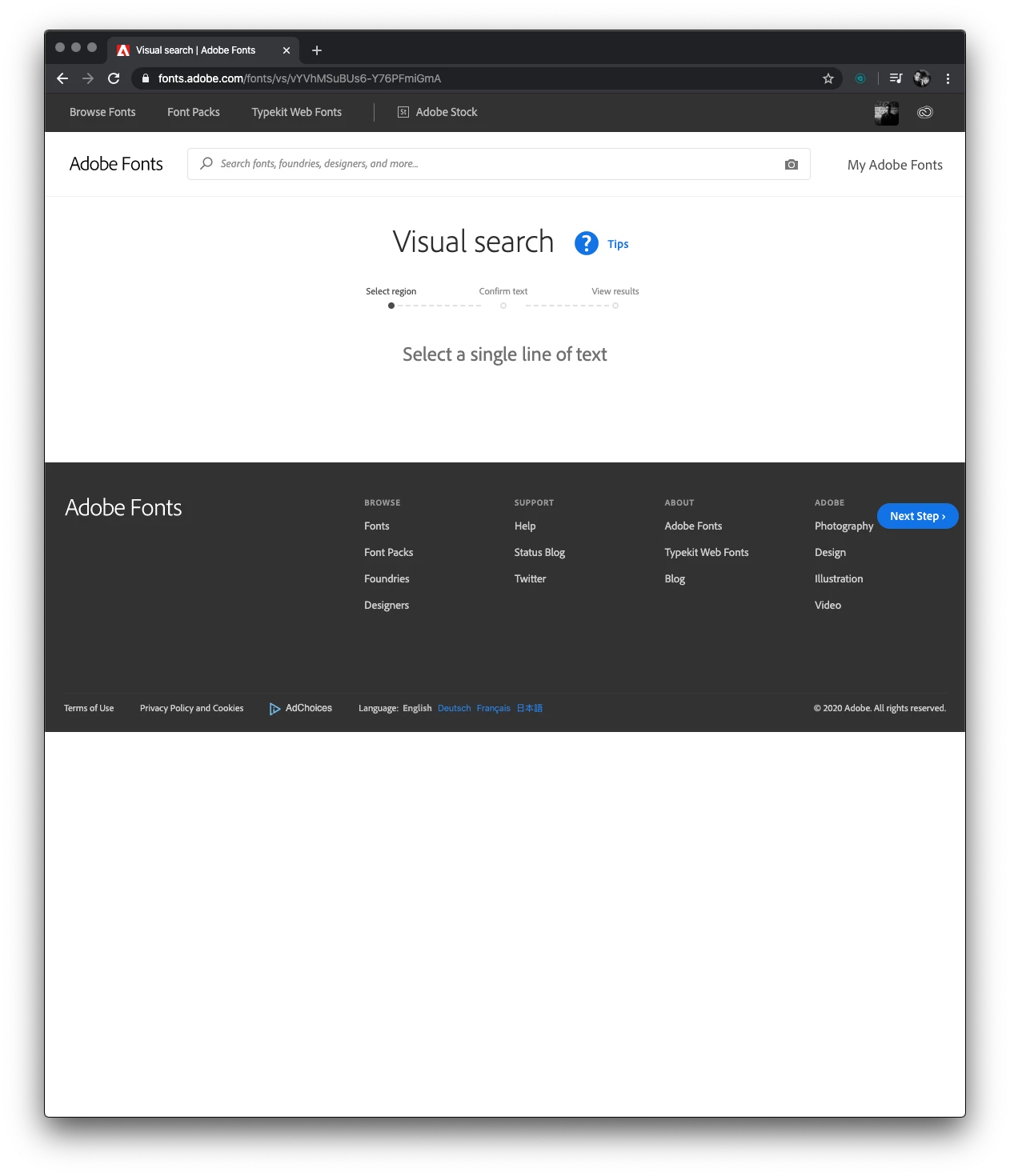
When I loaded a different image, it shows that it's scanning (as before) and then the same blank screen again. 

Attaching images again for reference. 

Thanks,

Alain


Sorry for the delay in response and thanks for trying the steps. Would you mind trying to perform the same on a different browser? Let us know if that helps.


For immediate assistance, please get in touch with our support team using this link: https://helpx.adobe.com/in/contact.html


Thanks,

Harshika

6 commentaires

Participant
March 12, 2025

I'm having the same issue, and I have tried both Safari and Chrome. The blue scanning screen comes up and the result is a message that says "Something went wrong. try uploading a different file." I refresh the page and re-upload my jpg. I crop the image and make sure it's only text showing. I should not have to download a third browser for this to work. This is a little annoying as I pay for the privilege of using Adobe fonts and I have to use a third-party service to use a feature that worked previously. Running on a MacBook Pro with OS Sequoia 15.3.1. This issue should not be marked as solved as users still encounter this. 

Are there any other suggestions for troubleshooting aside from logging in and out and trying a different browser?

Participant
March 12, 2025

Font Squirrel worked. 

Participating Frequently
March 12, 2025
It's not a browser issue, it's a Creative Cloud issue. You need to
reinstall all your fonts. That's what support did for me. And if you're not
sure, just contact support. They usually reply fast.
Participant
November 6, 2023

Doesn't seem to be working today either, is there any fix??


Participant
November 3, 2023

I'm using Chrome on Windows 11 - everything seems up to date.  When trying to use the visual search, I get a "Sorry these Results have Expired." for every.single.file. It seems the functionality of the visual search has been...suspended?  Ignored?  Is there any way to make it work? 


I have also tried it on other browsers (Edge, Firefox), and had someone try it on Safari on a Mac - all of them the most recent OS and most recent version of those browsers.  No dice. I've also tried clearing my browser cache, cookies, etc. and attempted on incognito and private browsing modes.  all without success.  

The following screen appears immediately after trying to upload a file and seeing the file scan animation (and re-uploading to this screen has the same results):    


Participant
November 8, 2023

same!! I'm using slightly different specs (for example, on Win10) and have tried in different browsers and on a remote virtual machine. I really wanted to use the Adobe font search too, because I'm working in Adobe and so need to use the fonts they have available

Participant
February 1, 2023

Howdy,

Not certain on the off chance that it's simply me, yet I've attempted a couple of times now and Adobe Textual styles' acknowledgment from picture search appears to be very buggy. Click here

Participant
January 31, 2023

When i search for a font, i get fonts that look nothing like the original.


Participant
January 15, 2020

Same to me, no font recognition today...

HARSHIKA_VERMA
Community Manager
Community Manager
January 16, 2020

Hi AlainWilliam & Amaury,


We are sorry to hear you are having trouble using visual search in Adobe Fonts. I have tried to do a visual search at my end and it is working on my windows10 machine. Would you mind trying to sign out and sign back in? If that doesn't help, we would like to know a few details like-


  • Is it happening with all the image that you search for or with a specific image?
  • Are you working on Windows or Mac machine?


We will try our best to help.


Thanks,

Harshika

AlainWilliam
Inspiring
January 16, 2020

Hi Harshika, 

Thank you for the response! I logged out and back in again and it's still not working for me. I'm using a 27" iMac running Catalina and Google Chrome. 

When I loaded a different image, it shows that it's scanning (as before) and then the same blank screen again. 

Attaching images again for reference. 

Thanks,

Alain