- Home
- Adobe XD
- Discussions
- Re: BUG Prototype visualization at 100% zoom
- Re: BUG Prototype visualization at 100% zoom

Copy link to clipboard
Copied
Strange bug happening since a couple of weeks.
The rectangle material is simple full white with shadow

This is happening on Chrome, Edge and Firefox (latest versions) on many elements of many artboards at 100% zoom and some time at 50% too


 1 Correct answer


Hi All,
Update: There is a bug logged for this issue and the team is working on it. We will share the updates with you here as soon as we hear back from them.
We're sorry for the inconvenience.
Thanks,
Harshika
<Marking as correct only to highlight>

 11
Replies
11
11
Replies
11


Copy link to clipboard
Copied
Hi there,
Sorry to hear about the trouble, we'll try our best to help you with it. Will it be possible for you to share the version of XD and the Operating system along with the Prototype link so that we can test this on our end?
Regards
Rishabh

Copy link to clipboard
Copied
Hi,
Same here, added my screenshots to this thread https://community.adobe.com/t5/adobe-xd/prototype-visualization-at-100-zoom-bug/m-p/11739399

Copy link to clipboard
Copied
I am having the same issue and don't know how to fix it.
Copy link to clipboard
Copied
Hi there,
I am sorry to hear you ran into trouble with this issue for a long time. I will try my best to investigate the issue. A few details would be helpful-
- Like the OS and XD versions of your machine.
- Does that happen with every file or with a specific file?
- Could you please share a link with me so that I can test at my end?
- Please try to open the prototype link on different browsers and share the results with me.
Please share the above details and will escalate it further with the team.
Thanks,
Harshika

Copy link to clipboard
Copied
Dear Harshika,
I have the same problem. On Windows, the 100% display is incorrect. Just like described in all these posts here. Have you found a way to fix the problem? What can I do? Since the prototypes are being shipped to customers, proper rendering is really important ...
Via Edge and Chrome, the problem occurs.
The Adobe XD version: 44.0.12.7
Thanks a lot in advance!
-if you need a link urgently, i will be happy to send it to you. However, gladly directly to, for example, your email address.
Copy link to clipboard
Copied
Dear Harshika,
I have the same problem. On Windows, the 100% display is incorrect. Just like described in all these posts here. Have you found a way to fix the problem? What can I do? Since the prototypes are being shipped to customers, proper rendering is really important ...
Via Edge and Chrome, the problem occurs.
The Adobe XD version: 44.0.12.7
Thanks a lot in advance!
-if you need a link urgently, i will be happy to send it to you. However, gladly directly to, for example, your email address.
Copy link to clipboard
Copied
I am sorry for the delay in response and thanks for sharing the information. Could you please share the link with me over a private message or here? Please also tell me the OS of your machine. Is it windows or mac?
I'll try my best to check the status of the issue for you.
Thanks,
Harshika
Copy link to clipboard
Copied
Hi All,
Update: There is a bug logged for this issue and the team is working on it. We will share the updates with you here as soon as we hear back from them.
We're sorry for the inconvenience.
Thanks,
Harshika
<Marking as correct only to highlight>

Copy link to clipboard
Copied
Hey Harshika,
Any update on this bug, I'm experiencing the same issue.
Copy link to clipboard
Copied
Hi @StephenL. ,
We're so sorry to hear about the trouble. I tested this link and was able to open the link. Could you please share a screenshot of how the prototype appears at your end? Please ensure that you have the latest version of XD which is 51.0.12.
Regards
Rishabh
Copy link to clipboard
Copied
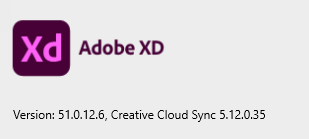
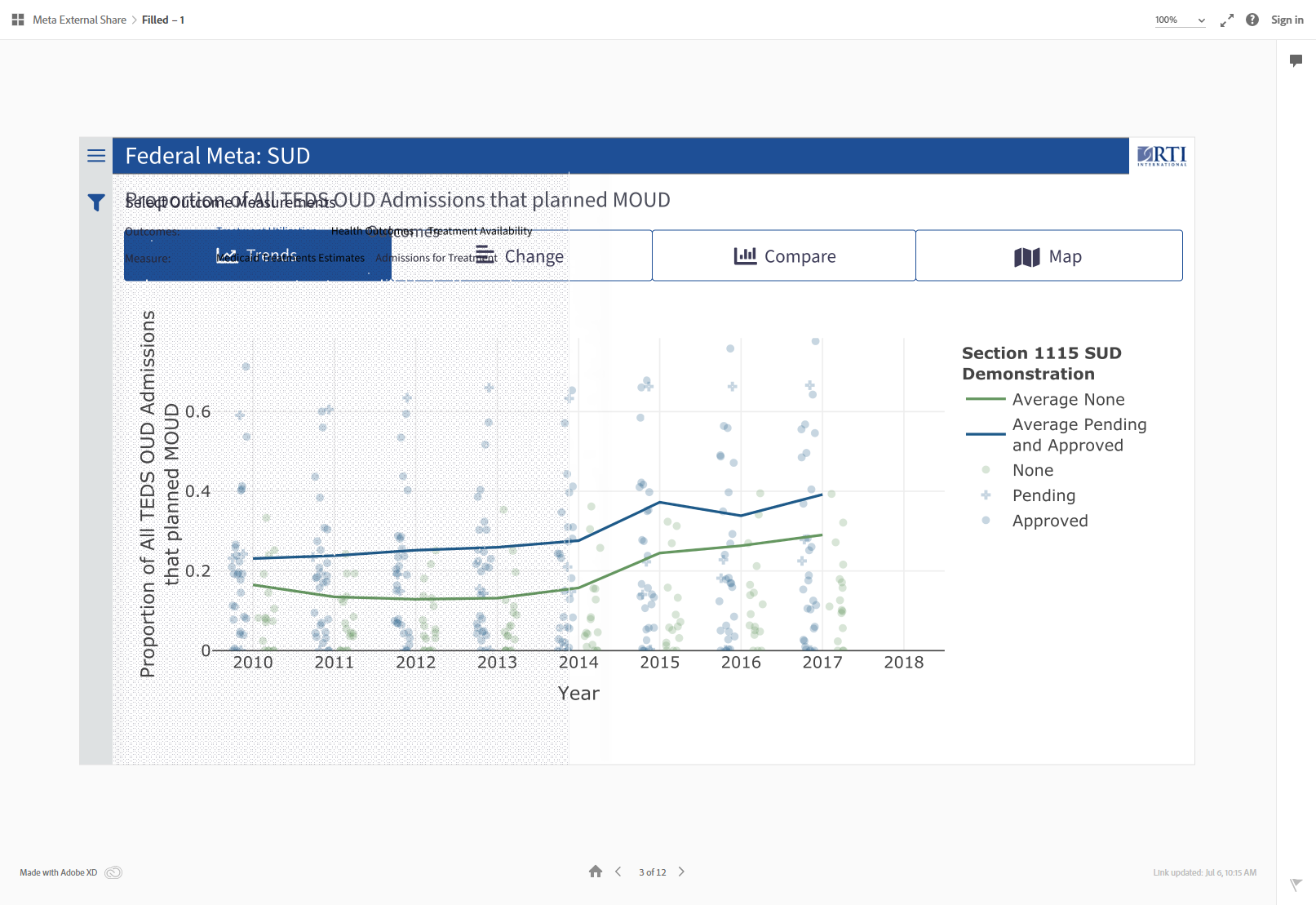
Hello @Rishabh_Tiwari see attached screen caps and version code. when you say you were "able to open the link" does that mean you did not see what I am seeing?


Get ready! An upgraded Adobe Community experience is coming in January.
Learn more
 AdChoices