

해결됨
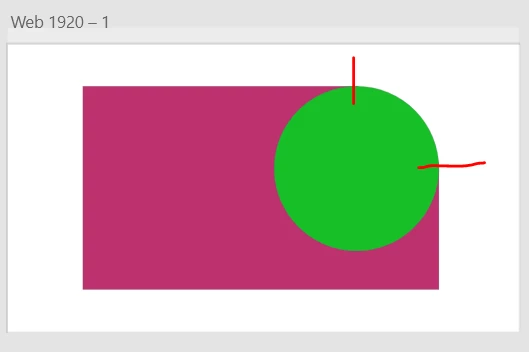
How do I warp the edges of this circle so it can match with the corner of the dark red background?

Dark red is a square with a rounded radius of 20, with a circle in the corner.

Dark red is a square with a rounded radius of 20, with a circle in the corner.
Hi Sebastian,
Thanks for reaching out. In order to achieve this, please double click on the border of the square to enter into edit mode and then add two anchor points as highlighted in the screenshot and then you can drag the corner of the square to merge it with circle.
Let us know if this helps or if you need any further assistance.
Regards
Rishabh
Enter your E-mail address. We'll send you an e-mail with instructions to reset your password.
 AdChoices