
Participant
September 18, 2020
질문

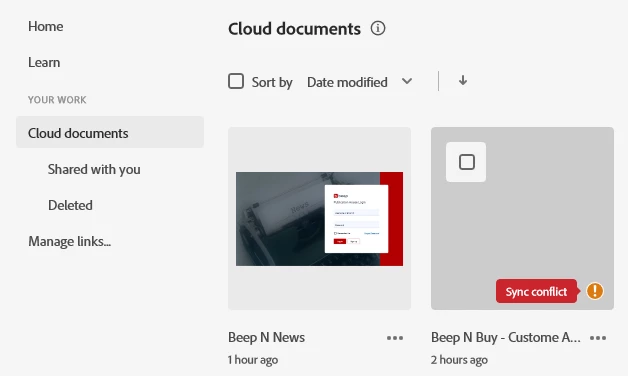
Unable to load cloud documents getting Error: Sync Conflict

  • September 18, 2020
  • 2 답변들
  • 2010 조회

Hi All,
I'm facing "Error: Sync Conflict" 
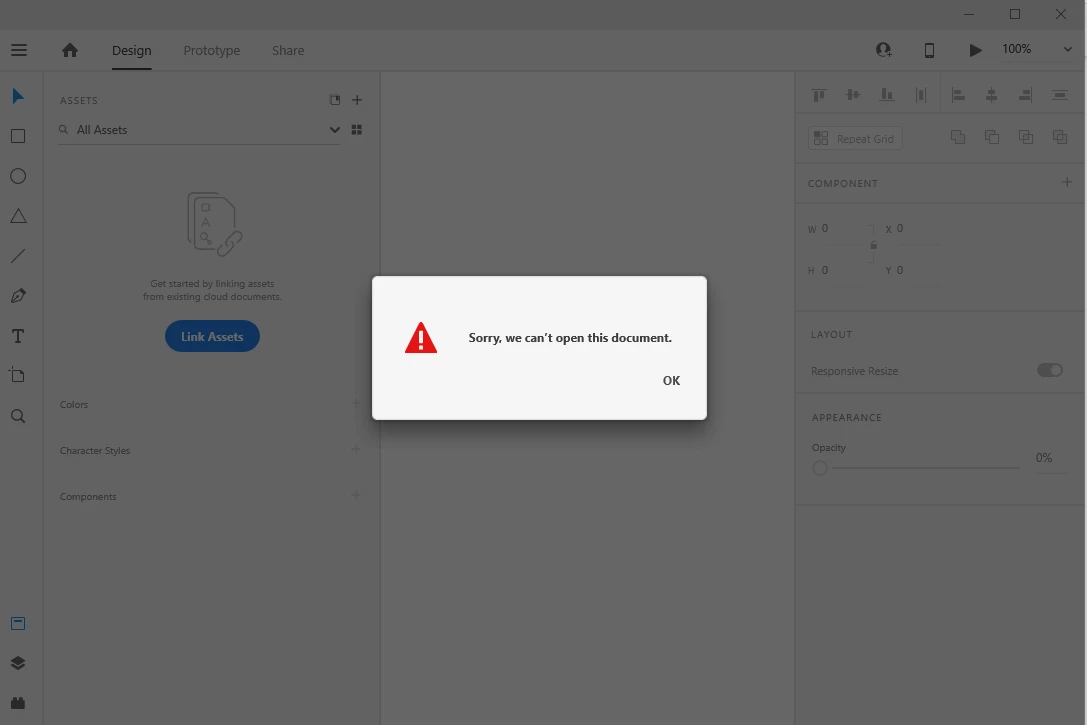
I can't open my file if I try to open it just show "Sorry we can't open this document"
for more Understanding, I've attached SS over here.
Pleases suggest some solution how can I open my files 

Thanks
- Ankita


{Renamed By MOD}

이 주제는 답변이 닫혔습니다.

2 답변

Schweigert85
Participating Frequently
January 13, 2021

having the same issue. tried everything.  


here's my log -  AdobeLogs_20210113_080528_205-win.zip 

Schweigert85
Participating Frequently
January 13, 2021

it seems to be related to if you had it available for offline mode - which is a setting on the individual computer level.  


I totally wiped my entire CC apps with the cleaner, reinstalled, and now can access it as a cloud document via XD.  its unfortunate since its a 200mb XD file, but not gonna wanna go through that again 

Rishabh_Tiwari
Community Manager
Community Manager
September 18, 2020

Hi Ankita,


Sorry to hear about the trouble, we'll try our best to help you with it. Could you please try the steps shared below:


  1. Sign out of XD and Adobe CC Desktop app.
  2. Close CoreSync and all Adobe related processes from Task Manager.
  3. Sign back in on Adobe CC Desktop app and launch Adobe XD from there and check again if it works or not.


If this doesn't help, please share a few more details like:


  • A screenshot of the About XD info page.
  • Are you connected to a private network or a managed network like a work or school network?


Regards

Rishabh

Participant
September 23, 2020

Hi Rishabh,

Thank you for your Suggestion
But, It's not working for me I can't open this file in my XD 

  • Are you connected to a private network or a managed network like a work or school network?
    - I'm using a privet network 


Thank you 
- Ankita


Rishabh_Tiwari
Community Manager
Community Manager
September 24, 2020

Thanks for trying, Ankita. Could you please check if you are able to see this document here: https://assets.adobe.com/cloud-documents


If yes, please try downloading the file from there and then try opening the file and let us know how it goes. I'd also like to know if this is happening with this specific file or multiple files? Please share a screenshot of the About XD info page.