Exit
  • Global community
    • Language:
      • Deutsch
      • English
      • Español
      • Français
      • Português
  • 日本語コミュニティ
  • 한국 커뮤니티
0

Unable to open the local file in XD getting (Error:86)

New Here ,
Aug 08, 2021 Aug 08, 2021


I am unable to open the adobe XD file. Its error code is error code: 86 and the message box showing that "this is not valid XD document"

I've read your previous guidance in other related topics and I've done what you recommended such as:
* creating a new user account and checking my file again

* uninstalling creative cloud and Adobe XD by Adobe creative cloud cleaner and then install the latest version of those

* changing name of my file

* checking my file on another laptop with another Adobe account, after all, I still have a problem with opening this specific file this file is very important to me cause I've worked on this for about 2 months.


please, please help me


link of my xd file

https://wakeb-my.sharepoint.com/:u:/g/personal/ktolba_wakeb_tech/ER3pZUpld0pApbbkHcAhicMB6MNLgyMtX4e...

TOPICS
Data loss
347
Translate
Report
Community guidelines
Be kind and respectful, give credit to the original source of content, and search for duplicates before posting. Learn more
community guidelines
Adobe Employee ,
Aug 08, 2021 Aug 08, 2021
LATEST

Hi there,


Sorry for the trouble and thank you for contacting us. We would request you to please try creating a new user account of your machine.


Windows: https://www.youtube.com/watch?v=j3UwhgNXsvM

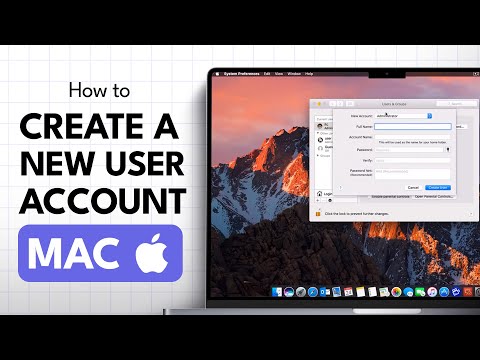
Mac: https://www.youtube.com/watch?v=95Z107ceDfk


Let us know if that helps.


Thanks,

Madhumati

Need to set up a new user on your Mac? This quick step-by-step guide shows you how to create a new account so multiple people can use the same computer with their own settings, files, and preferences. 👉 While this video was originally published in 2016, the process is still the same on modern ...
Translate
Report
Community guidelines
Be kind and respectful, give credit to the original source of content, and search for duplicates before posting. Learn more
community guidelines