


- Home
- Animate
- Discussions
- Re: Thanks for your advice, but yes, i have done t...
- Re: Thanks for your advice, but yes, i have done t...
Adobe Animate Crash when switch tabs/files

Copy link to clipboard
Copied
This is a problem i have had for a year or so now on my Mac, if you have a couple of files open in Adobe Animate, and you click the tab to swithch files, you get the rainbow wheel of death, and the only way to resolve it is to force quit Animate. Theres no rhyme or reason for this happen i can see it just chooses when it wants, as i can happily switch between files most of the time, tho ironically it seems to crash when you havent save for a while... standard.


 7
Replies
7
7
Replies
7


Copy link to clipboard
Copied
reset your preferences -
https://helpx.adobe.com/animate/kb/animate-cc-crashes-on-launch-startup.html
(or remove
Win:
C:\Users\\AppData\Local\Adobe\Animate CC \ and
C\Users\\AppData\Roaming\Adobe\Animate\\
Mac:
/Users//Library/Application Support/Adobe// and
/Users//Library/Preferences/Adobe/Animate//)
Copy link to clipboard
Copied
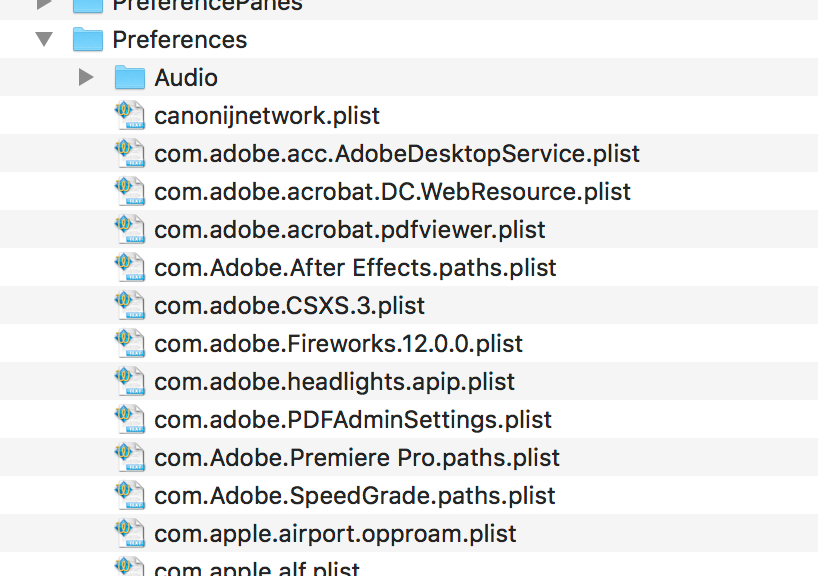
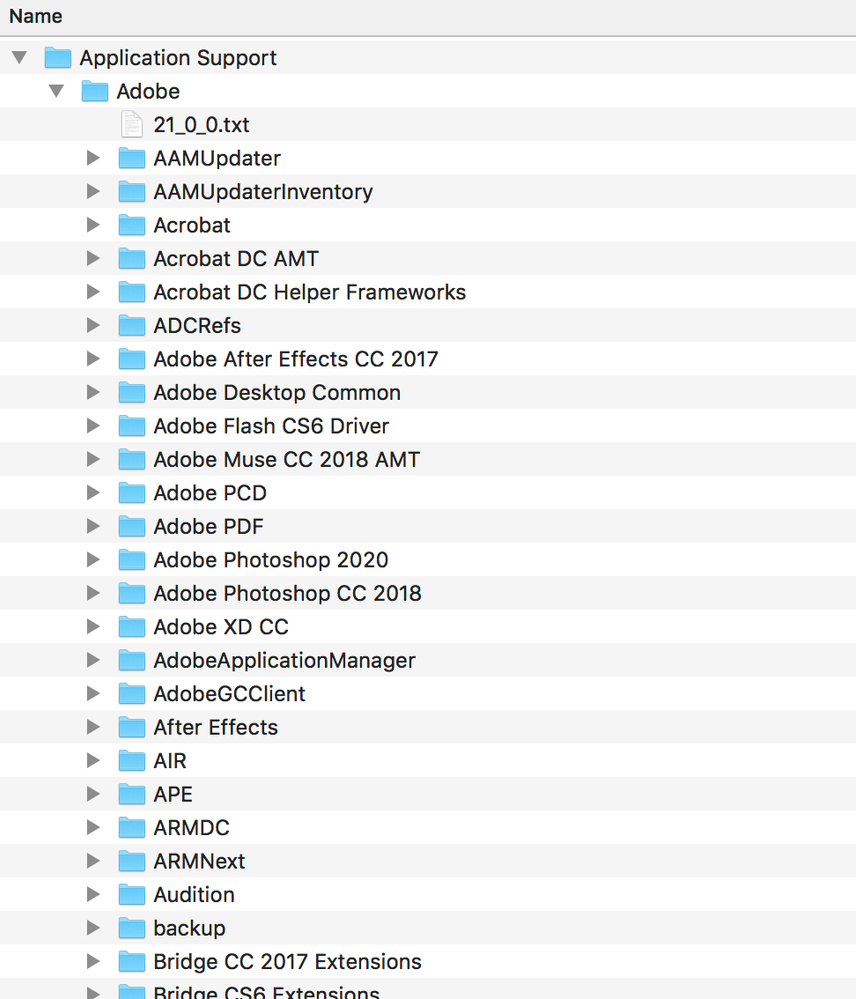
i have been to both of these folders and i cant see anything for Adobe Animate in them...
Copy link to clipboard
Copied
you're probably in the wrong library folder.
Copy link to clipboard
Copied
This is directly off the Macintosh HD folder. There is nothing in the users folder for application support or preferences...
Copy link to clipboard
Copied
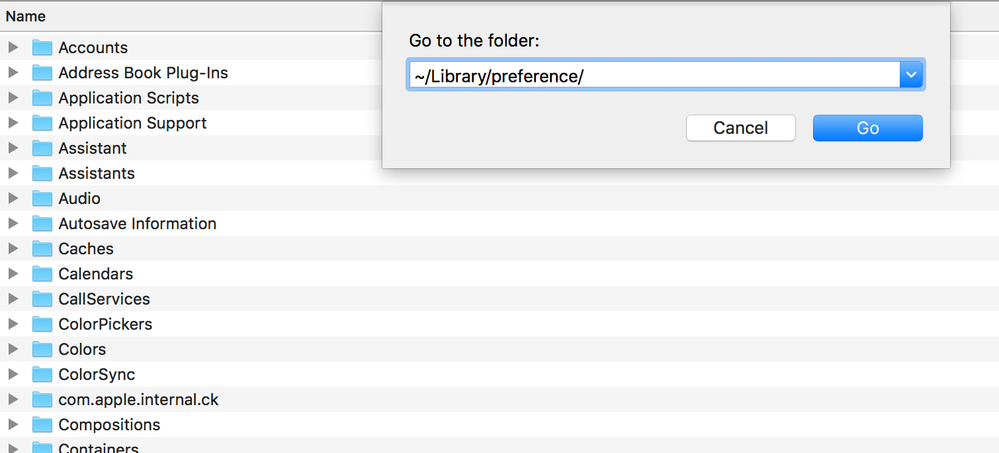
follow the instructions here to get to the correct folder, https://helpx.adobe.com/animate/kb/animate-crashes-on-launch-startup.html
Copy link to clipboard
Copied
Thanks for your advice, but yes, i have done this, there is no folder for adobe in it... 🤔
Copy link to clipboard
Copied
then
1) uninstall animate per, https://helpx.adobe.com/creative-cloud/help/uninstall-remove-app.html
2) restart your computer
3) use the desktop app to install your animate


Get ready! An upgraded Adobe Community experience is coming in January.
Learn more
 AdChoices