


- Home
- Animate
- Discussions
- Re: Blank html5 canvas on Chrome when using bitmap...
- Re: Blank html5 canvas on Chrome when using bitmap...

Copy link to clipboard
Copied
For an animation project I am using various png images, one of which needs to have transparency. When exporting the javascript and html files I can view them when I open them in my browser from my desktop, but when uploading the html and javascript files to my website hosted by bluehost the entire file appears as blank white.
If all images are removed from the stage, the rest of the project appears as normal on chrome.
I've tried fiddling around with the publish settings and uploading all the bitmaps used to the same bluehost server, nothing seems to work. Tried this on Microsoft Edge too and the file appeared as a blank white canvas there as well.
I'm getting one warning in the output box,
WARNINGS:
Frame numbers in EaselJS start at 0 instead of 1. For example, this affects gotoAndStop and gotoAndPlay calls.
But that shouldn't seem to matter.
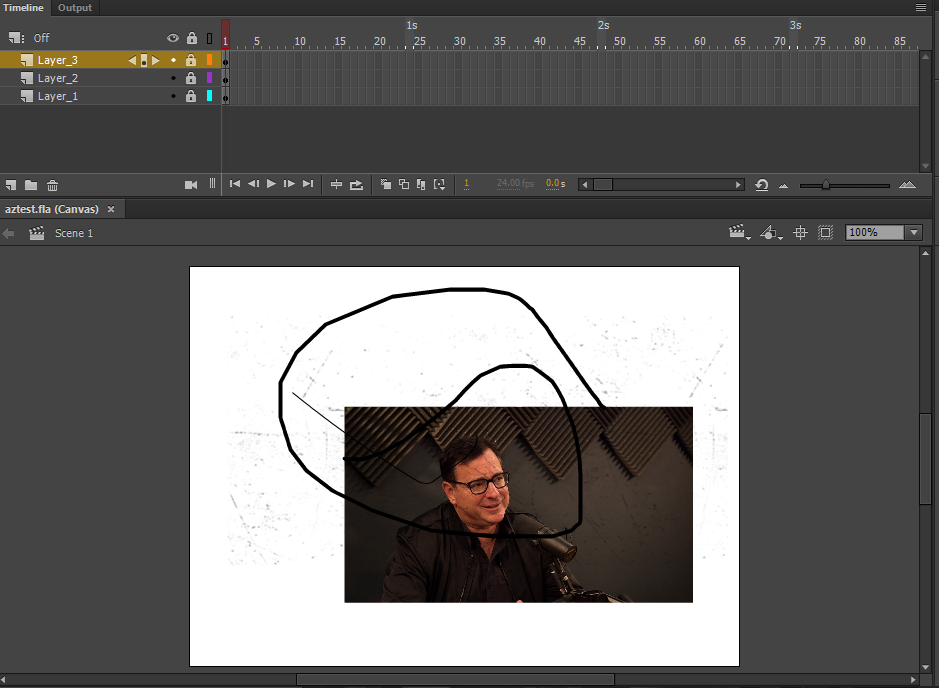
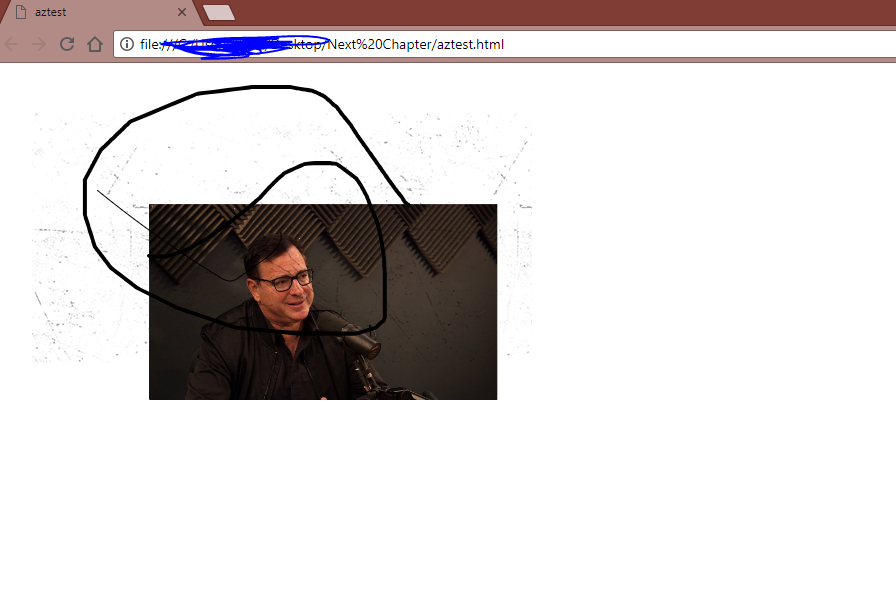
In the screenshots below is a test file with three layers and two images, one of which is a transparent png (featuring Mr.Saget). It works when opened from my desktop but not when hosted online.


 1 Correct answer

Thank you for the link. These two bitmaps are not being found:


 4
Replies
4
4
Replies
4

Copy link to clipboard
Copied
You normally would have the Hidden Layers box checked, but that doesn't matter if you don't currently have any hidden layers.
Use your browser's developer tools to look for Console errors. Either there's an error that only shows up online, or there are files missing.
Are you able to give a. link to a test html?
BTW, the frame 0 thing is just advice in case you have used gotoANdStop() and used the number shown in the timeline for the frame number. JavaScript wants it to be one less.
Copy link to clipboard
Copied
here's the link of it hosted on my domain aztest
Copy link to clipboard
Copied
Thank you for the link. These two bitmaps are not being found:
Copy link to clipboard
Copied
Thank you. I needed to create a folder in bluehost and upload the images there to make it work.


Get ready! An upgraded Adobe Community experience is coming in January.
Learn more
 AdChoices