When you do a fresh install of Flash Pro CS6 from the Creative Cloud menu, you get version 12.0.0. Use the Help menu to check for updates, and you should be given the 12.0.2 update. That might help.
CS6 also used Java 6, and you may need to install that if it isn't there already. On Mac that's easy, Apple have a legacy version of Java you can install. I'm not sure what's involved for Windows.
Here's a discussion about the same issue with CS5, but some of what is suggested might help for CS6 too:
FLASH CS5: JAVA RUNTIME ERROR



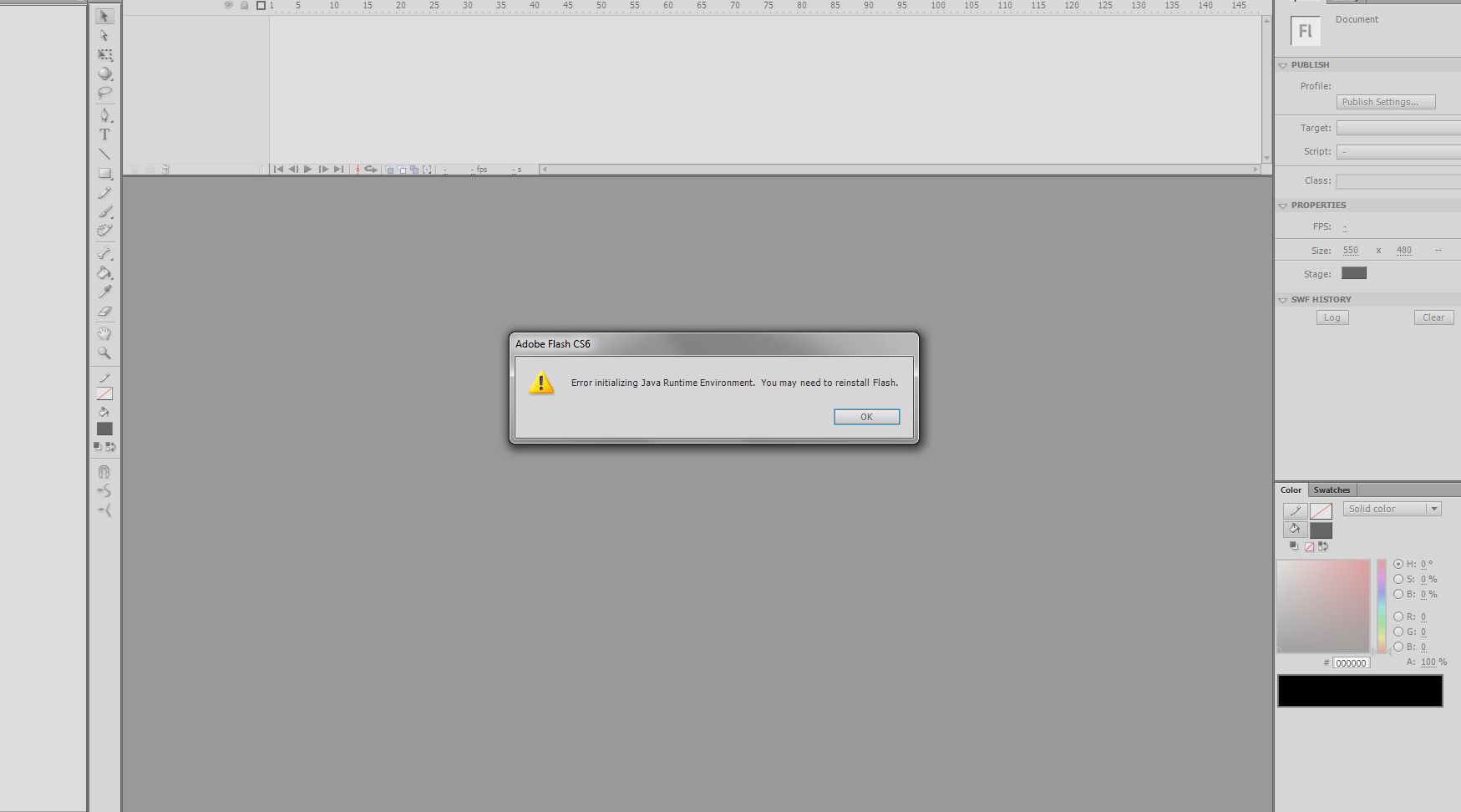 Can someone help me fix this? It pops up randomly, after using it in a short period of time when I start up the program. I reinstalled the program, and again "Java runtime"

 1
Reply
1
Reply


 AdChoices