


How to close webview.stage

Copy link to clipboard
Copied
Im using this code its working but im not able to close the webview stage. How can I close the webview stage, using on button click?
package {
import flash.display.MovieClip;
import flash.media.StageWebView;
import flash.geom.Rectangle;
import flash.events.KeyboardEvent;
import flash.ui.Keyboard;
import flash.desktop.NativeApplication;
public class mhtml extends MovieClip{
private var webView:StageWebView = new StageWebView();
public function mhtml()
{
webView.stage = this.stage;
webView.viewPort = new Rectangle( 50, 50, 700, 400 );
webView.loadURL( "http://delta-adv.com/roche/form.php" );
stage.addEventListener( KeyboardEvent.KEY_DOWN, onKey );
}
private function onKey( event:KeyboardEvent ):void
{
if( event.keyCode == Keyboard.BACK && webView.isHistoryBackEnabled )
{
trace("Back.");
webView.historyBack();
event.preventDefault();
}
if( event.keyCode == Keyboard.SEARCH && webView.isHistoryForwardEnabled )
{
trace("Forward.");
webView.historyForward();
}
}
}
}


 15
Replies
15
15
Replies
15


Copy link to clipboard
Copied
webView.dispose();

Copy link to clipboard
Copied
webView.stage = null;
webView.viewPort = null;
webView.dispose();
webView = null;
Copy link to clipboard
Copied
i try this code but got compiler errors
package {
import flash.display.SimpleButton;
import flash.events.MouseEvent;
import flash.media.StageWebView;
public class webcloss extends SimpleButton {
public function webcloss() {
this.addEventListener(MouseEvent.CLICK,clickF);
}
private function clickF(e:MouseEvent):void{
webView.stage = null;
webView.viewPort = null;
webView.dispose();
webView = null;
}
}
}

Copy link to clipboard
Copied
you forgot this line from your original code:
private var webView:StageWebView = new StageWebView();
Copy link to clipboard
Copied
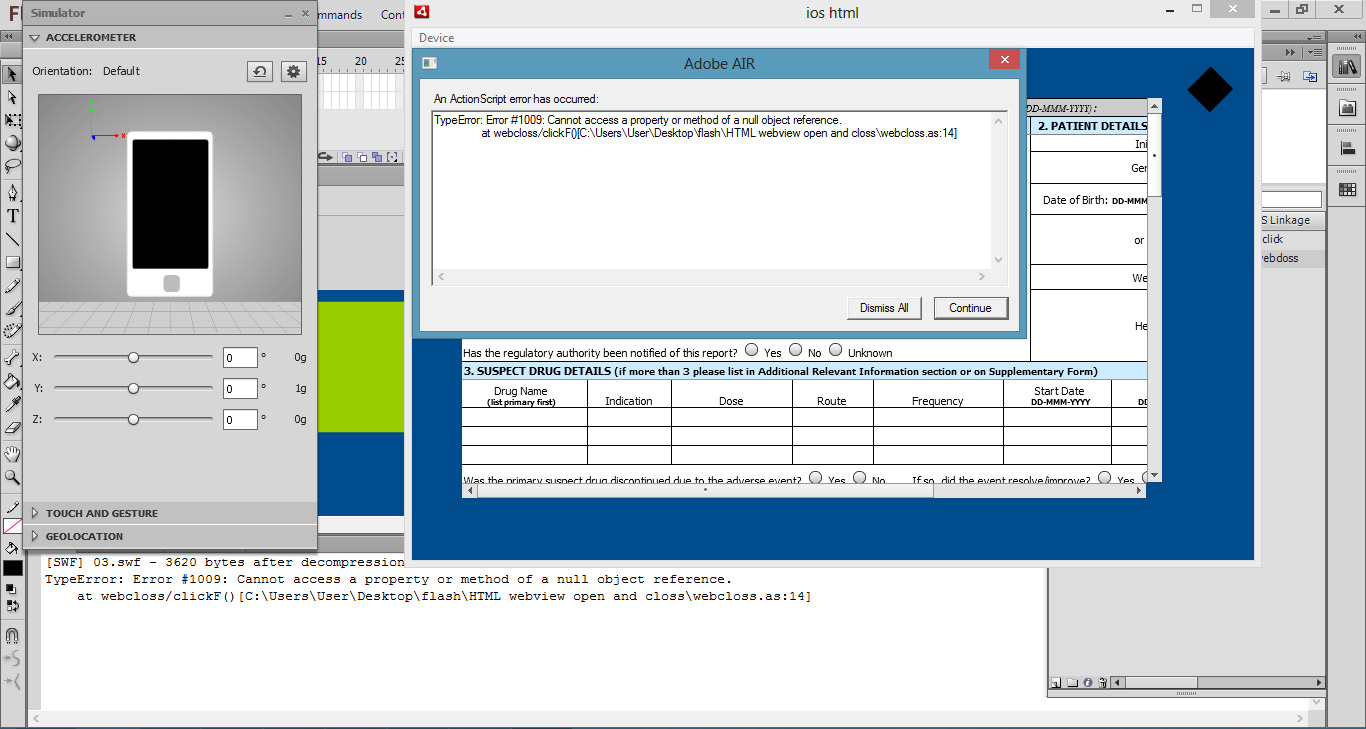
o yes...thx, in this time i got TypeErro
Copy link to clipboard
Copied
Please always paste the code all around the line the error points to (14 in this case).
Copy link to clipboard
Copied
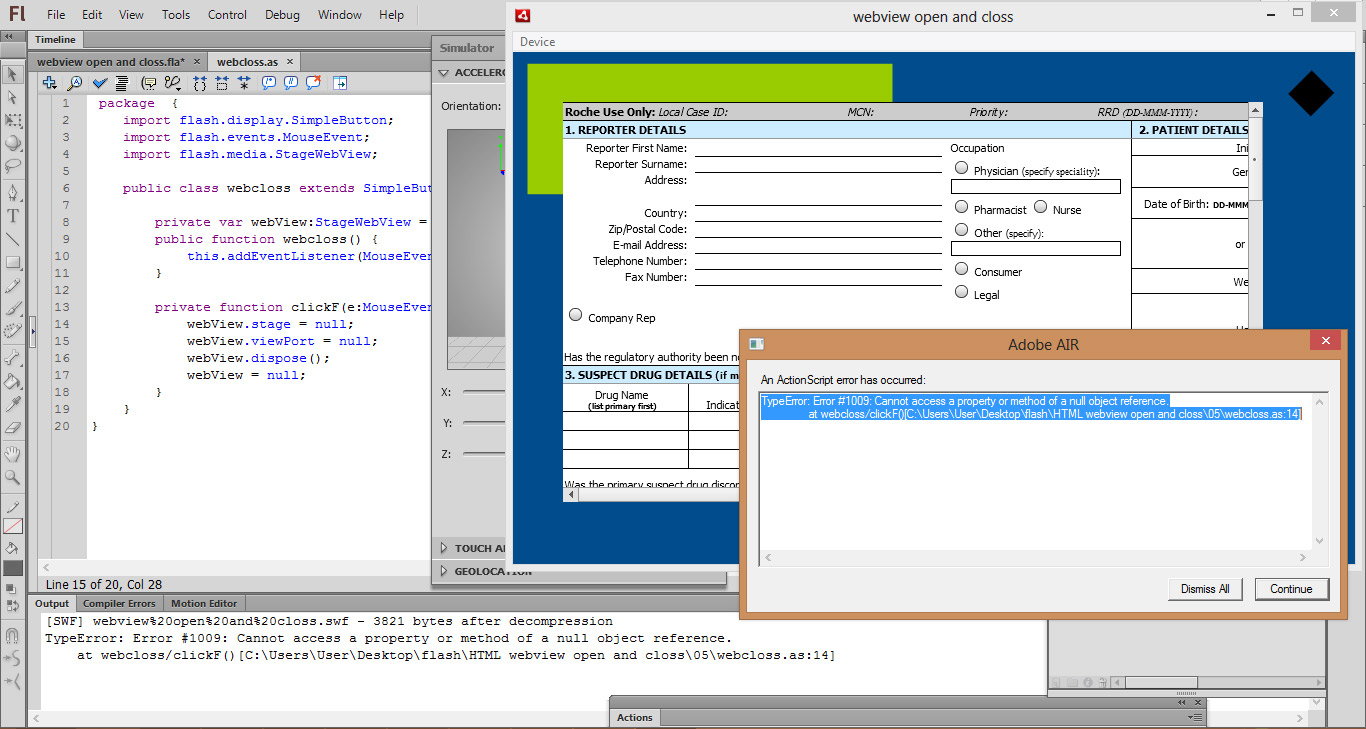
This is the code which I use and I got type error
TypeError: Error #1009: Cannot access a property or method of a null object reference.
at webcloss/clickF()
14 line is in red colour. how can I solve this??
package {
import flash.display.SimpleButton;
import flash.events.MouseEvent;
import flash.media.StageWebView;
public class webcloss extends SimpleButton {
private var webView:StageWebView = new StageWebView();
public function webcloss() {
this.addEventListener(MouseEvent.CLICK,clickF);
}
private function clickF(e:MouseEvent):void{
webView.stage = null;
webView.viewPort = null;
webView.dispose();
webView = null;
}
}
}
Copy link to clipboard
Copied
Where is the code that's actually populating the StageWebView? The typical setup at least requires you specify a Rectangle viewPort and specify the stage on which the StageWebView will display. e.g.:
var swv:StageWebView = new StageWebView();
swv.viewPort = new Rectangle(0,0,500,450); // 500px width, 450px height
swv.stage = this.stage; // set stage of StageWebView to document class
swv.loadString('<p>Hello World'); // load any content
Are you explicitly setting the stage property?
Otherwise you may simply be clicking before the StageWebView is fully initialized. Either set a breakpoint at line 14 and verify in the debugger if the var 'webView' is initialized or just trace it and make sure, e.g. trace("webView: " + webView);
Copy link to clipboard
Copied
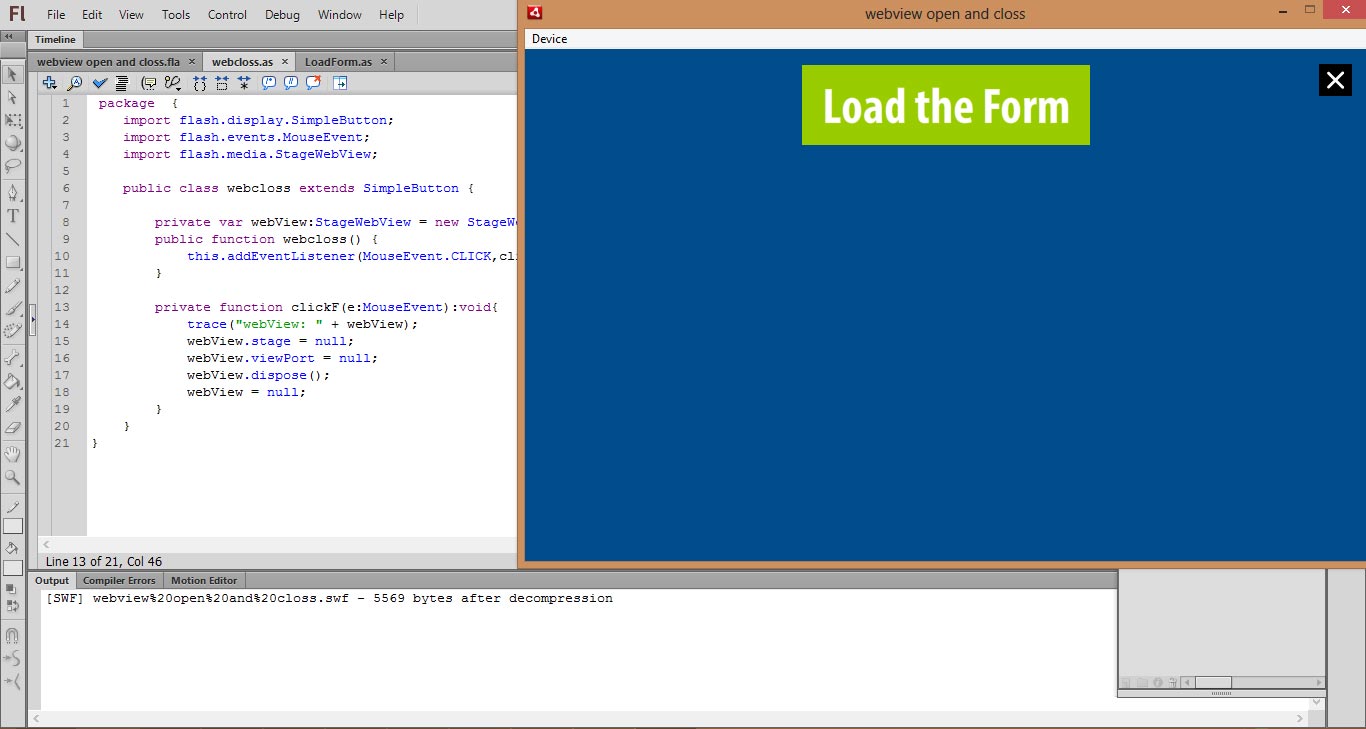
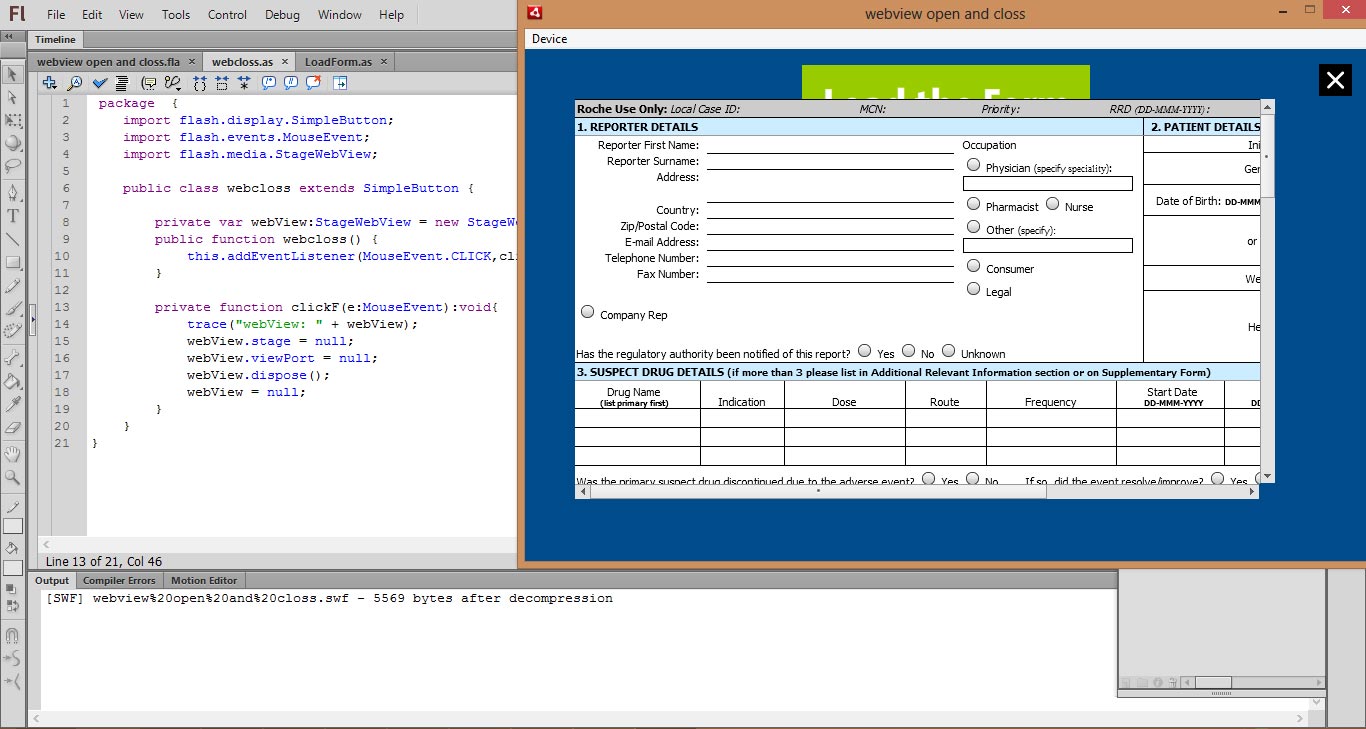
in this time when I click first time on my webclose button I got output message
WebVIew: [object StageWebView]
On 2nd time click I got same Type Error
webView: null
TypeError: Error #1009: Cannot access a property or method of a null object reference.
at webcloss/clickF()
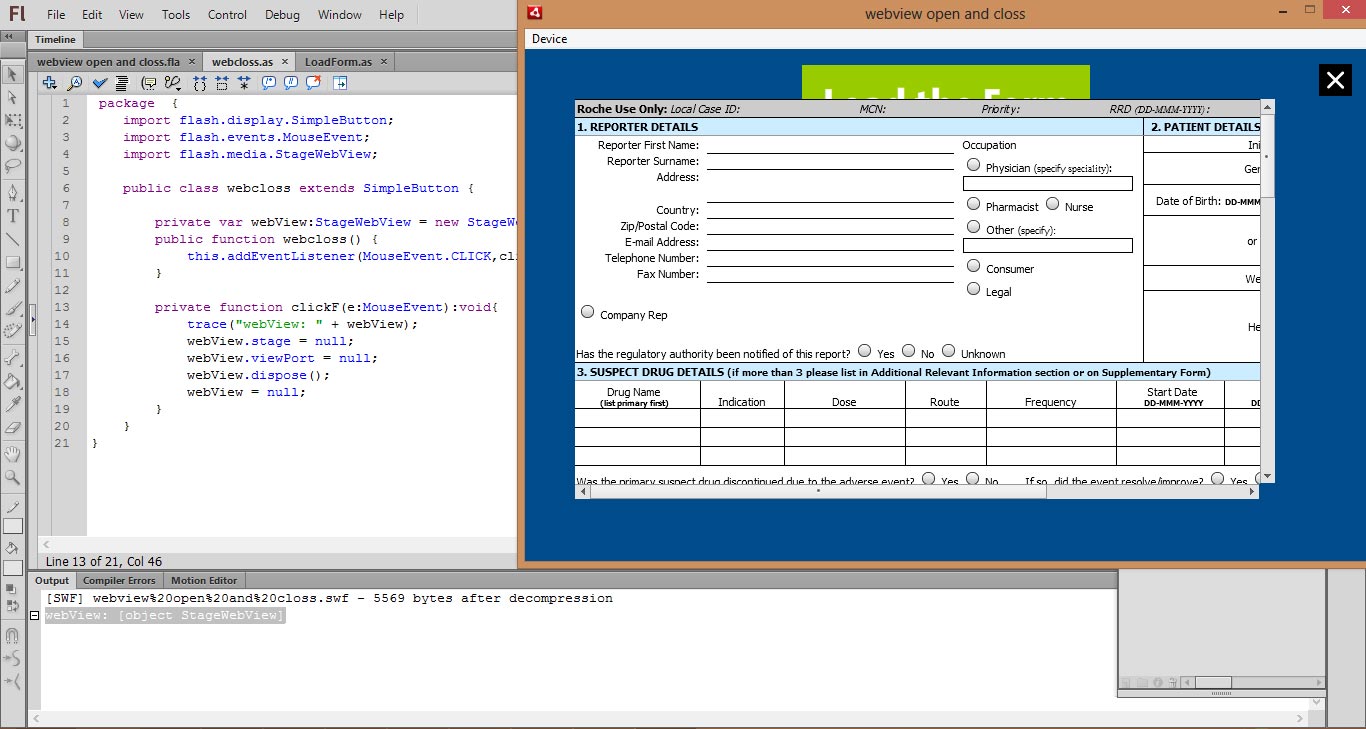
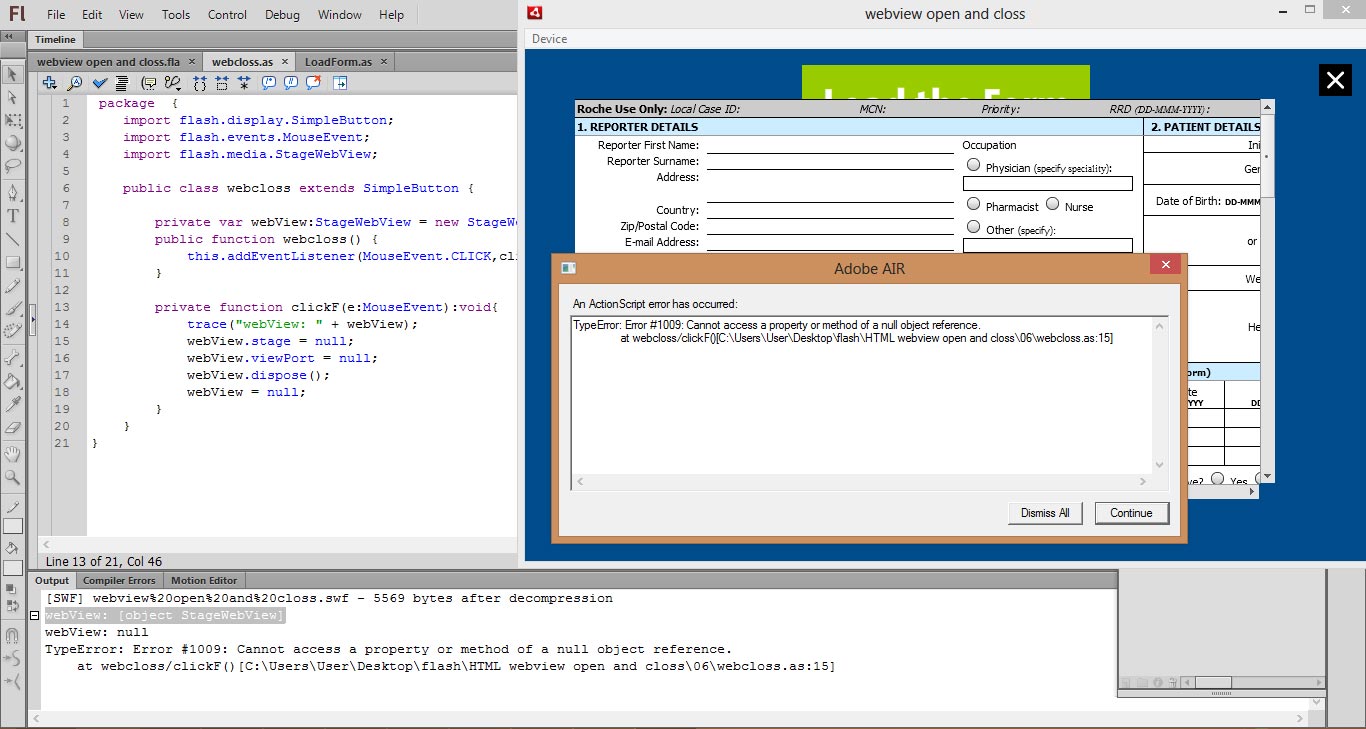
This the code which I use in webcloss button
package {
import flash.display.SimpleButton;
import flash.events.MouseEvent;
import flash.media.StageWebView;
public class webcloss extends SimpleButton {
private var webView:StageWebView = new StageWebView();
public function webcloss() {
this.addEventListener(MouseEvent.CLICK,clickF);
}
private function clickF(e:MouseEvent):void{
trace("webView: " + webView);
webView.stage = null;
webView.viewPort = null;
webView.dispose();
webView = null;
}
}
}
and this is LoadForm code
package {
import flash.display.SimpleButton;
import flash.media.StageWebView;
import flash.geom.Rectangle;
import flash.events.KeyboardEvent;
import flash.ui.Keyboard;
import flash.desktop.NativeApplication;
import flash.events.MouseEvent;
public class LoadForm extends SimpleButton{
private var webView:StageWebView = new StageWebView();
public function LoadForm() {
this.addEventListener(MouseEvent.CLICK,clickF);
}
public function clickF(e:MouseEvent):void
{
var swv:StageWebView = new StageWebView();
swv.viewPort = new Rectangle(50,50,700,400); // 500px width, 450px height
swv.stage = this.stage; // set stage of StageWebView to document class
swv.loadURL("http://delta-adv.com/roche/form.php"); // load any content
stage.addEventListener( KeyboardEvent.KEY_DOWN, onKey );
}
private function onKey( event:KeyboardEvent ):void
{
if( event.keyCode == Keyboard.BACK && webView.isHistoryBackEnabled )
{
trace("Back.");
webView.historyBack();
event.preventDefault();
}
if( event.keyCode == Keyboard.SEARCH && webView.isHistoryForwardEnabled )
{
trace("Forward.");
webView.historyForward();
}
}
}
}
Copy link to clipboard
Copied
I'm assuming you have a library element with the class "webcloss" applied to it? Otherwise I don't see where you're using it. In both scenarios I don't see them closing anything but the single instance of StageWebView they're internally instantiating here:
public class webcloss extends SimpleButton
{
private var webView:StageWebView = new StageWebView();
When clicked, it will null out that local private variable to the "webcloss" class. I don't see you actually loading anything into that StageWebView so unless there's missing code I'm not seeing, it should do nothing, but not error, just once (as it is). After that if you hit the close button you've already nulled out "private var webView" so it doesn't exist anymore and you'll get the error.
So far it seems like a scope issue. I believe you're loading a StageWebView elsewhere, such as mentioned your "LoadForm" button class:
public class LoadForm extends SimpleButton
{
private var webView:StageWebView = new StageWebView();
In each of those 2 classes you're instantiating a different StageWebView reference. What I believe you want is to centralize the StageWebView so both buttons can access it simply. A quick example (source files) to illustrate me dropping 2 quick squares on the screen for buttons that communicate with a central class in a very simple way. Not ideal with for applications that need to scale but good enough to illustrate 2 separate library elements communicating with a central class:
Example Source (Saved down to Flash CS5.5, minimum needed for AIR 3.7, feel free to downgrade the AIR version if you use less)
Examine how the simple LoadBtn.as and CloseBtn.use the parent class Main.as (set to the document) to access functions that control one StageWebView instance.
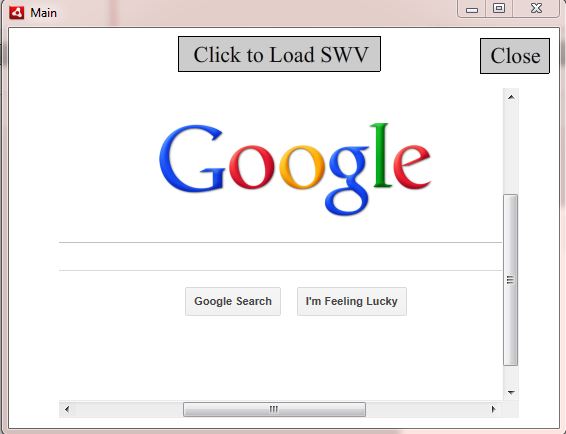
I'm just loading Google:
Copy link to clipboard
Copied
Is there any problem form my side?
Because when I run this file first time I got this message (I have AIR 3.7)
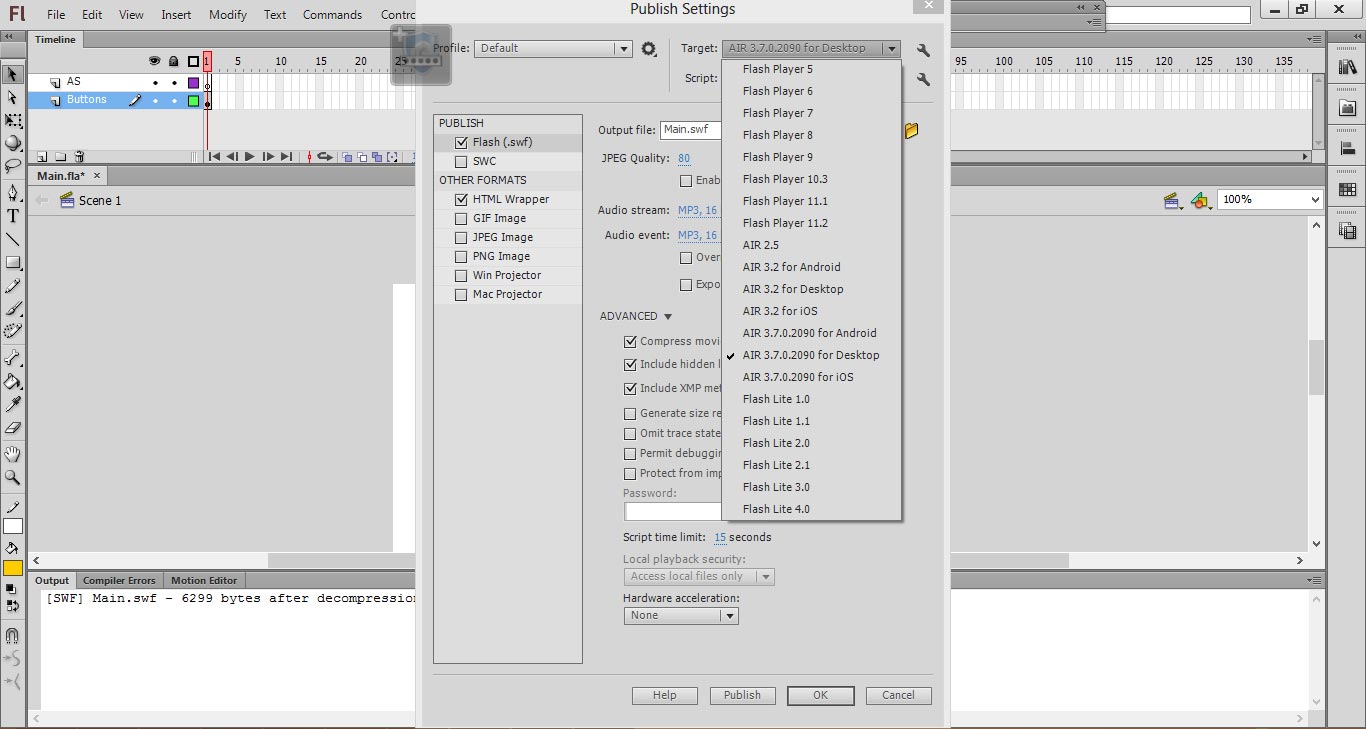
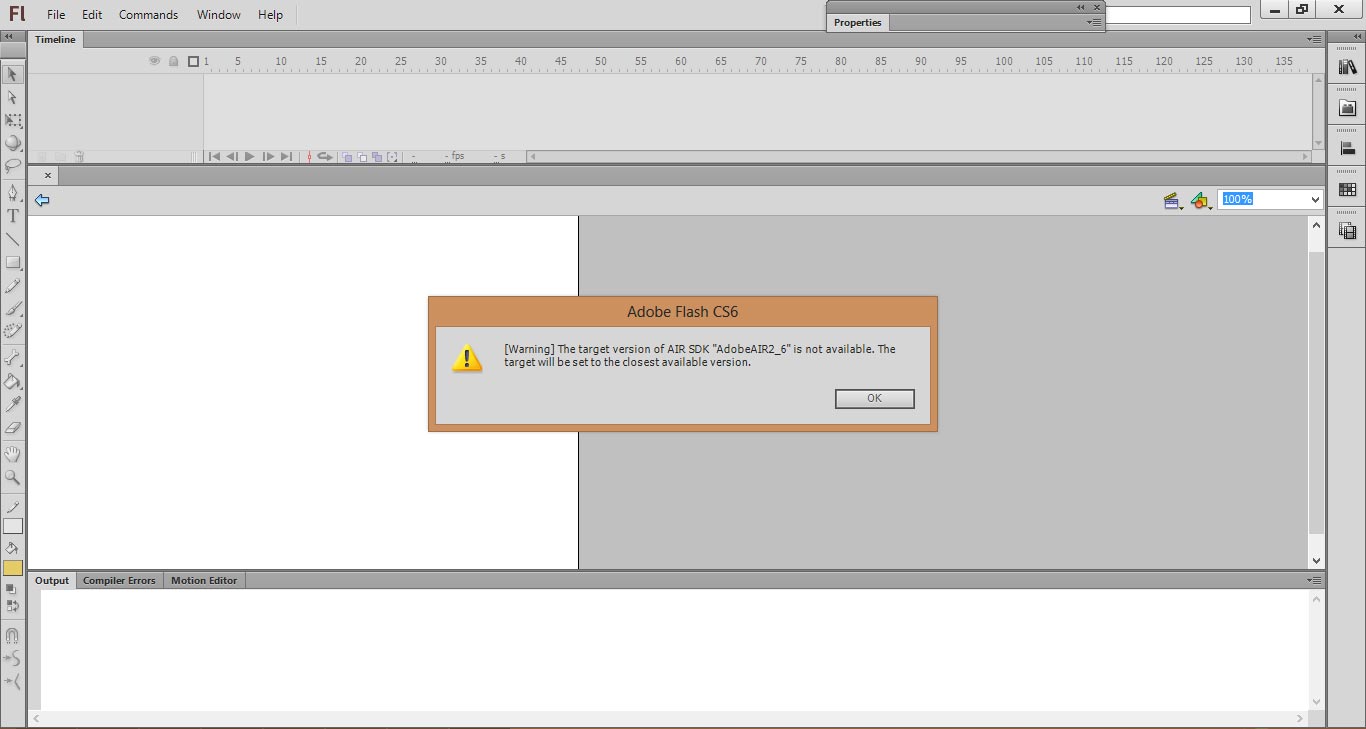
And when I click on close button (1st time nothing happened) 2nd time I got this type error
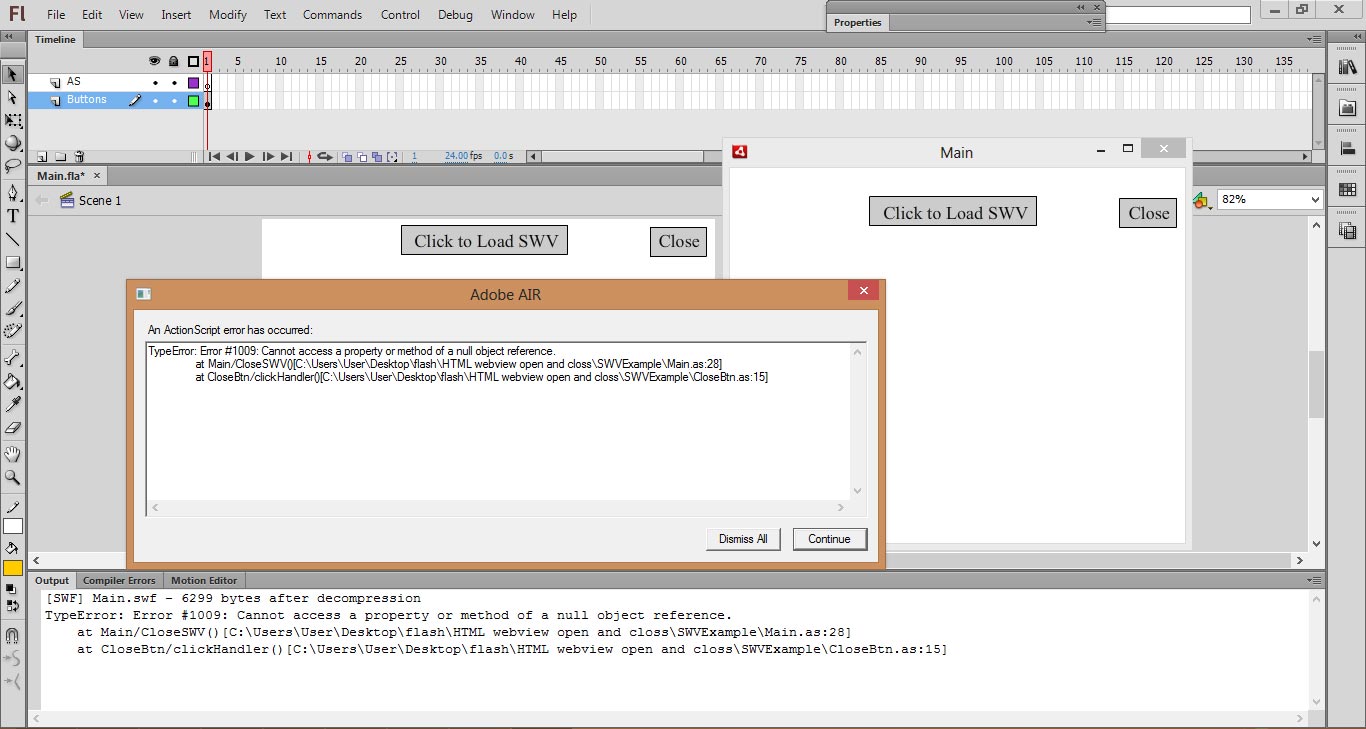
Copy link to clipboard
Copied
The initial error is just the difference between Flash CS5.5 and later versions, as CS5.5 always calls AIR version 2.6. Don't worry about that.
Aside that the reason the close button is erroring is I don't see any StageWebView on the screen. You first have to open one by hitting the Load button. Then it shouldn't error. I didn't put in sniffing code to see if it doesn't even exist.
The point of it was to show you how the two buttons will load and close a StageWebView endlessly while doing all the work in a central class. In your example the StageWebViews were separate instead causing the errors closing a SWV even if it's open, after you click it once.
Copy link to clipboard
Copied
thx boss. its work
Copy link to clipboard
Copied
You're welcome and good luck!

Copy link to clipboard
Copied
The simple AS6 code for closing a stagewebview is
your button name goes here.addEventListener(MouseEvent.CLICK, fl_CloseWindow);
function fl_CloseWindow(event:Event):void
{
webView.dispose();
}


Get ready! An upgraded Adobe Community experience is coming in January.
Learn more
 AdChoices