


- Home
- Animate
- Discussions
- Re: Writing numbers in adobe animate 20
- Re: Writing numbers in adobe animate 20
Writing numbers in adobe animate 20

Copy link to clipboard
Copied
welcome everybody
I want to include the font type Adobe Arabic (for example)
To write Arabic numbers (...........)
Adobe Animate It does not support these numbers ???
Please help me because I want it to create an interface with these numbers


 14
Replies
14
14
Replies
14


Copy link to clipboard
Copied
Hi mate,
See if this extension can help you:
Member of the Flanimate Power Tools team - extensions for character animation
Copy link to clipboard
Copied
Hello Genius Animate
This method does not work in the case of code
I have tried it before
Many thanks for your response and help to me


Copy link to clipboard
Copied
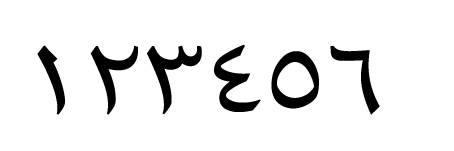
Animate doesn't support Arabic any more as it used to be. Having said that, I'm able to type ١٢٣٤٥٦ in Animate using Adobe Arabic font but cannot control it much.
Copy link to clipboard
Copied
You mean, there is no solution.
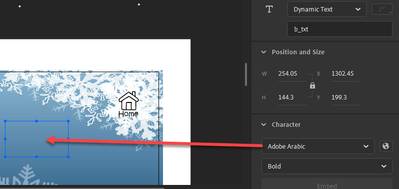
In design, it appears Arabic numbers but in Publishing is English numbers.
Copy link to clipboard
Copied
what is the solution now ?
Copy link to clipboard
Copied
I'm not an Animate user, I'm in the printing and publishing field, however, this is what I did: I created an iPad canvas size in Animate, selected the Type Tool, clicked on the canvas, changed system Language to Arabic, selected Adobe Arabic for a font, and simply typed ١٢٣٤٥٦.
Copy link to clipboard
Copied
this is the problem
If I designed a game for the addition
In Arabic numbers
And it changed my system to Arab
What about others
The numbers will be shown to them in English
Because it's their English system
Do you understand what I mean?
Copy link to clipboard
Copied
بالنسبة لهذا الفيديو أخي
فأنا ليس عندي مشكلة في الكتابة باللغة العربية في إنيميت
لكن المشكلة عن النشر
وتفعيل لعبة الضرب مثلاً
ترجع الارقام إالى انجليزية بدل العربية ؟؟
وهذا الكود المستخدم
this.B1.c1.text != this.B2.c2.text != this.B3.c3.text ;
var a = Math.floor(Math.random() * 11);
var b = Math.floor(Math.random() * 11);
var c1 = a * b;
var c2 = Math.floor(Math.random() * 100);
var c3 = Math.floor(Math.random() * 100);
var result1 = a * b;
this.a_txt.text = a;
this.b_txt.text = b;
this.B1.c1.text = c1;
this.B2.c2.text = c2;
this.B3.c3.text = c3;

Copy link to clipboard
Copied
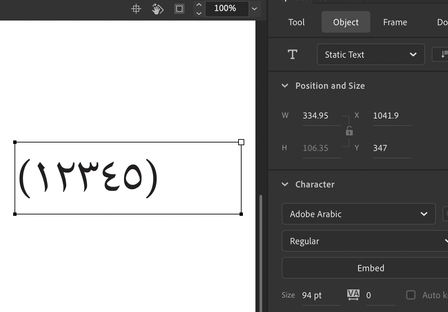
When you define adobe arabic font, and your keyboard set to arabic, you must have arabic numbers. it work.
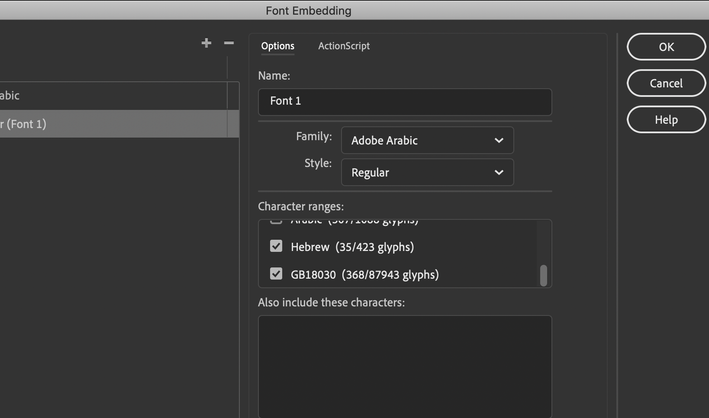
check embed font in the charachter panel. anyway i suggest to embed the font befor publishing.
Copy link to clipboard
Copied
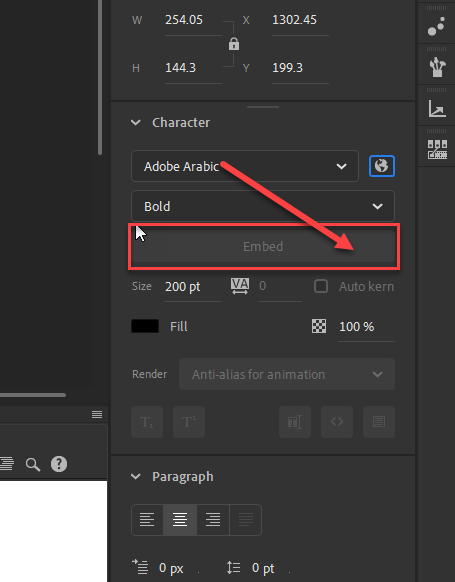
My embedding button is not activated
I use
html5 canvas DOC
Copy link to clipboard
Copied
yes for HML5 canvas its not activated, but in actionscript3,0 its active and in character animation>full HD and HD
usually i am using character animation canvas.
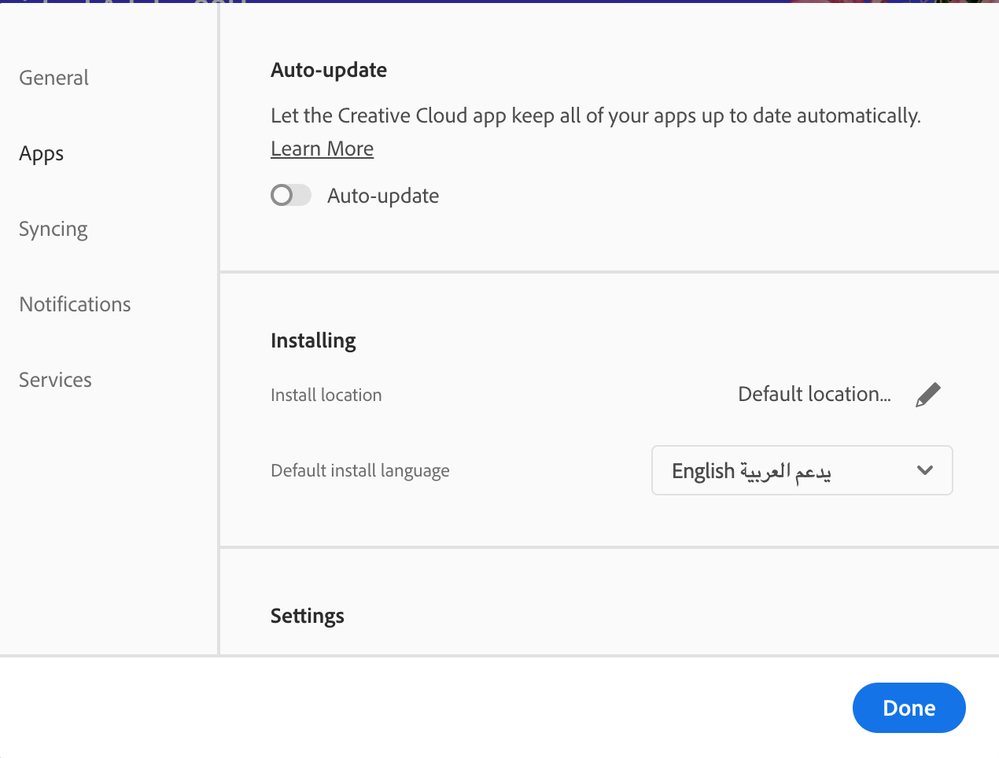
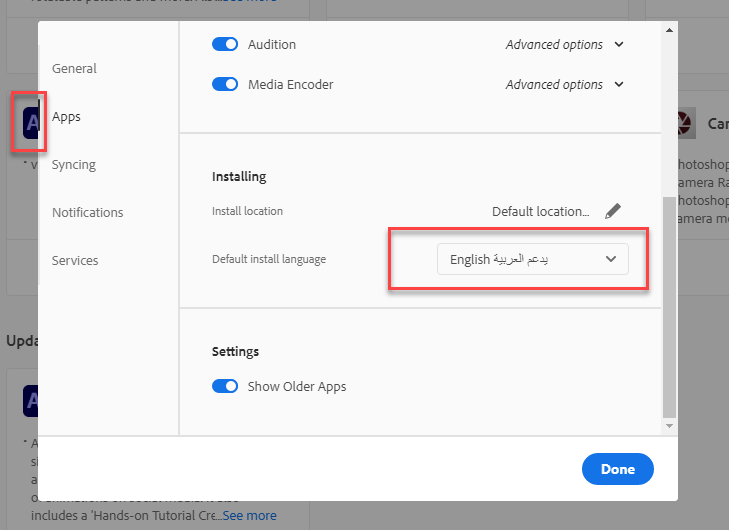
but please make sure that you have activated يدعم العربيه in creative cloud preferences, because even in HTML5 canvas i can write (١٢٣٤).
Copy link to clipboard
Copied
Yes sister, I activated the language interface
same to you .
And updated its latest version, however ?
The problem still exists ?
The button is not activated
Needed
Use the localization tool to write in Arabic?

Copy link to clipboard
Copied
Hi.
Have you tried web fonts or applying the @font-face CSS rule [1, 2]?
Please let us know.
Regards,
JC
Copy link to clipboard
Copied
Hiiiiiiiiii the honorable programmer
Unfortunately 123 fonts do not appear
In fonts approved by Adobe...


Get ready! An upgraded Adobe Community experience is coming in January.
Learn more
 AdChoices