
Adobe Audition is not recording
Hello there,
I'm having a recording issue I just can't figure out myself...
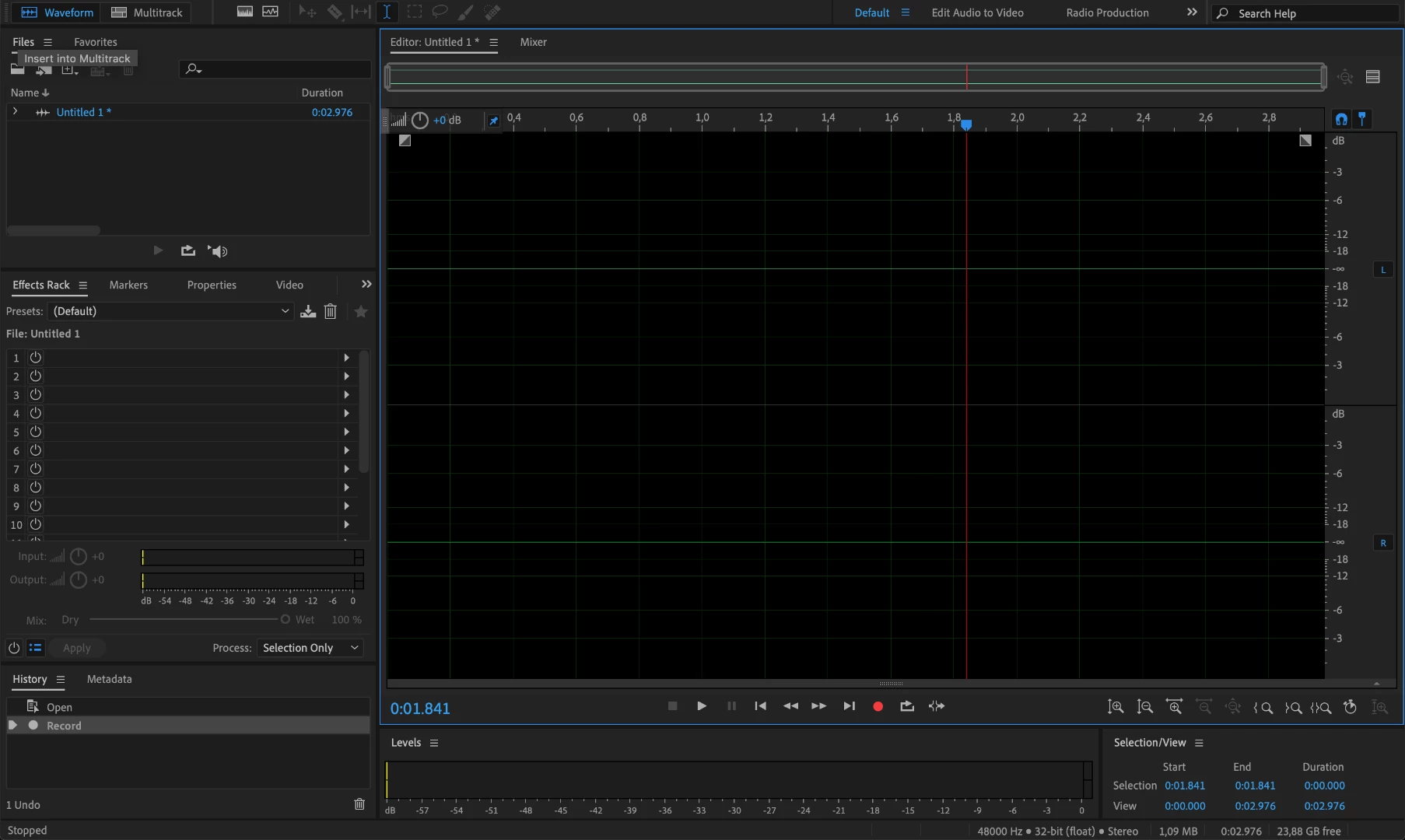
Since months my Adobe Audition is not recording any sound.
All other recording apps on my Mac work just fine (i.e. the "Voice Memo" app on my Mac) But Audition (and since a few weeks also Premiere Pro) just don't manage to do any recording.
It doesn't matter wether I plug in an external Microphone, or try to use the built-in Microphone.
it doesn't matter wether I try it in Multitrack or Waveform...
There is just no sound recorded at all. Even though the it "records"... but without any sound.
I already worked my way through a bunch of posts here and a lot of YouTube Videos.
But I can't find the problem.
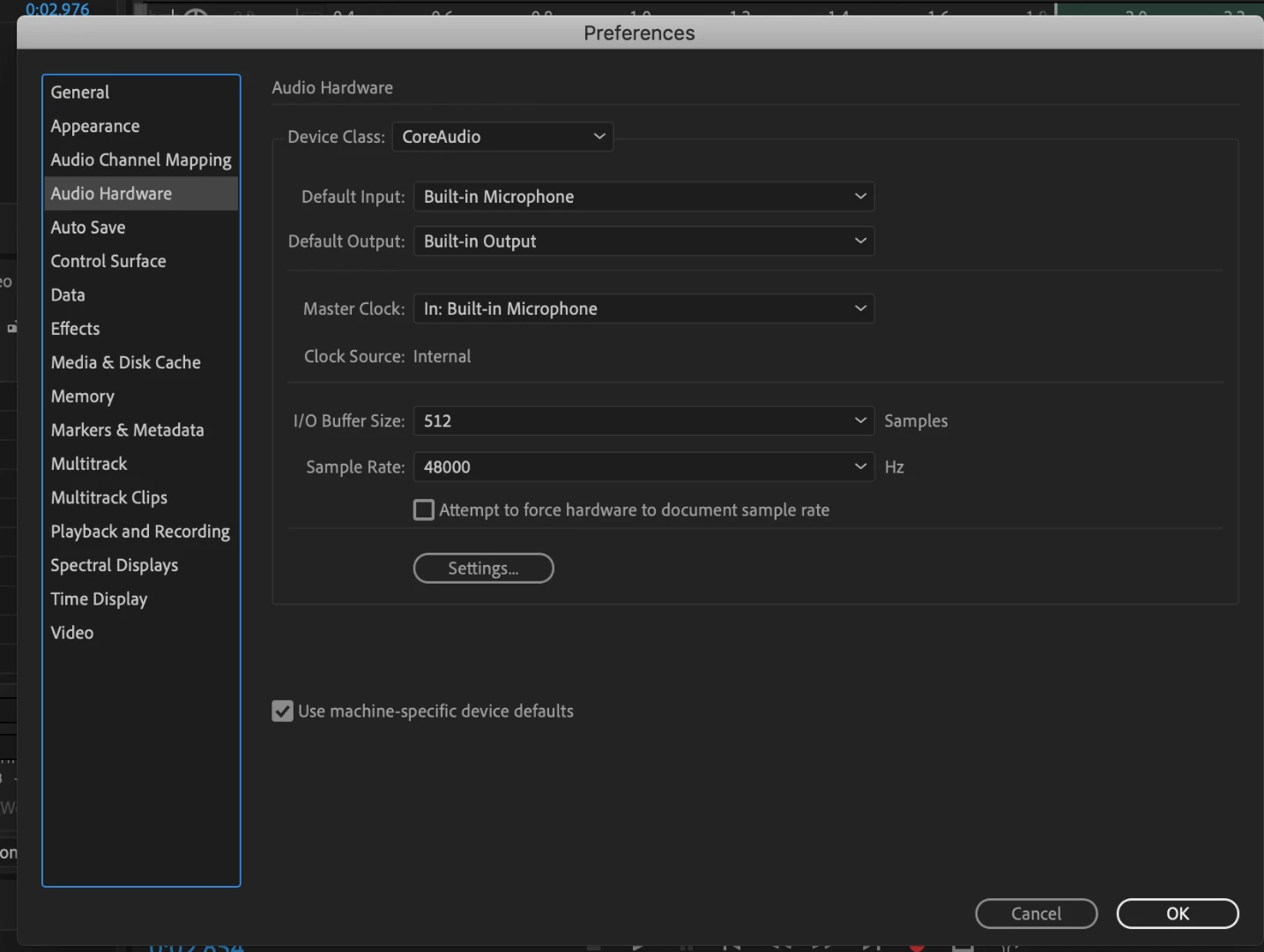
Hardware Mapping seems to be fine:

Can anyone help me out here?
Thanks already in advance,
Bernhard Thilo


 AdChoices