

nick_1903
Participating Frequently
February 20, 2025
Question

Adobe Audition reduces the file size when saving.

  • February 20, 2025
  • 1 reply
  • 392 views

Hello.

I am using build 24.0.0.46.

Windows 10 x 64

When I save the FLAC file, it shrinks significantly!

Some information is lost, which means the quality is deteriorating!

The FLAC source file is 16 bit, 44100 hz.

When saving, I also set the FLAC parameters to 16 bits, 44100 hz.

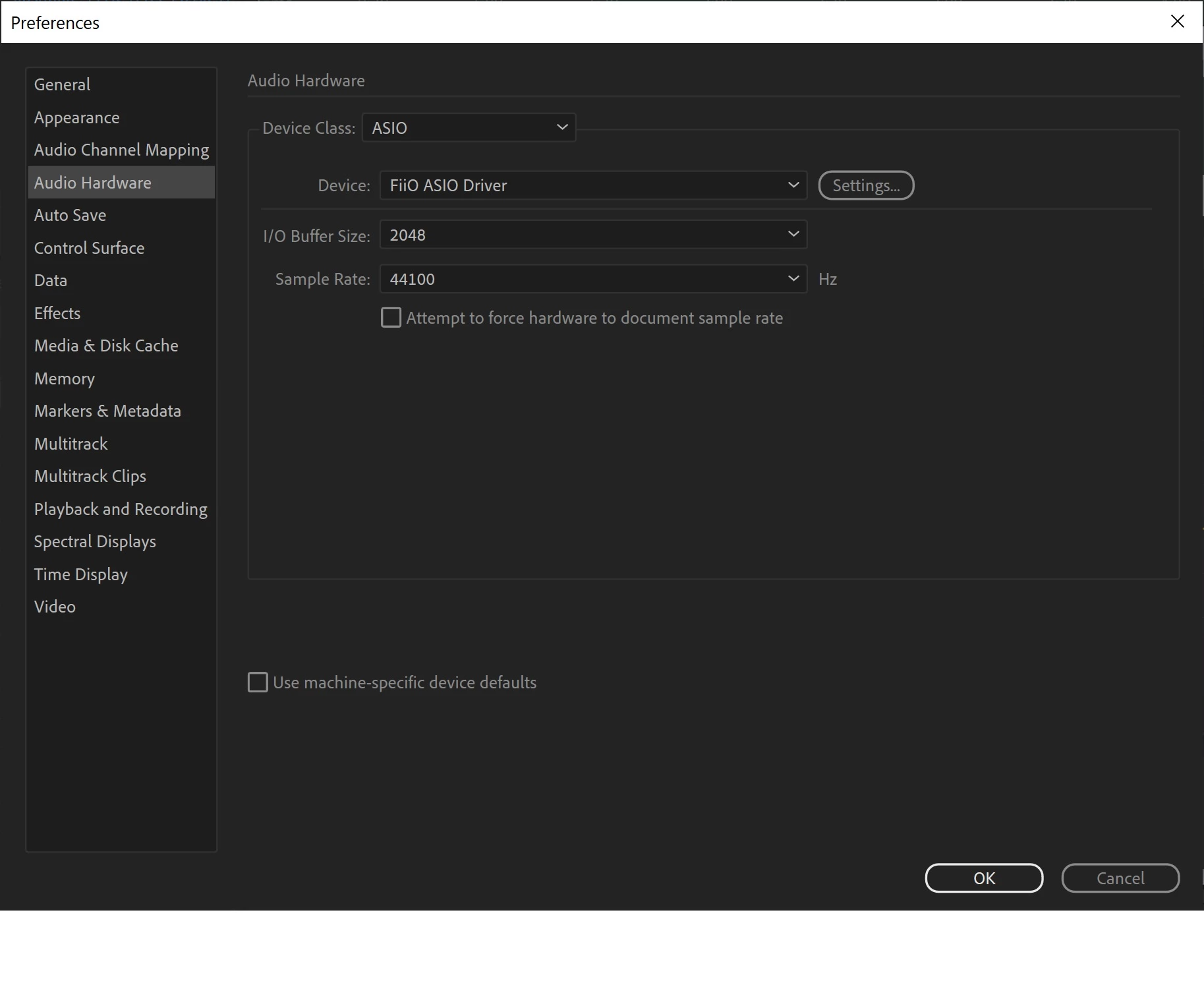
In the program settings, 44100 hz is also set.

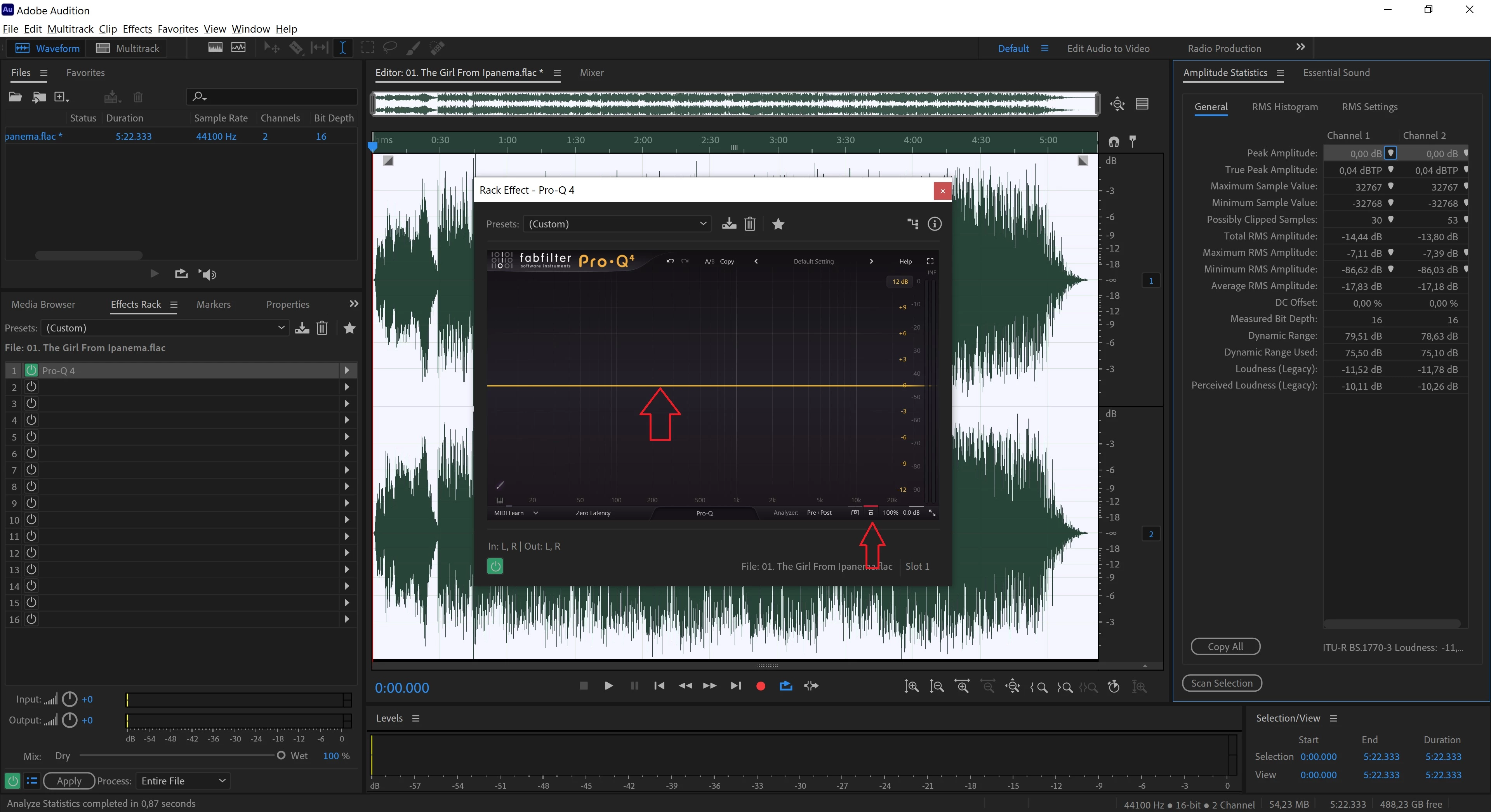
For the experiment, I upload only one VST3 plug-in to the Effect Rack (FabFilter Pro-Q 4 (flat default)), enable bypass mode on this plug-in, click Apply, and save it in the same format. The result: more than 5% of the information is lost. The source file is 36.1 MB, and the saved file is 34.2 MB. On large 24-bit files, up to 20% of the information is lost!

Is this a flaw in the program?

How can I fix this?
1 reply

SteveG_AudioMasters_
Community Expert
Community Expert
February 20, 2025

when you do your FLAC save, what are the Format Settings?

You can see what the options are if you click on the 'change' button.

nick_1903
nick_1903Author
Participating Frequently
February 21, 2025

nick_1903
nick_1903Author
Participating Frequently
February 21, 2025

A few things to note: You have to bear in mind that the 'L' in FLAC stands for Lossless. It works by looking for runs of the same number in the code, and if, say, you had nineteen 8's in a row it would code this as something like 8^19, which is rather shorter than 8888888888888888888, and so represents a coding gain - which makes the files smaller. But when it's expanded again it comes back just as it was before encoding. So no information is lost, and you can check that quite easily with Audition. Secondly, the implementation of FLAC in Audition isn't determined by Adobe - it's entirely controlled by LibSndFile, who provide the coder. Is it a complete implementation? I don't think so - I believe that it's capable of more than the LibSndFile encoder is capable of - like I think the standard copes with 32-bit files and faster bit rates.


Ok.

I'm loading a LOSSLESS encoded file into Adobe Audition. After saving, the file becomes smaller.

Assuming that Adobe Audition doesn't lose information, does that mean the original file was encoded inefficiently?
Does the encoder built into Adobe Audition encode the file as efficiently as possible?
How can I check with Adobe Audition that no information is lost?