
Participant
November 28, 2016
Question

Adobe Audition Stuck at 0%

  • November 28, 2016
  • 2 replies
  • 1128 views

Hi there! I would really appreciate it if some one could help me out...

My Adobe Audition is stuck at 0% when saving, rendering, and exporting. All the buttons on the side are also stuck at zero percent.  How can I tell if the program is able to export, save etc as it has been like this for hours? I would genuinely appreciate it if someone could help me... Thanks!
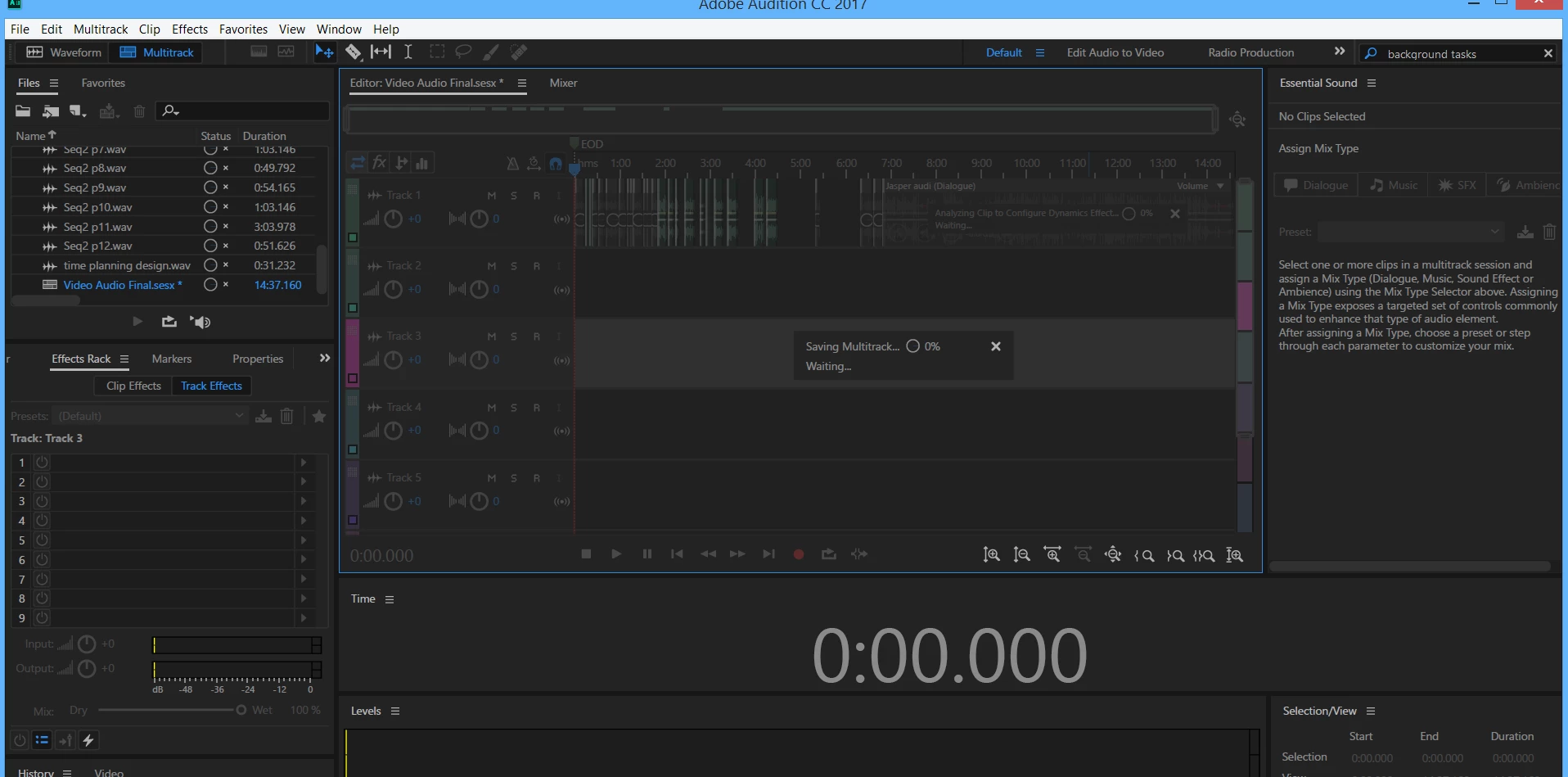
The circle progress bars are also stuck at 0%. Please help. Thanks!
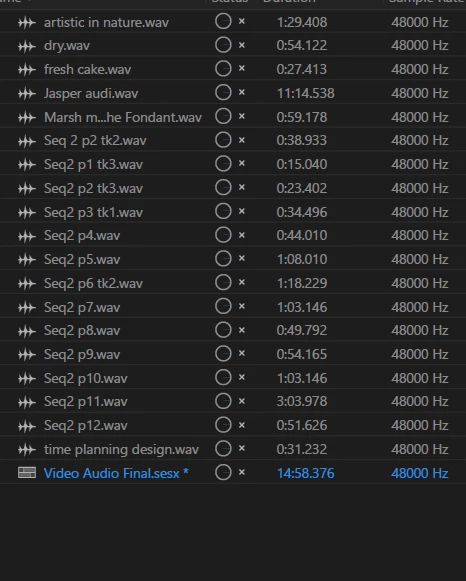
[Typo in title fixed. — Mod.]

This topic has been closed for replies.

2 replies

wolfe1111Author
Participant
November 30, 2016

Thank you Bob and Steve! Appreciate your help!

The uninstall reinstall method worked.

Bob Howes
Inspiring
November 28, 2016

The first thing I'd check is that, when you selected the file path for this session and it's content to be saved, you specified something valid.  I know that I see similar if I'm working to/from an external HDD and accidentally unplug the drive. 

Second, if the file path is valid, double check that you have sufficient disk space available where you've specified.

Even if you think it's all good, I'd cancel that save and do a Save As (or Export) with a different name and location.

SteveG_AudioMasters_
Community Expert
Community Expert
November 28, 2016

To add one thing to what Bob's said - I'd check also that there isn't a message of some sort hiding behind Audition that needs to be cleared - possibly one about overwriting existing files...

wolfe1111Author
Participant
November 30, 2016

Hi Steve! Thank you for your advice! Appreciate it!

I tried looking for that window but I can't seem to find it. By, any chance do you know where it's normally located?