
Participant
December 29, 2019
Question

Audio files gone in Audition 13.0

  • December 29, 2019
  • 1 reply
  • 639 views

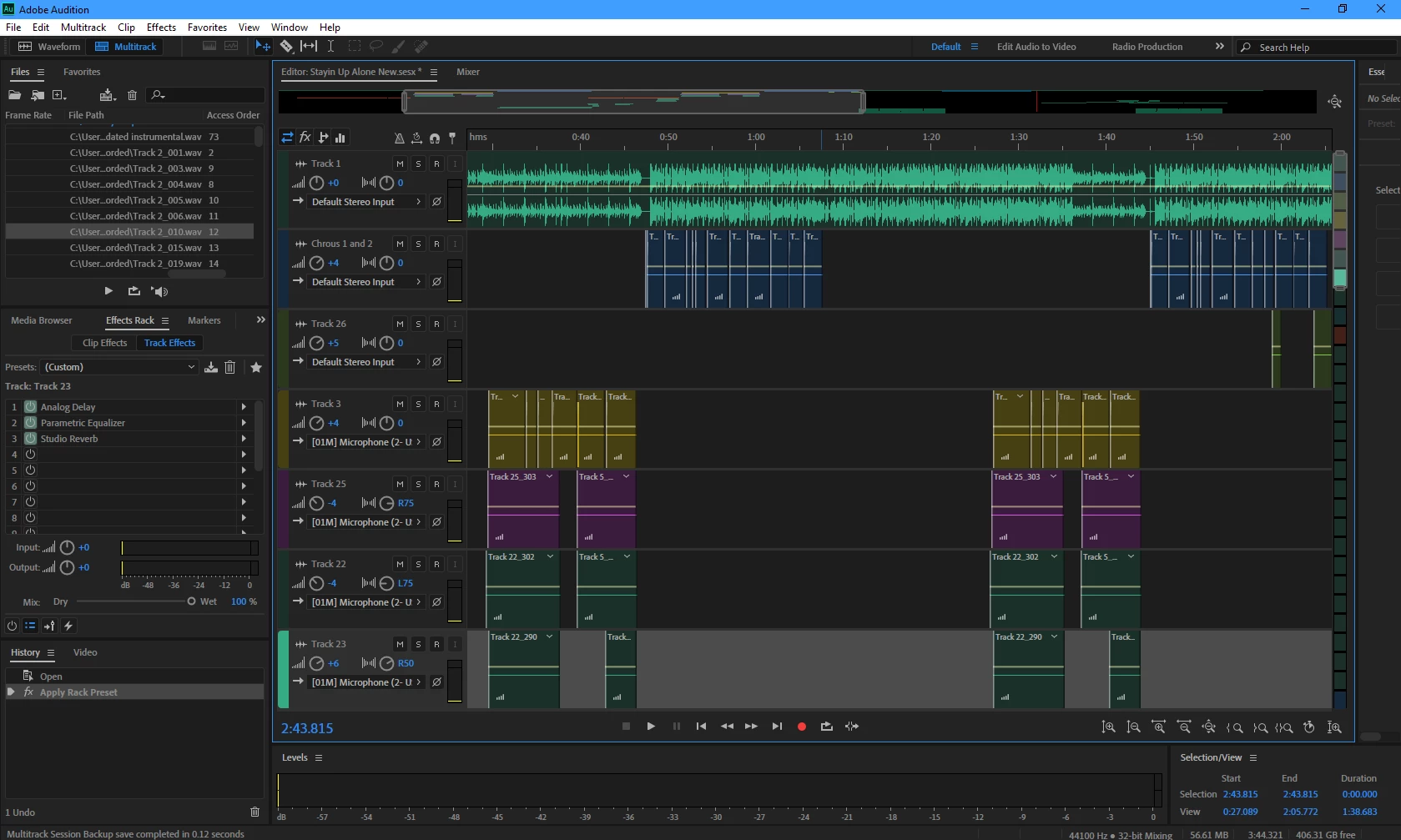
I recorded an entire song with many layers. I spent twelve, consecutive hours recording this. After saving everything numerous times, I closed out of the program and when I opened it back up a couple days later, every audio file lost the audio and was replaced by flat lines as if nothing was ever recorded. How do I get my recordings back? And more importantly, how do I ensure this will not happen again in the future?


Thank you in advance for any assistance.

Garrett
This topic has been closed for replies.

1 reply

SteveG_AudioMasters_
Community Expert
Community Expert
December 30, 2019

You have to relink the files (right-click on one - see screengrab). All this means is that for whatever reason, the place that the session file thinks that your audio is, isn't where it really is. Since you have given us no indication as to how or where you've saved anything, we can't comment further about that. How do you stop it happening? When you export the session, make sure that you've stored a copy of all of the audio it uses in the same folder. That's the 'Save copies of associated files' option.


If you want to know where the session file thinks your audio is, then open it in an .xml viewer. It is relatively easy to find the location that way, near the end of the file. You'll find both an absolute and relative path indication there, and it's the absolute one you should take note of.