
Question
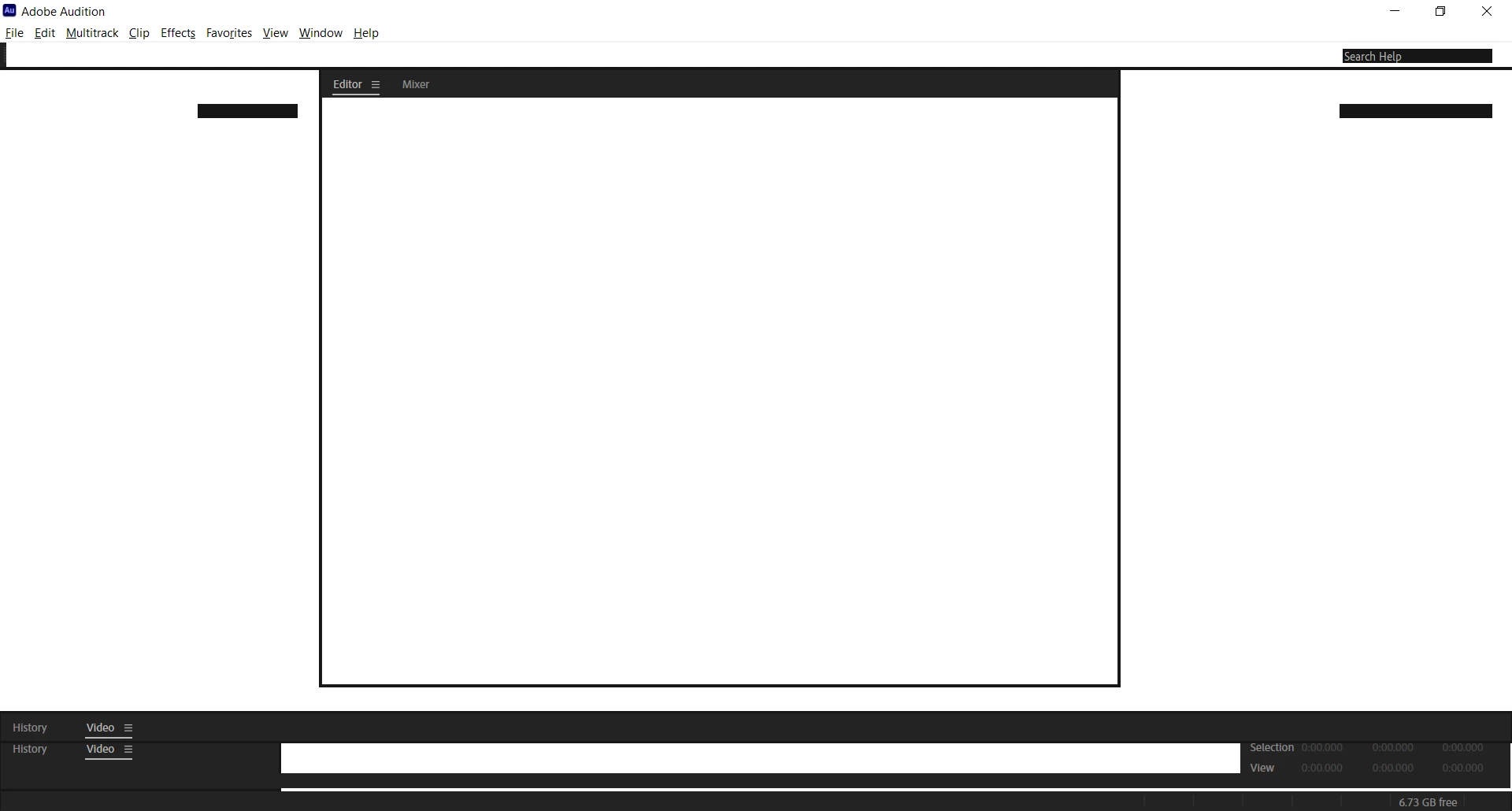
Audition 2020 is a mostly blank screen after install, can't see buttons or menus?
I'm still running 2019 because I can't get 2020 to install and run properly. It looks mostly blank, white, and I can't click on anything because it's all invisible. The secondary menus don't appear, nada. I've tried selecting a different workspace, etc. Nothing works. It also seems to have a window inside a window, which you can see best by looking at the very bottom left corner. I can't close off any interior window, and even when I try to open a session created in an earlier version, the screen looks the same. This is becoming super frustrating, especially as I have work to get done. Help!
 AdChoices