

Answered
Audition 5.1 input?
Hi there,
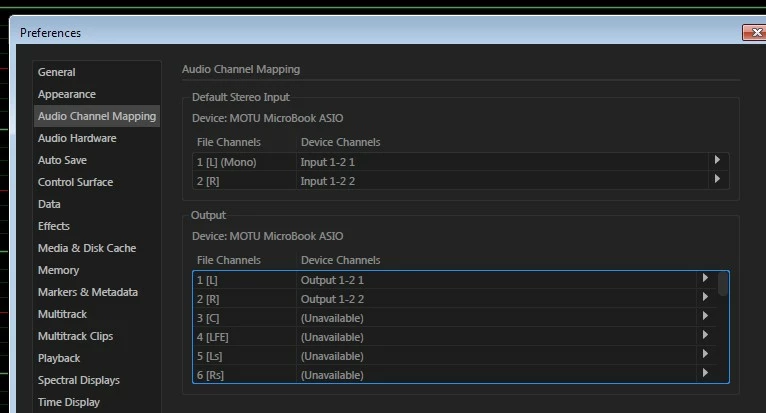
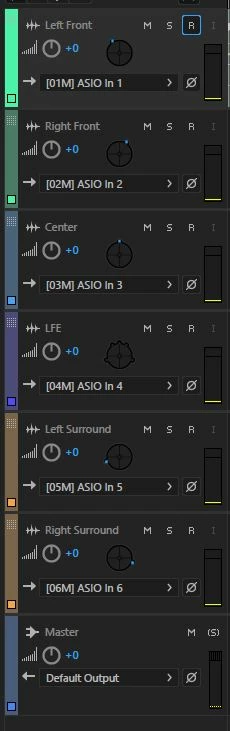
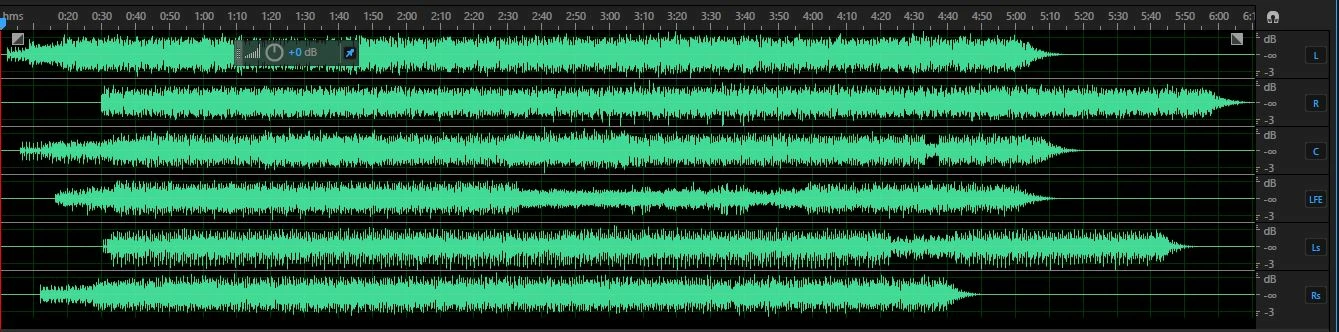
I have a MADI device connected to my laptop and I would like to record 5.1 sources to my laptop. I have successfully recorded days of stereo and mono tracks (30+ at once without issue), however I have not been able to find a way to set up an input for a 5.1 audio track.
Does anyone know how? Is it possible?
I realise that I can record the channels separately and I've done that before (Stereo FL FR, Mono Centre, Mono LFE, Stereo SL SR).
Any ideas?
Patrick

 AdChoices