
Question
Audition CC 2019 replacing track with looped audio
I wanted to know if anyone else is experiencing or might have a solution for the following bug:
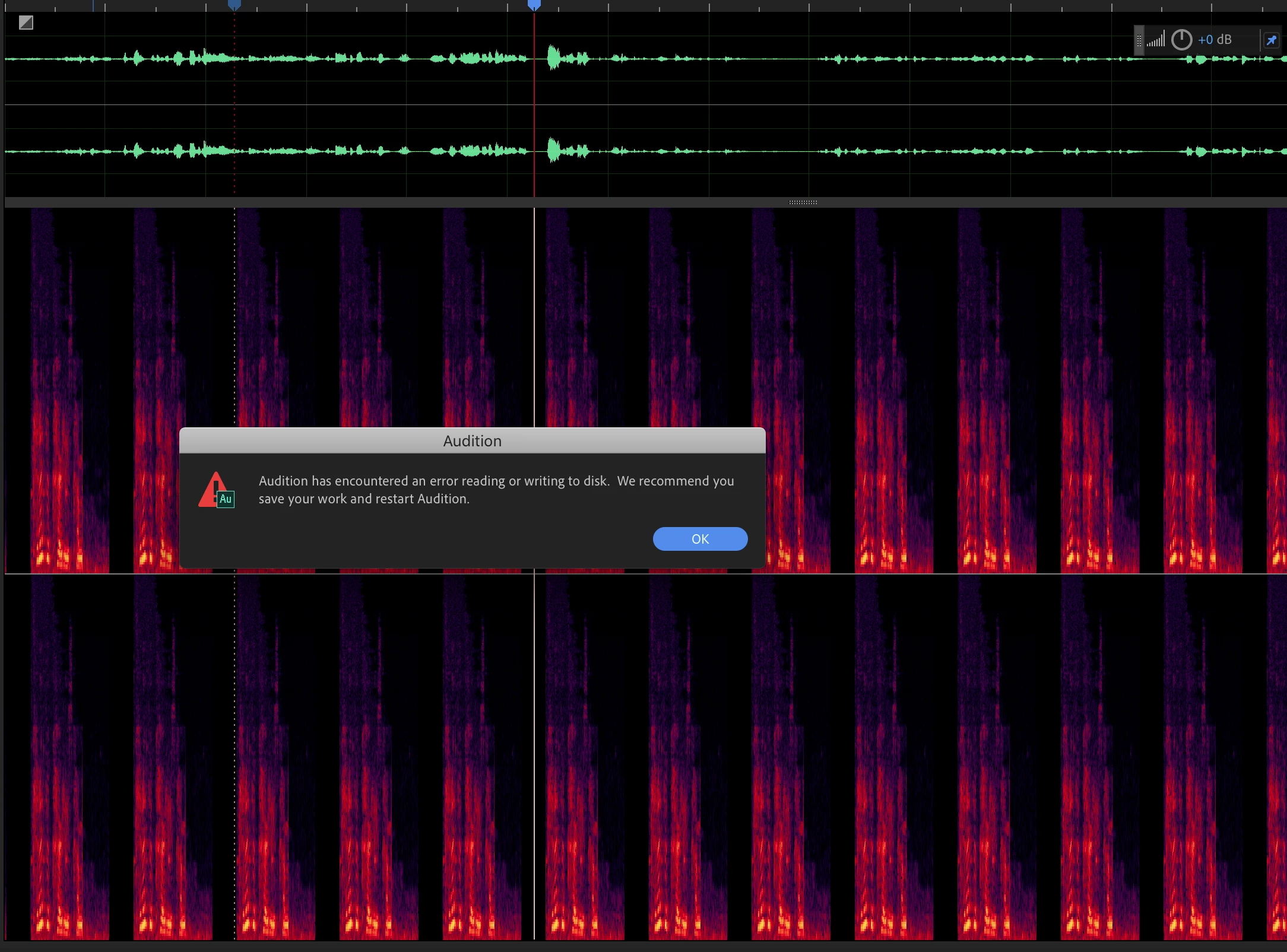
When an audio file "goes offline", even for a second, a warning dialog with "Audition has encountered an error reading or writing to disk. We recommend you save your work and restart audition" is displayed and the track is replaced with 2 second looped portions of the audio.
The waveform still looks alright, however when using the Spectral Frequency Display, you can see the looped audio. I understand that there will be issues when a file "goes offline" in Audition, but this is quite a annoying bug. Why can't it offline and relink like video files in Premiere?
Saving the edits also saves the looped audio, there is no way to undo this.
 AdChoices