

Lawn Care Ninja
Inspiring
November 2, 2019
Question

Audition Graphics/UI Issue

  • November 2, 2019
  • 1 reply
  • 403 views

Opened up Audition from PP to edit out some noise in a video I am working on. When I got in this is what appeared on my screen:
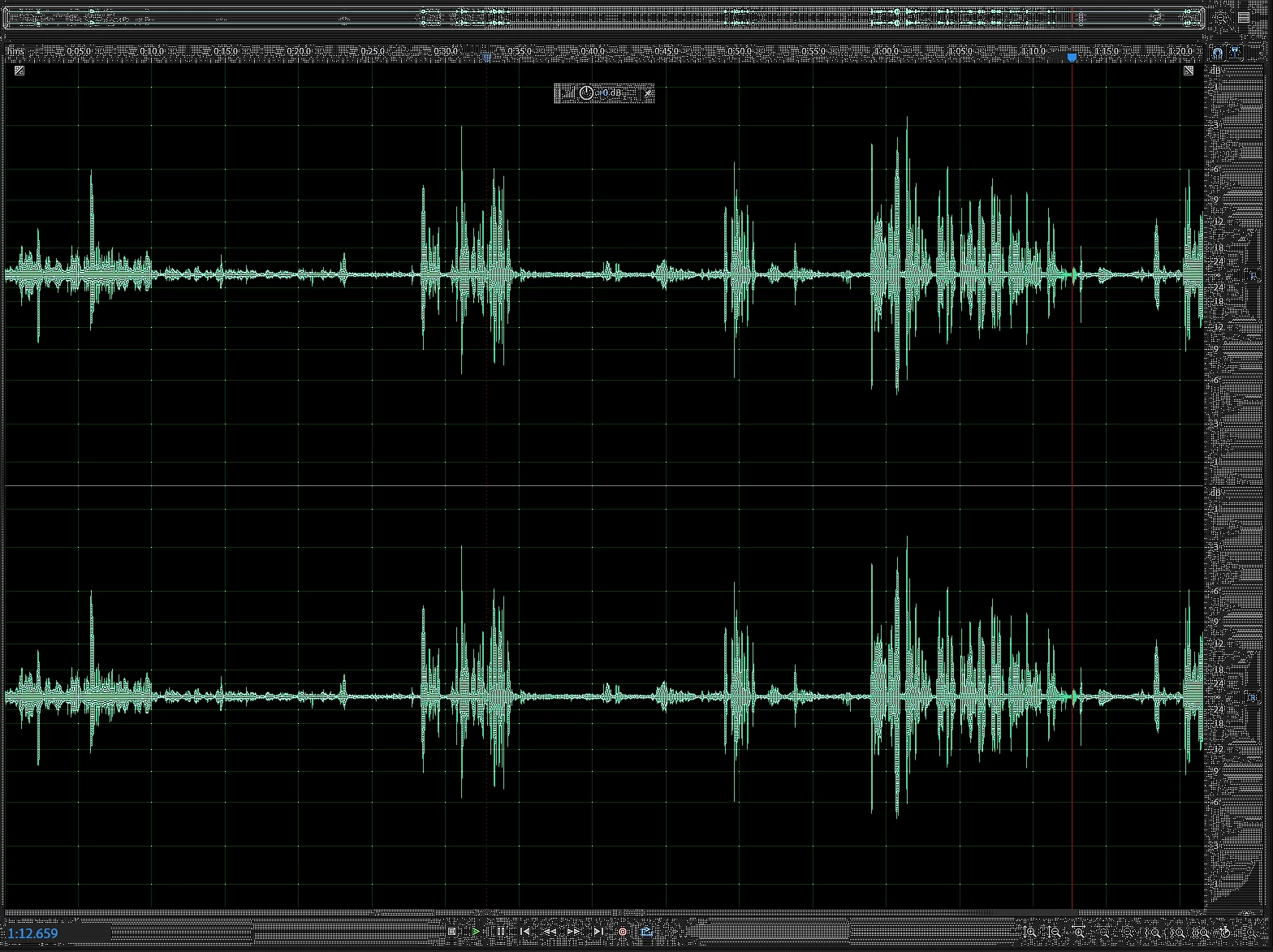
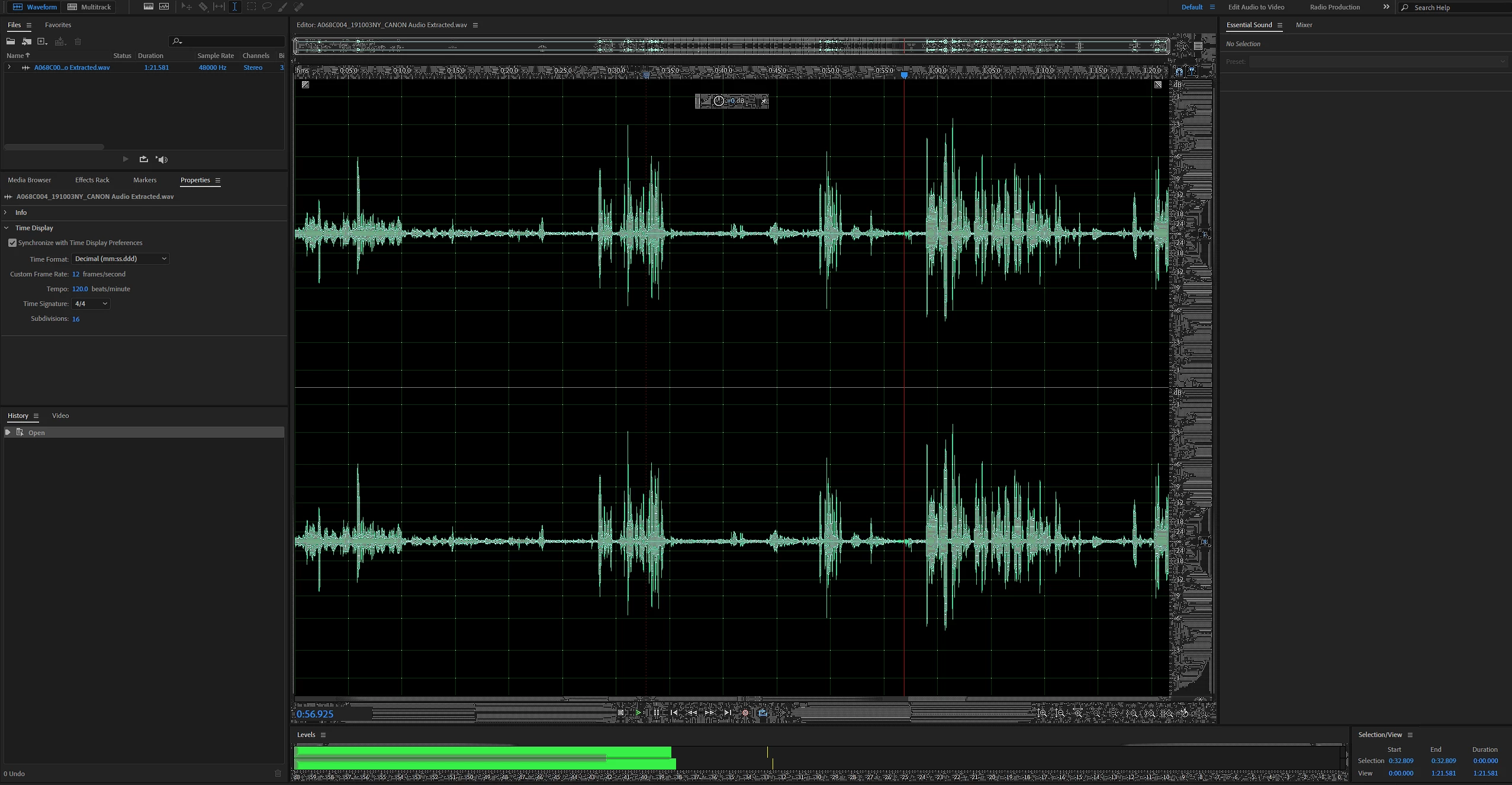
Here is a short video of it happening:

https://www.youtube.com/watch?v=mV74ew3-PX4


Sure, it's trippy but I cannot work with it like this. Anyone else have this issue or know how to resolve?


System Specs

i7 5820K 3.3GHz OC'ed to 4.2Ghz

64GB G.Skill DDR4 RAM

MSI GODlike Gaming X99A MOBO

EVGA FTW RTX 2080S

500GB SSD (AE installed here)

4x4TB 7200RPM HDD

1x1TB NVMe (footage here)


This topic has been closed for replies.

1 reply

SteveG_AudioMasters_
Community Expert
Community Expert
November 3, 2019

Three things come to mind (not in any particular order): Check the setting of graphics hardware acceleration in Preferences>General. Whatever it's set to, try the other and see if that makes any difference. You might find the second thing a little contentious, but my experience of overclocking an i7 wasn't good - any processing benefit was at best marginal (other things slow up processing way more than the processor does) and it made the system generally less stable. Now it runs at the speed Intel said it should, and it's been way more stable. The third thing is to check all of your drivers, to make sure they're all up to date - especially the video driver...