
Question
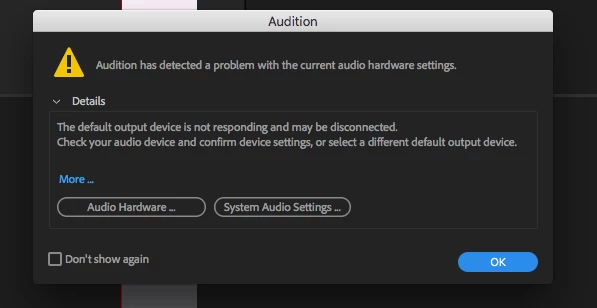
Audition has detected a problem with the current audio hardware settings
I recently updated 11.0.0.199 and now when I import a new track a box pops up that says
'Audition has detected a problem with the current audio hardware settings'
I then click on 'Audio Hardware' and it jumps over to the Audio Hardware menu, and then I can x out and everything works fine.
But how can I avoid having to do that every time?
 AdChoices